www.longer3d.com support@longer.net
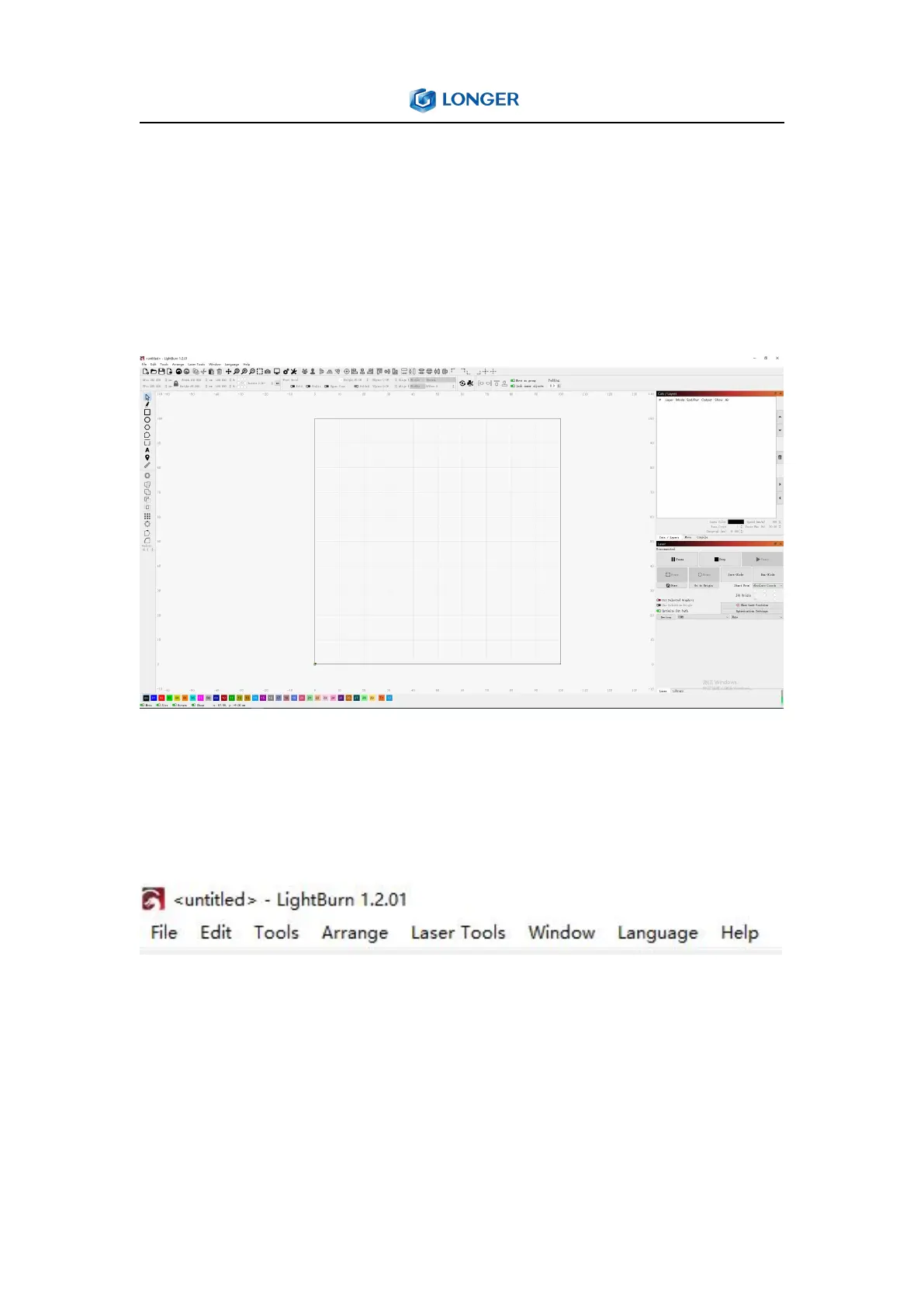
4. The main window of LightBurn
This is the default layout for the main LightBurn window, which
includes Menus, Main Toolbar, Creation & Modifier Tools, Color
Palette, Cuts / Layers, Laser Window, Move Window etc.
Menus: The menu bar at the top of the main window provides the
access to almost every feature available in LightBurn, like File, Edit,
Tools etc.
Main Toolbar: The main toolbar in LightBurn provides quick access
to commonly functions for opening or importing files, saving, using
the clipboard (copy & paste), moving or zooming the view. Right
beside it is the Arrangement toolbar, containing some commonly



 To Next Page