www.longer3d.com support@longer.net
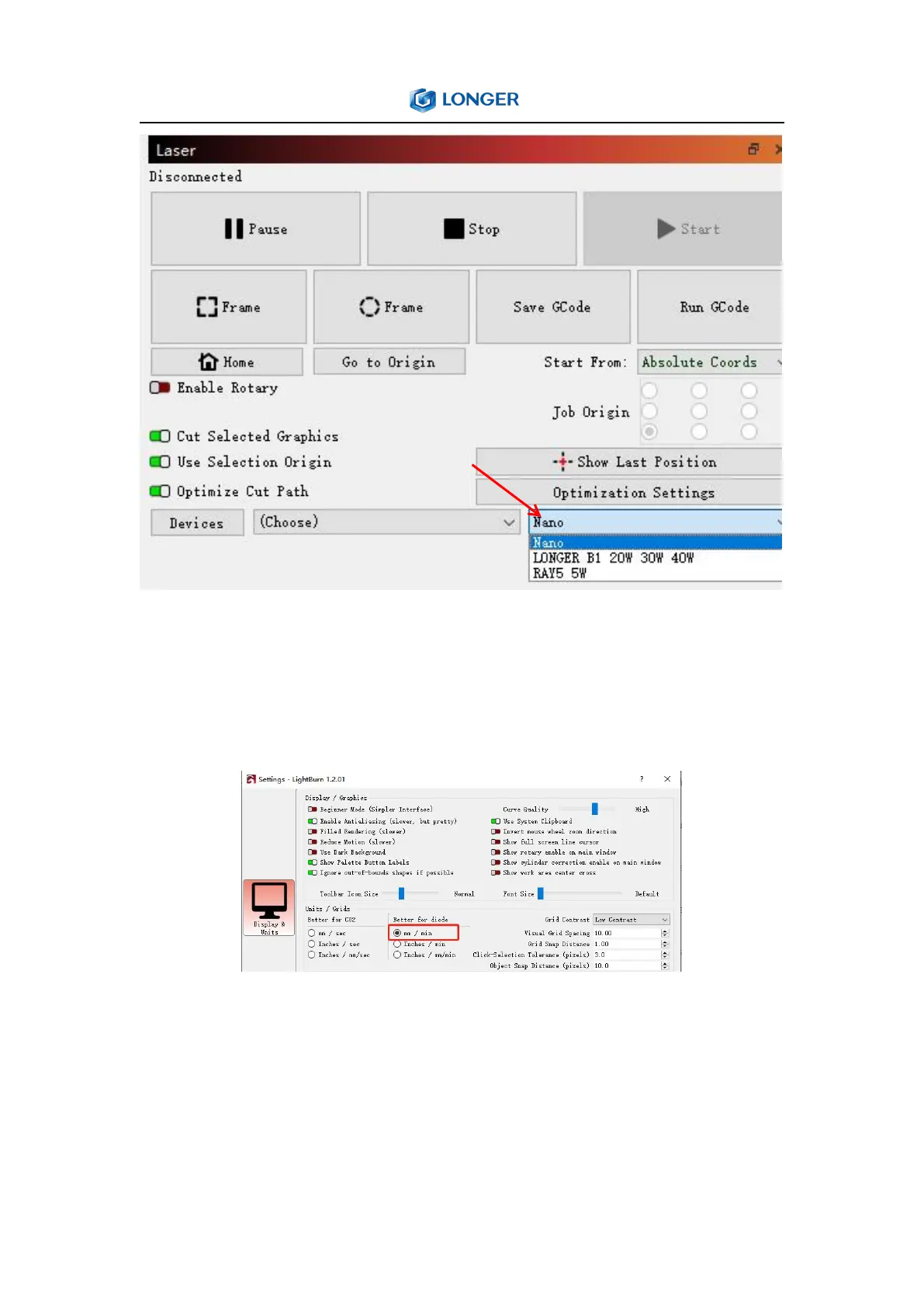
After adding the device, it is recommended to set the speed unit to
mm/min. That is select 'Edit' on the task bar, select 'Settings', select
mm/min as the unit, and click the 'OK' button.
3. Connect the Nano to LightBurn
It needs connect the engraver to LightBurn software before use. For
Windows system, it needs to right-click the computer and select
Manage, click Device Manager, click to expand Ports (COM & LPT),



 To Next Page