www.longer3d.com support@longer.net
8) Redo
Redo the last operation, up to 20 steps can be supported.
9) Clear
Clear all graphics in the canvas.
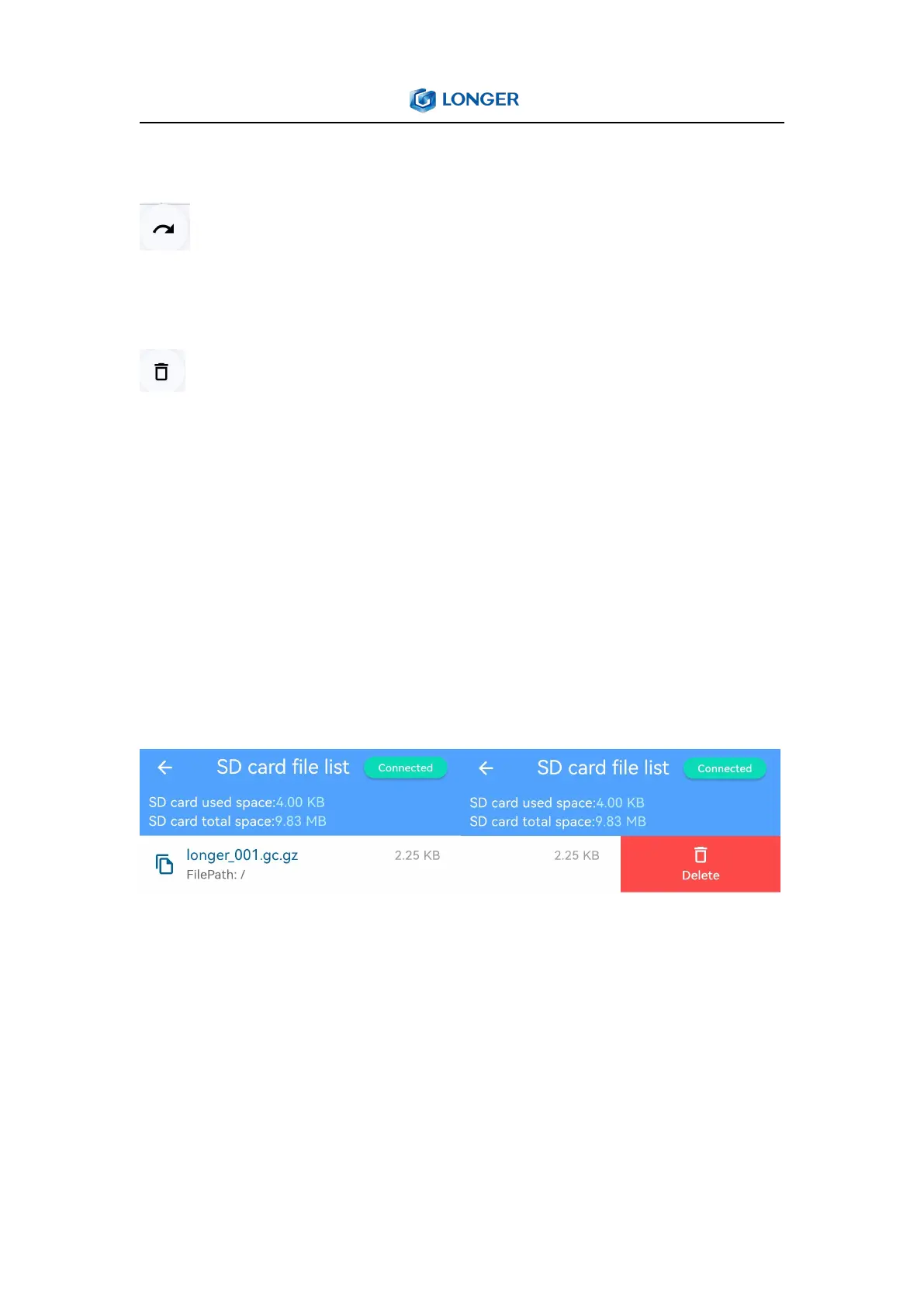
5. Files
When connected to the engraving machine, you can preview the file
data uploaded to the Nano. Select a file from the list and slide it to
the left can delete it. When the reserved memory is almost used up,
please clean up unnecessary files in time, otherwise new files can
not be uploaded.
6. History
History displays a graphic history list of operations on the APP. You
can long press a file in the list to delete unwanted images.



 To Next Page