www.longer3d.com support@longer.net
Enter text and change the font, text size, position and angle.
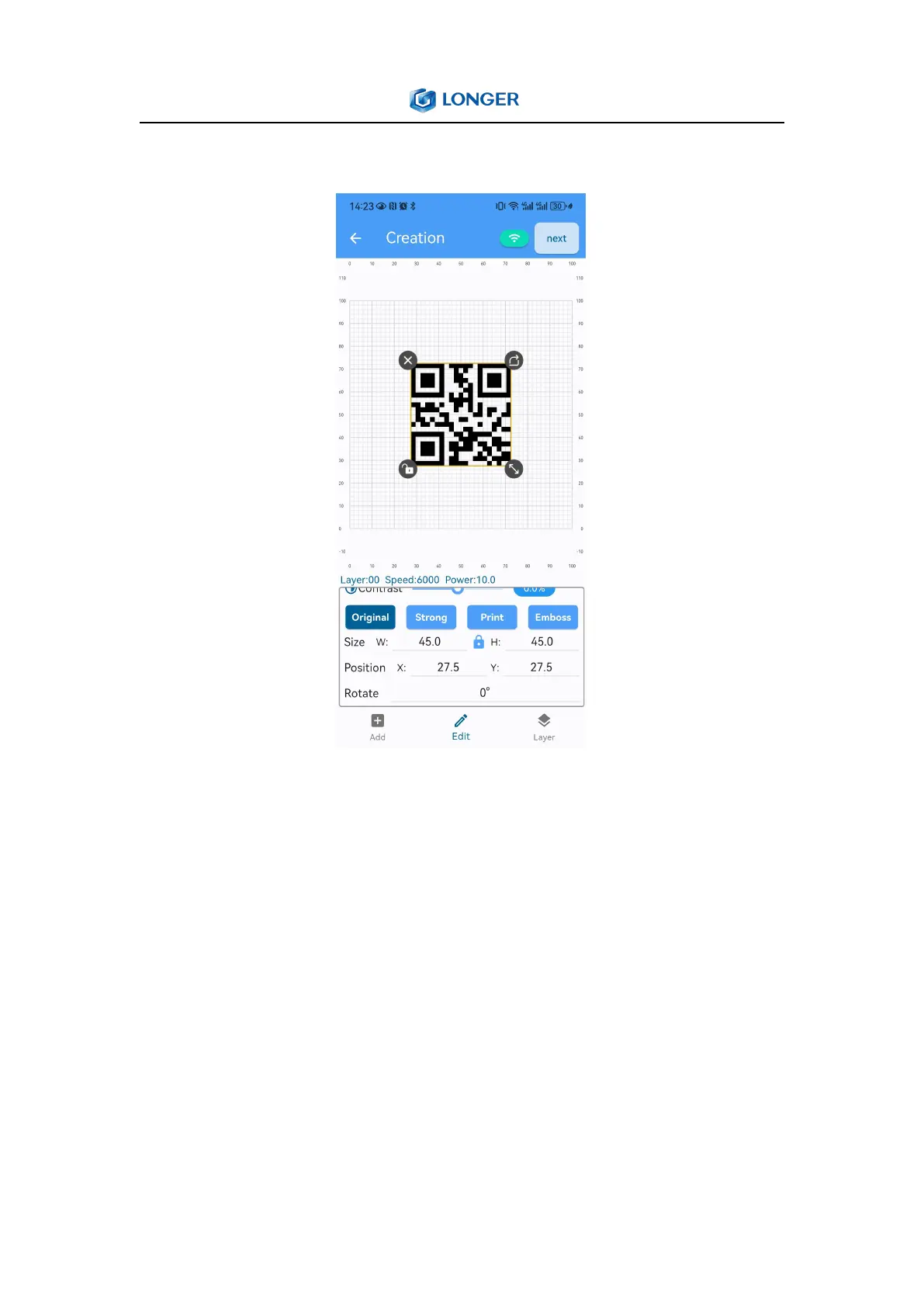
3) QR code
Generate QR code based on the input content, and change the size,
position or angle of the QR code.
4) Layer
Layer mode: set line or fill
Laser type: choose 6W for Nano, 12W for Nano Pro pro
Processing method: engrave or cut



 To Next Page