www.longer3d.com support@longer.net
Material: select the corresponding material from the material library,
and the APP will automatically set the appropriate parameters
according to the processing method and laser power selection. If
the parameters need to be modified, click the edit button to adjust.
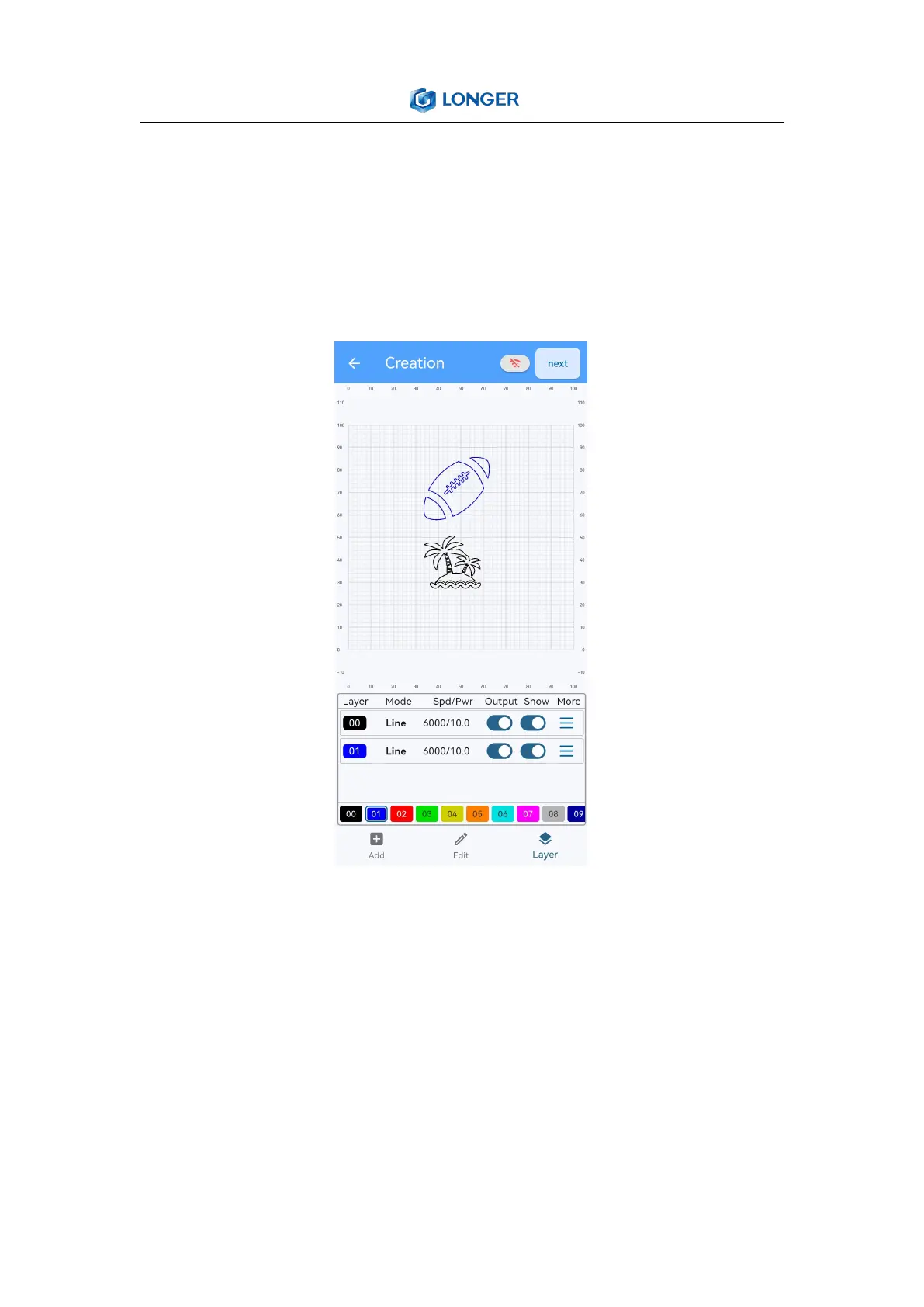
Different colored layers can set different parameters for designs to
meet the needs of engraving or cutting multiple files at the same
time. Such as layer mode, laser type, processing method, material,
laser power, speed, times and accuracy. Up to 11 parameters can be
set in the APP, first select the design to set parameters, click Layer,
and select different colored layers.



 To Next Page