www.longer3d.com support@longer.net
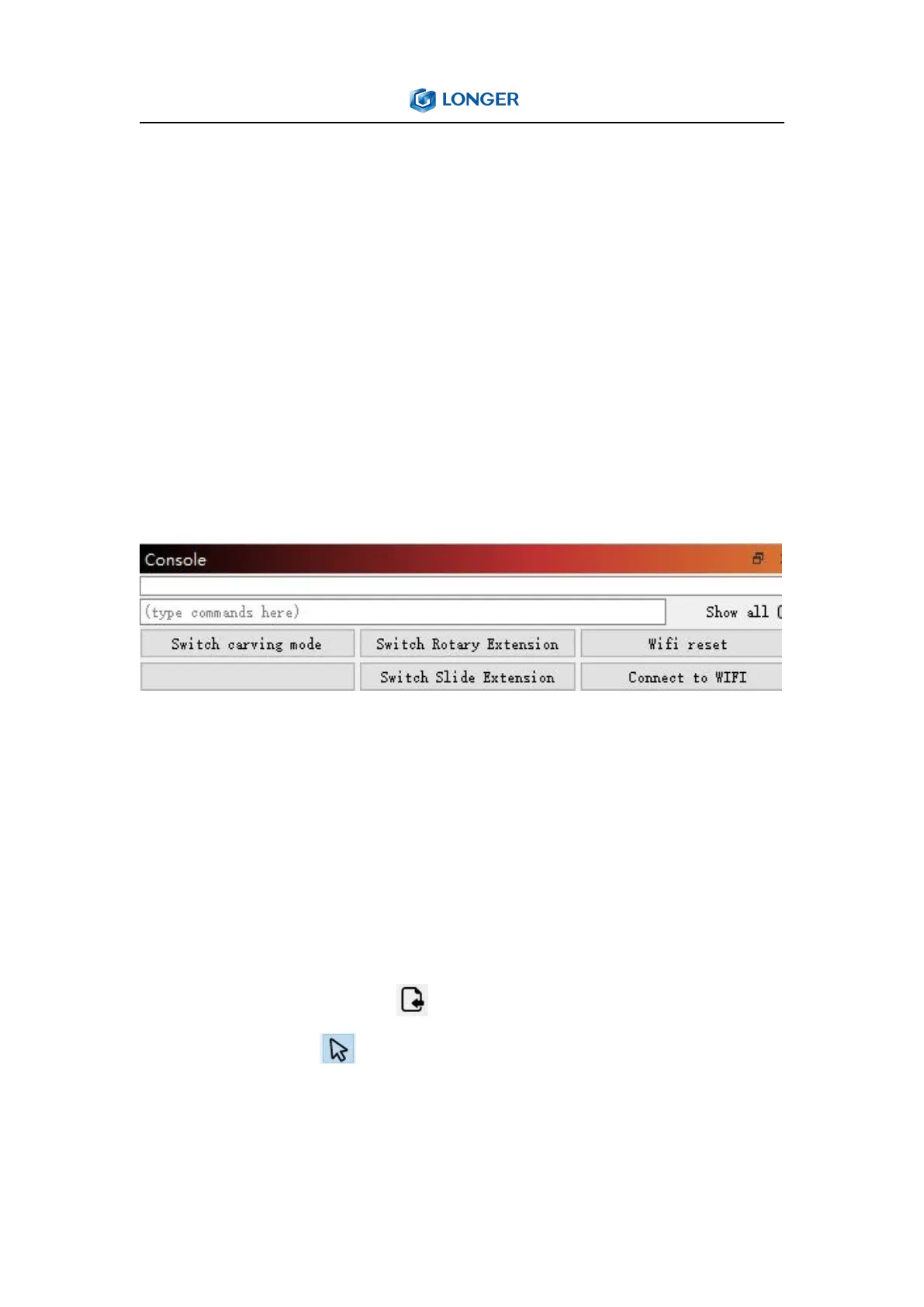
Console Window: The Console window displays messages from the
controller and commands sent to it by LightBurn, and some macro
commands designed of Nano engraver. It can also input direct
commands to engraver through this window, such as $$ to display
GRBL settings, $X is to unlock machine if it has been locked due to
an alarm or error. The Console window will also display alarm or
error messages sent to LightBurn by the laser's controller, indicating
that there was a problem with the machine's operation.
5. How to make a project
Generally speaking, creating a engraving task includes importing
graphics, editing graphics, setting parameters, preview, framing and
engraving. Taking engraving the LONGER LOGO and cutting after
engraving as an example:.
Click File > Import or click import icon in Toolbar to add image
to LightBurn, click select icon to choose the image, change the
width of image to 50.00mm, the height of image will change in
proportion to the width.



 To Next Page