www.longer3d.com support@longer.net
artwork positioning within the workspace.
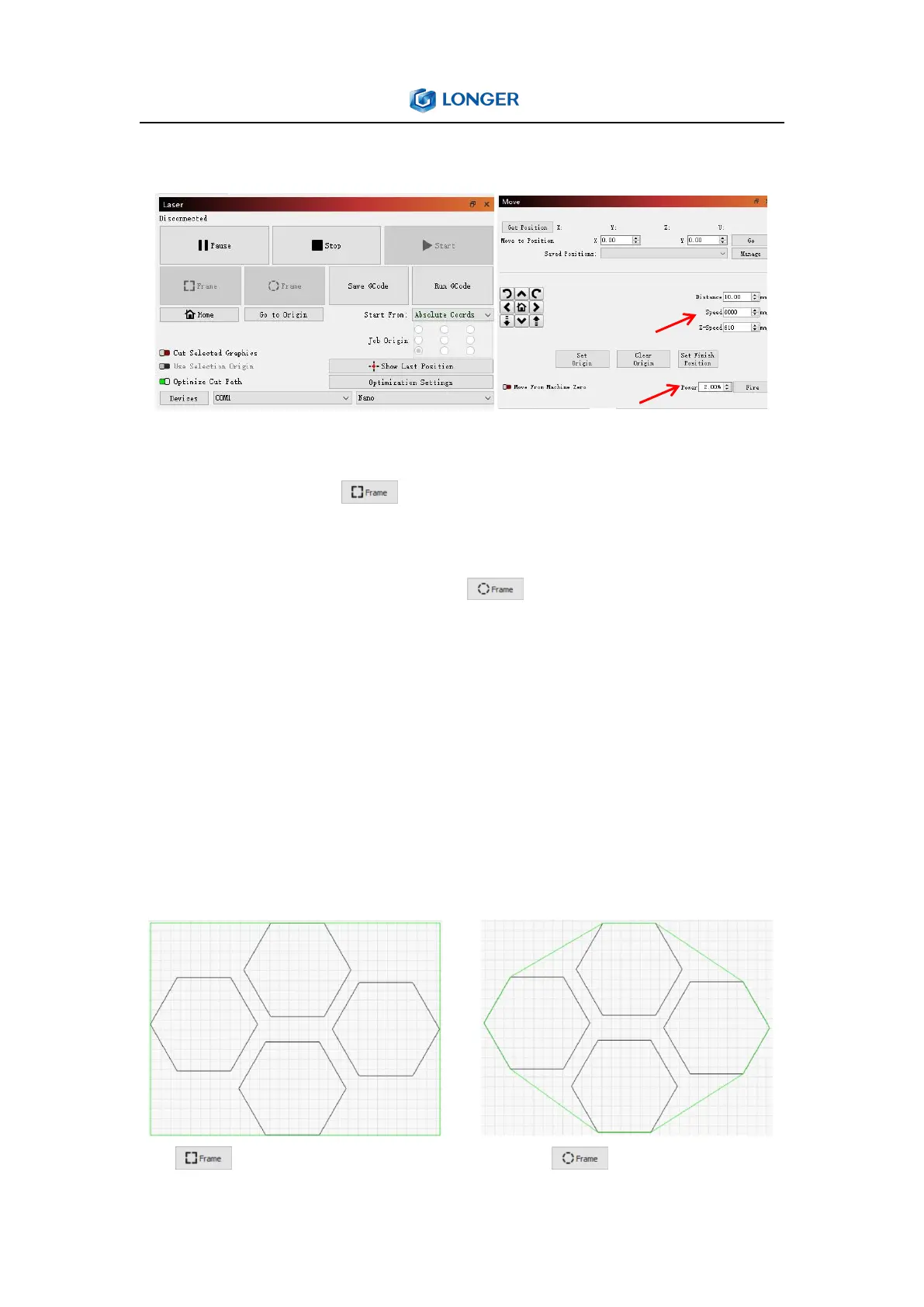
There are two Frame buttons are used to preview the position of
the job on the laser. The first is a standard rectangular frame,
also called a 'Bounding Box'. This is the smallest rectangle that will
fully contain the shapes selected. The O-Frame button, called
the 'Rubber Band Frame', traces a path around selected design that
is the shape of a rubber band stretched around it. The speed and
laser power during frame are adjusted in the MOVE window. Due to
software limitations, the maximum speed during frame can be
10,000 mm/min.These two different frame effects can be shown in
the following figure:



 To Next Page