www.longer3d.com support@longer.net
In Line mode, the laser follows the exact path of selected design,
tracing the lines with the beam enabled at the setting power and
speed. If laser moves quickly, or with low power, it will likely just
etch the surface. If laser moves slowly and with high power, it will
cut through the material. The only difference between surface
marking and cutting is the power and speed. Fill mode permits the
laser to scan line by line and fill in the selected shape, which will fill
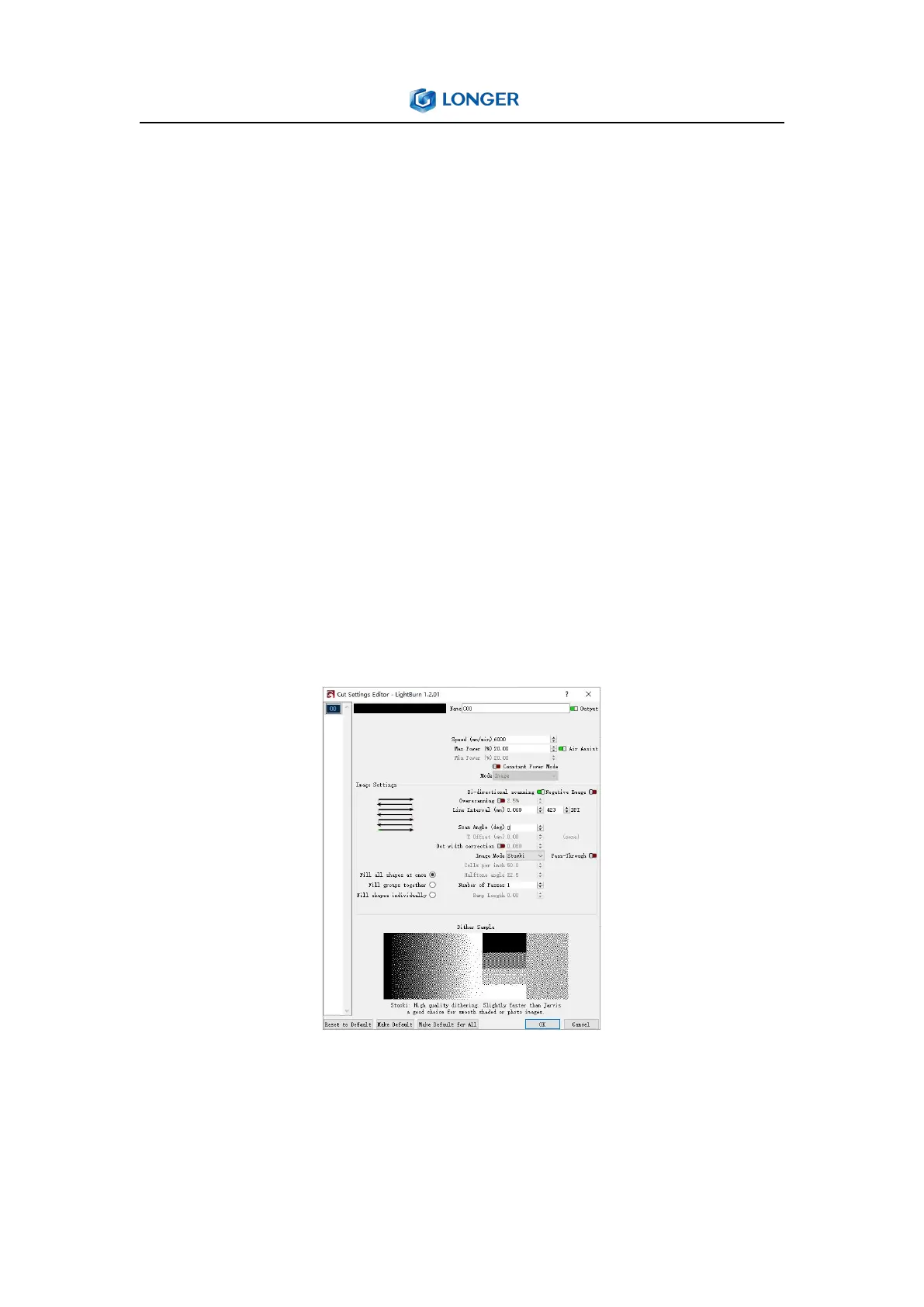
in closed shapes but not open shapes. Image mode is only available
for images, and can control how LightBurn renders the image data
on the laser. There are three iamge modes that are often chosen,
which are Atkinson, Stucki, Jarvis.
Laser Window: The Laser Window is used to select the active
machine, test the framing (the artwork's outer bounds), run and
stop the machine, and choose the file processing, order, and



 To Next Page