www.longer3d.com support@longer.net
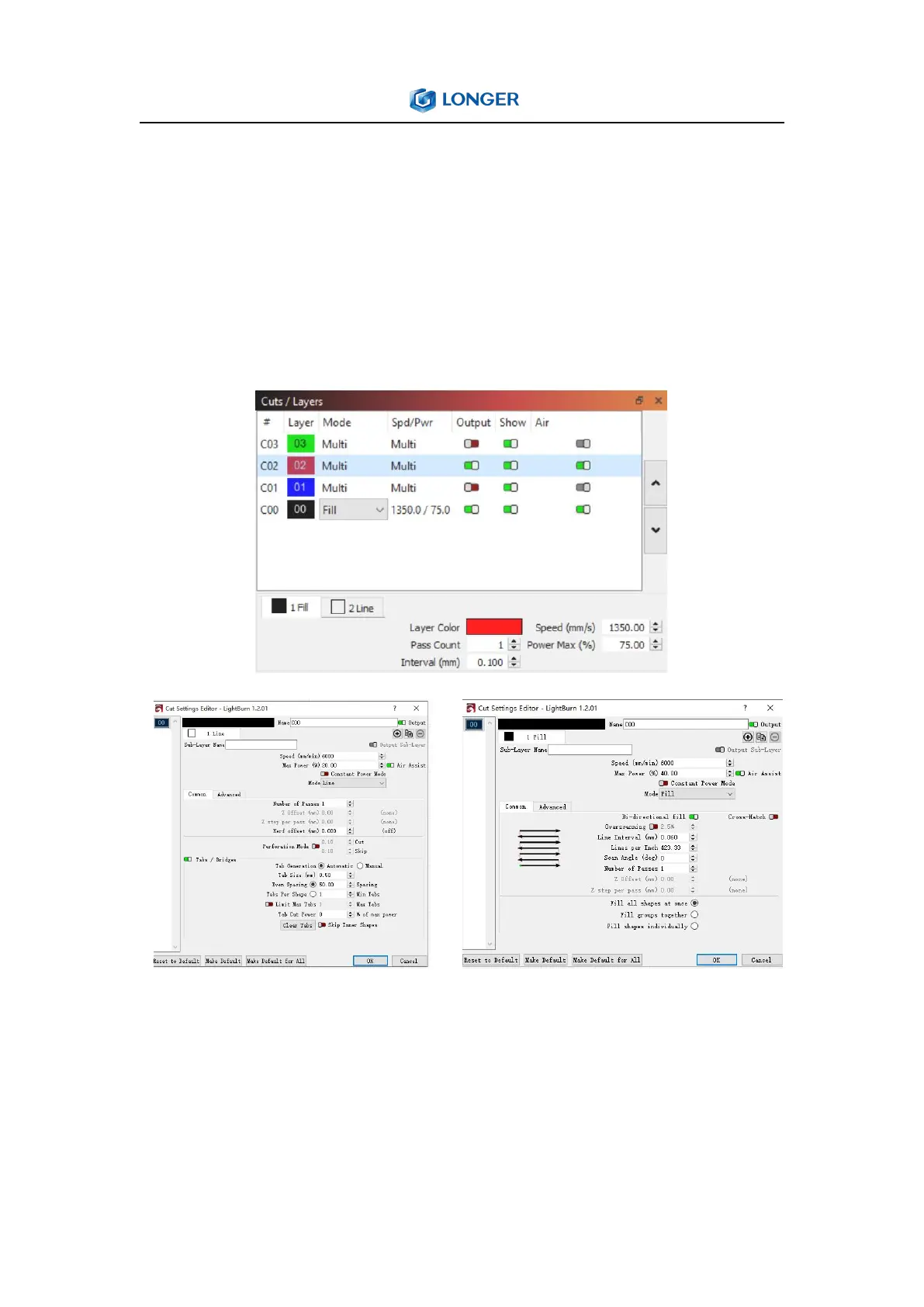
options to enable or disable sending this layer to the laser, or
displaying it in the workspace. Underneath the layer list you can see
and change the basic settings for the currently selected layer.
Double-clicking an entry in the layer list, it will bring up a larger Cut
Settings Editor with a more complete set of options.
Double-clicking an entry in the layer list will bring up the full Cut
Settings Window, allowing you to edit to all the settings.There are
three modes that are often used, namely Line, Fill and Image.



 To Next Page