www.longer3d.com support@longer.net
used arrangement tools for arranging and aligning shapes.
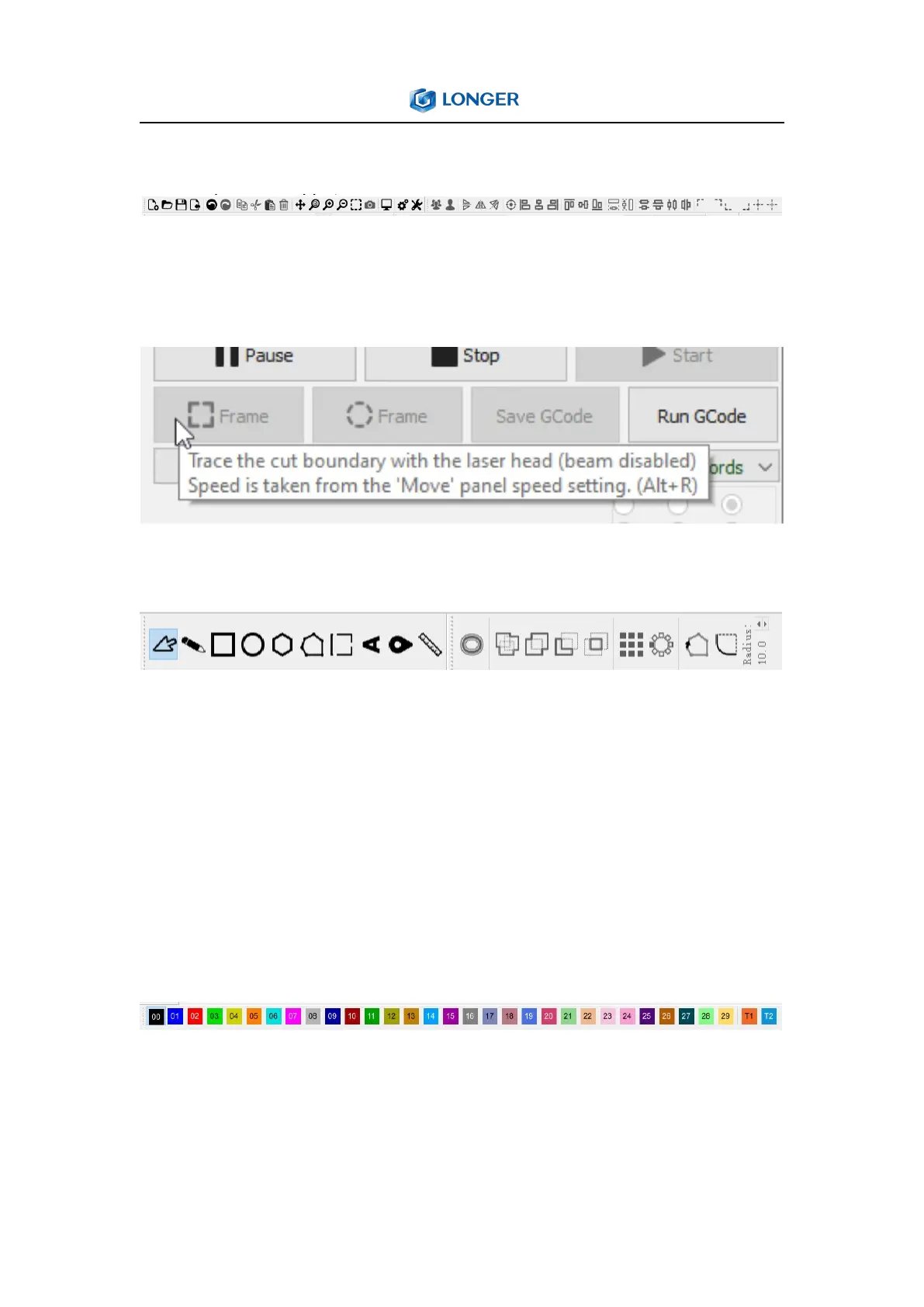
Tool tips: If hover the mouse over a control, then a small bit of text
pop up that describes that button or feature, like this:
Creation & Modifier Tools,
Color Palette, these colors are used to assign different kinds of
parameters to the shapes in the design.If a design is selected, click a
color entry will apply that color to the shapes in your selection. The
colors currently in use in your design will also appear as entries in
the Cuts / Layers window, where you can choose the operations
that each color will represent.
Cuts / Layers: The first column shows the name you've assigned to
this layer, followed by the color, then the Mode (Line, Fill, both, or
Image). Then the speed and power are displayed, followed by the



 To Next Page