www.longer3d.com support@longer.net
E. LightBurn Software Operation
LightBurn is professional layout, editing, control and paid software
for engraver, running on Windows, MacOS, and Linux. It provides a
30 days trial period. Please save or back up data in time during use
to avoid data loss, but LONGER is not responsible for any data loss
caused by third-party software. If the computer has previously
installed the software or after 30-day free trial period, according to
LightBurn's trial rules, it needs to purchase a license key to continue
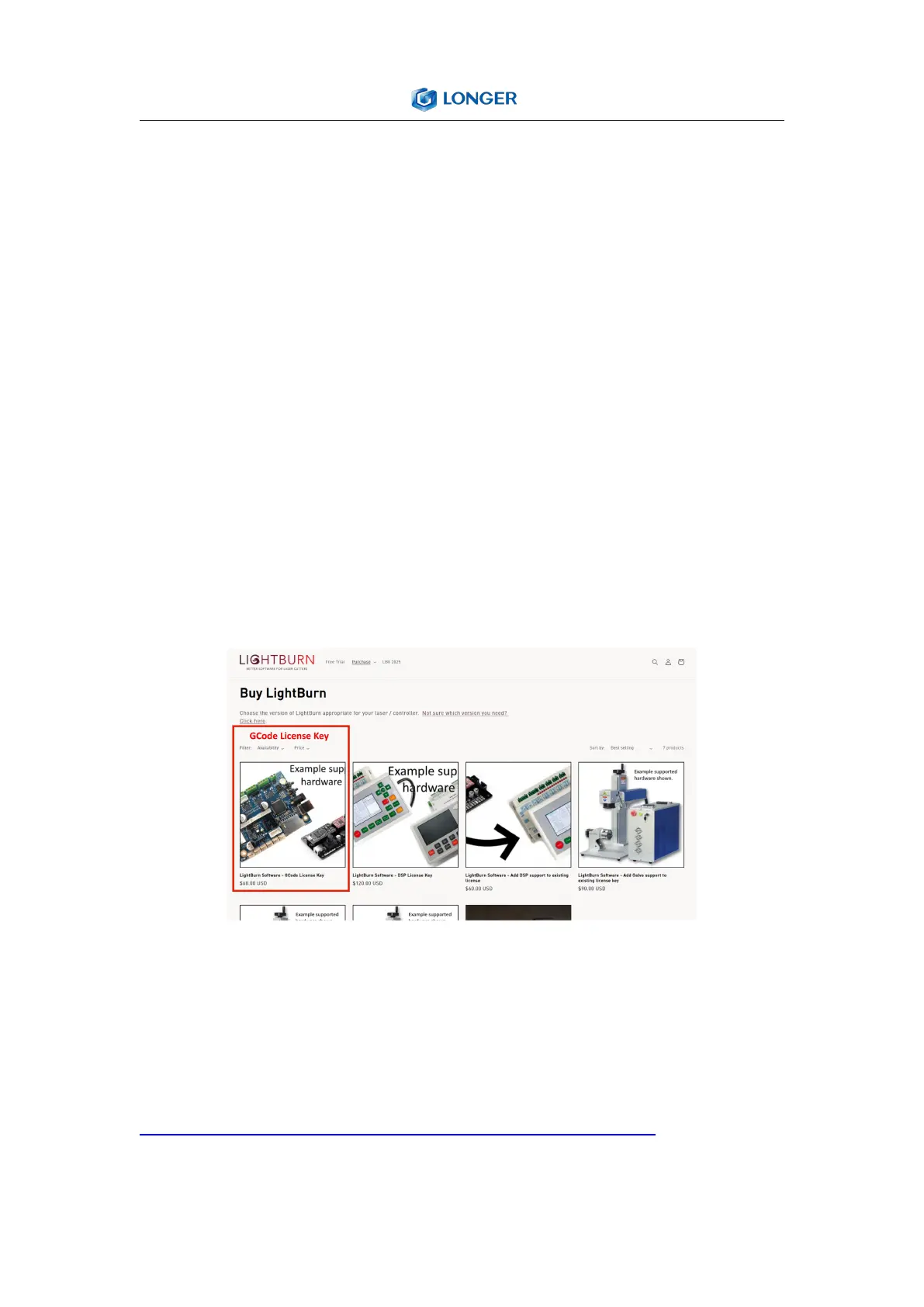
using it. To purchase a license and obtain a key code, please go to
the LightBurn online store and select "GCode License Key".
1. Software Download and Installation
Double-click the LightBurn installation file in the software folder on
the SD card or download it from the following link:
https://LightBurnsoftware.com/pages/download-trial to install the
trial version of LightBurn



 To Next Page