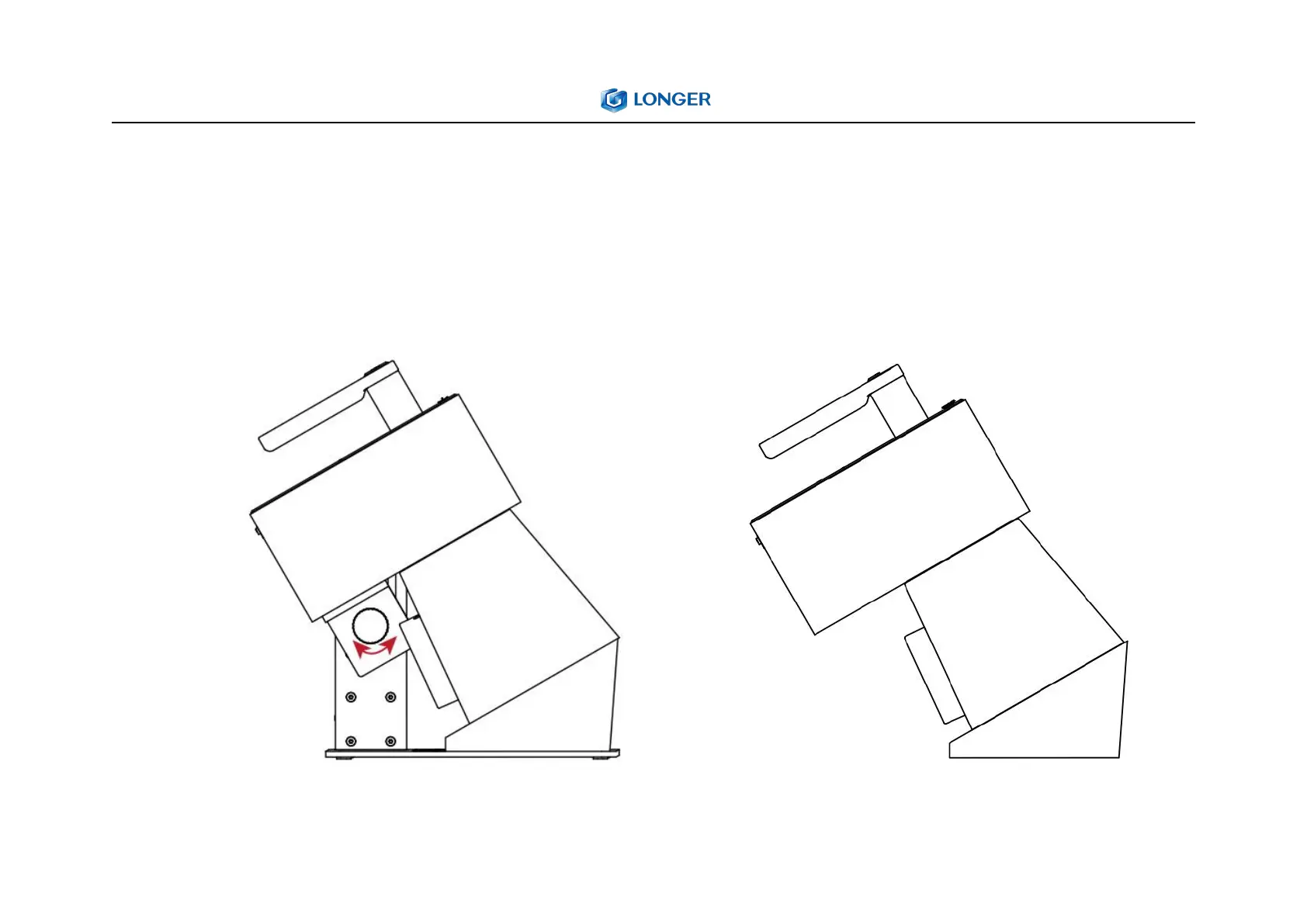
5. Oblique engraving
1) Oblique engraving
Turn the angle adjustment knob counterclockwise to
loosen it, adjust the angle of the mounting bracket, and
after the adjustment is completed, it will mesh with the
gear, then turn the angle adjustment knob clockwise to
lock it and adjust focus.
2) Handheld engraving
Hold the handle and place the protective cover against
the surface of the object to be engraved, and you can
engrave.



 To Next Page