www.longer3d.com support@longer.net
6. Connect Nano to LightBurn by WIFI
There are two modes: STA or AP to connect Nano to the LightBurn
via wifi. The difference is that in AP mode, the computer has no
network, while in STA mode, computer can maintain network.
1) Connect Nano to LightBurn by WIFI in AP mode
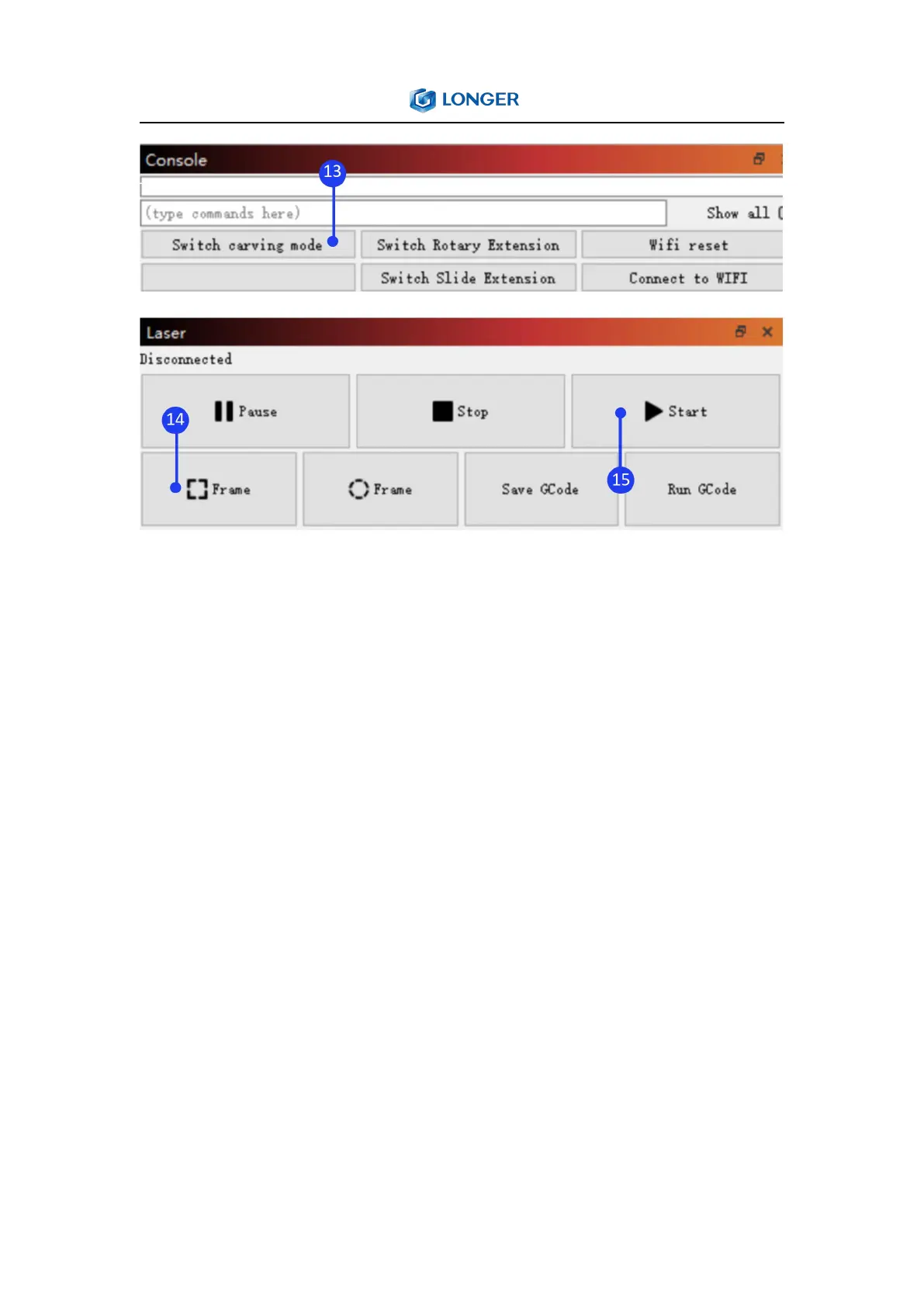
Run the LightBurn, connect PC to Nano, click ‘WiFi reset’ in console
window to set WiFi to AP mode, connect the computer to the WiFi
that starts with LongerLaser_Nano, input password 12345678, click
Devices in Laser window, select Laser Nano > Edit > GRBL > Next >
Ethernet/TCP > Next > input 192.168.0.1 > Next > Next > Next >
Finish > OK, click Device Settings > input 8847 in Network Port > OK.



 To Next Page