www.longer3d.com support@longer.net
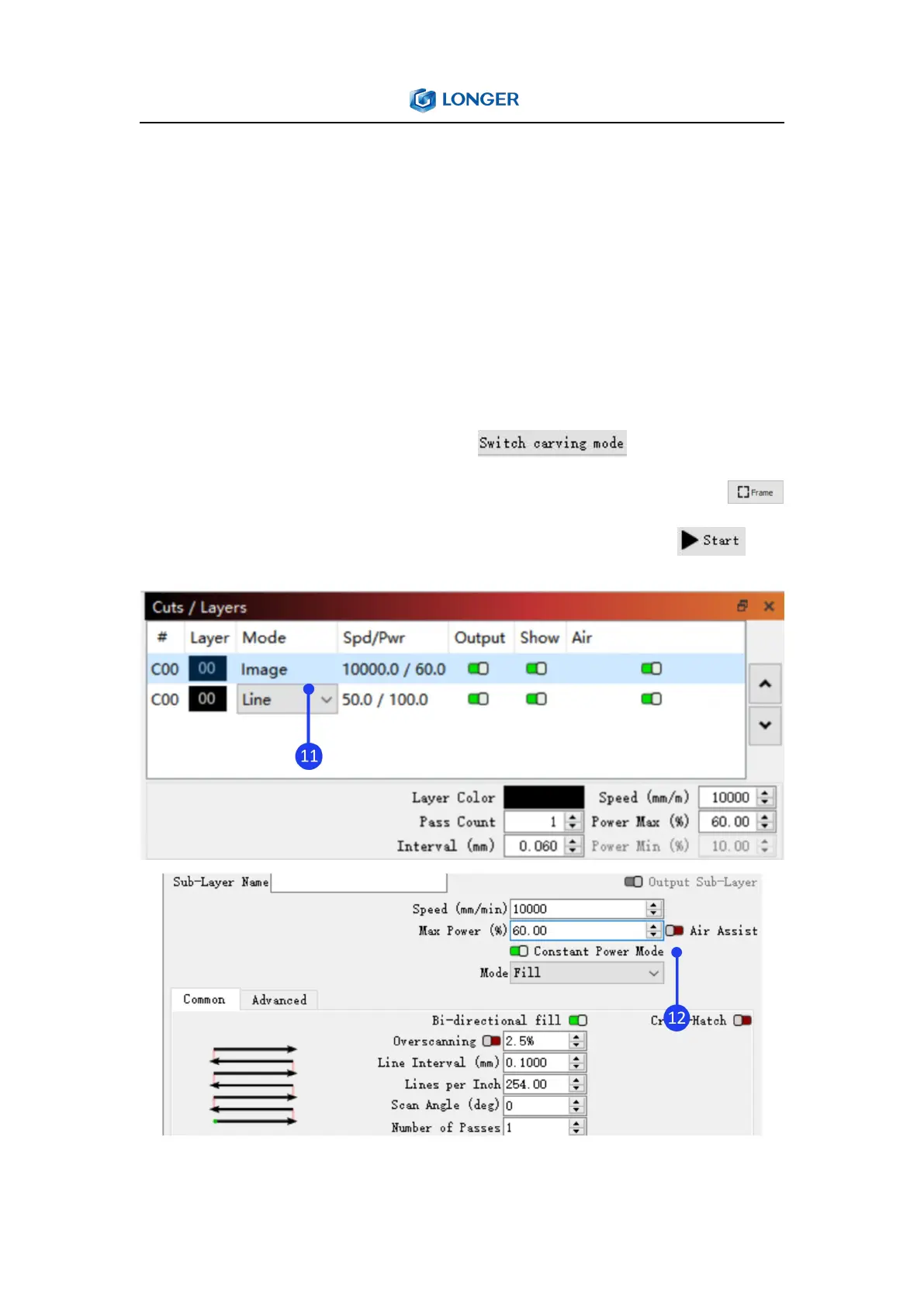
corresponding parameters, enable Constant Power Mode (Please
note that for image or fill engraving, the Y interval is 0.06mm (Y
interval has only two values options, 0.06mm or 0.09mm. For those
who require high precision, it can choose 0.06mm. For those who
require high efficiency, it can choose 0.09mm), and adjust the
specific parameters according to the actual materials and parameter
table). Click Switch carving mode in the console
window, adjust the focus of Nano and click the Frame button ,
confirm the placement of the engraving, then click Start .



 To Next Page