www.longer3d.com support@longer.net
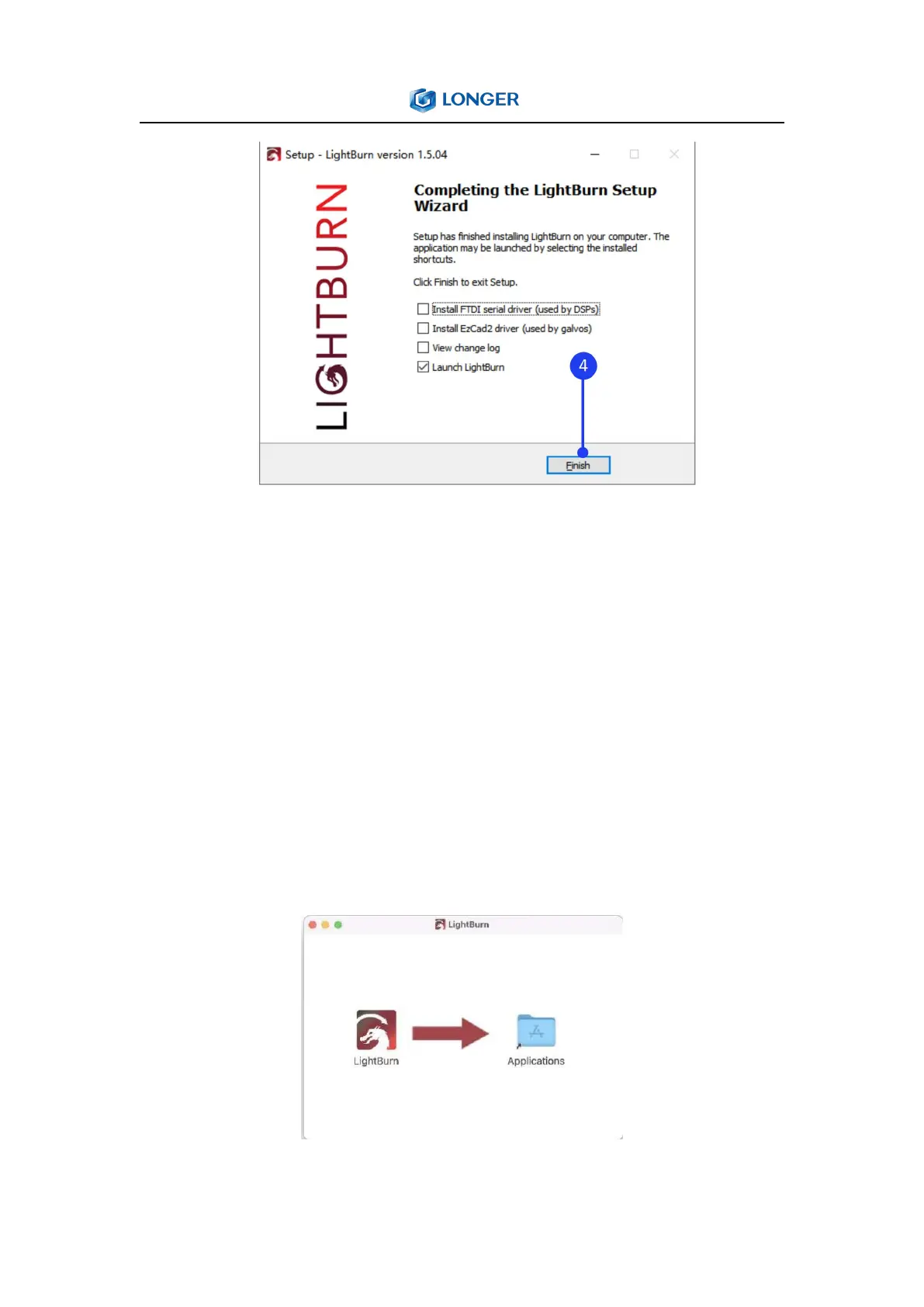
To install LightBurn on Mac, double-clicking the .DMG file after
downloading it and drag LightBurn into Applications folder. When
launching LightBurn for the frst time, open a Finder window, browse
to the 'Applications' folder, hold the Control key and click the
LightBurn icon, choose 'Open' from the menu. When MacOS asks if
it should open the program, click yes, and it will be listed as an
exception in your launcher. From then on you can just launch the
application normally.



 To Next Page