www.longer3d.com support@longer.net
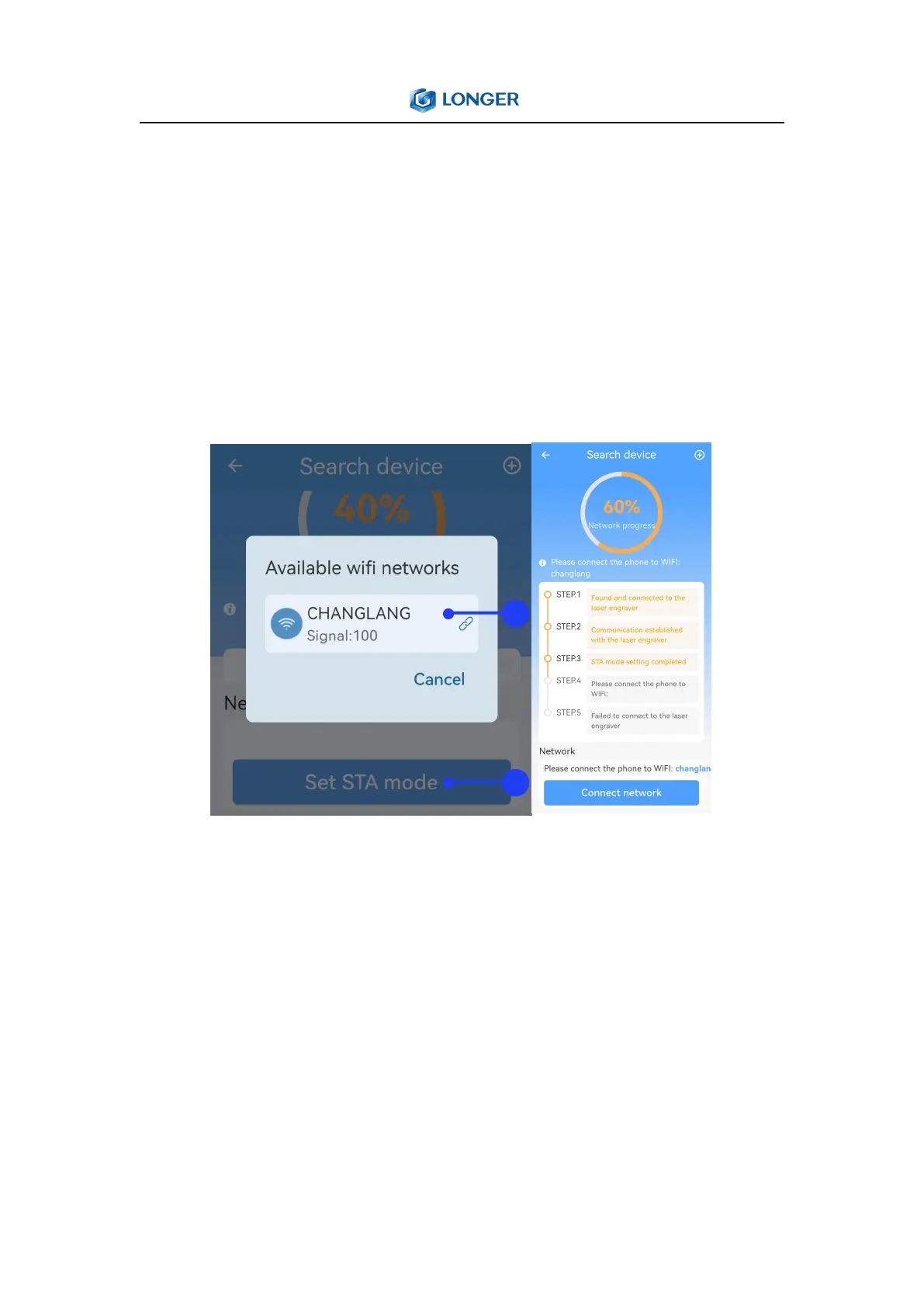
enter the password. The indicator light in front of Nano will switch
to orange breathing light during connecting, then will turn green if
the connection is successful, then click the app to enter the next
step, the network progress will reaches 60% . And the indicator light
will remain orange if the connection fails, click the app to return to
the first step and start again.
4) Back to LaserBurn, click Connect network at the bottom of the
page, connect the phone to the same WIFI as the STA mode in the
previous step, wait for network configuration. When the connection
is successful and the network process reaches 100%, click FINISH at
the bottom to return to the device list interface.
Note: After the device is connected, when click anywhere on the
device list label, the machine will disconnect; conversely, if click



 To Next Page