9
www.longer3d.com info@longer3d.com
Confirm the stop printing.
Cancel the stop operation.
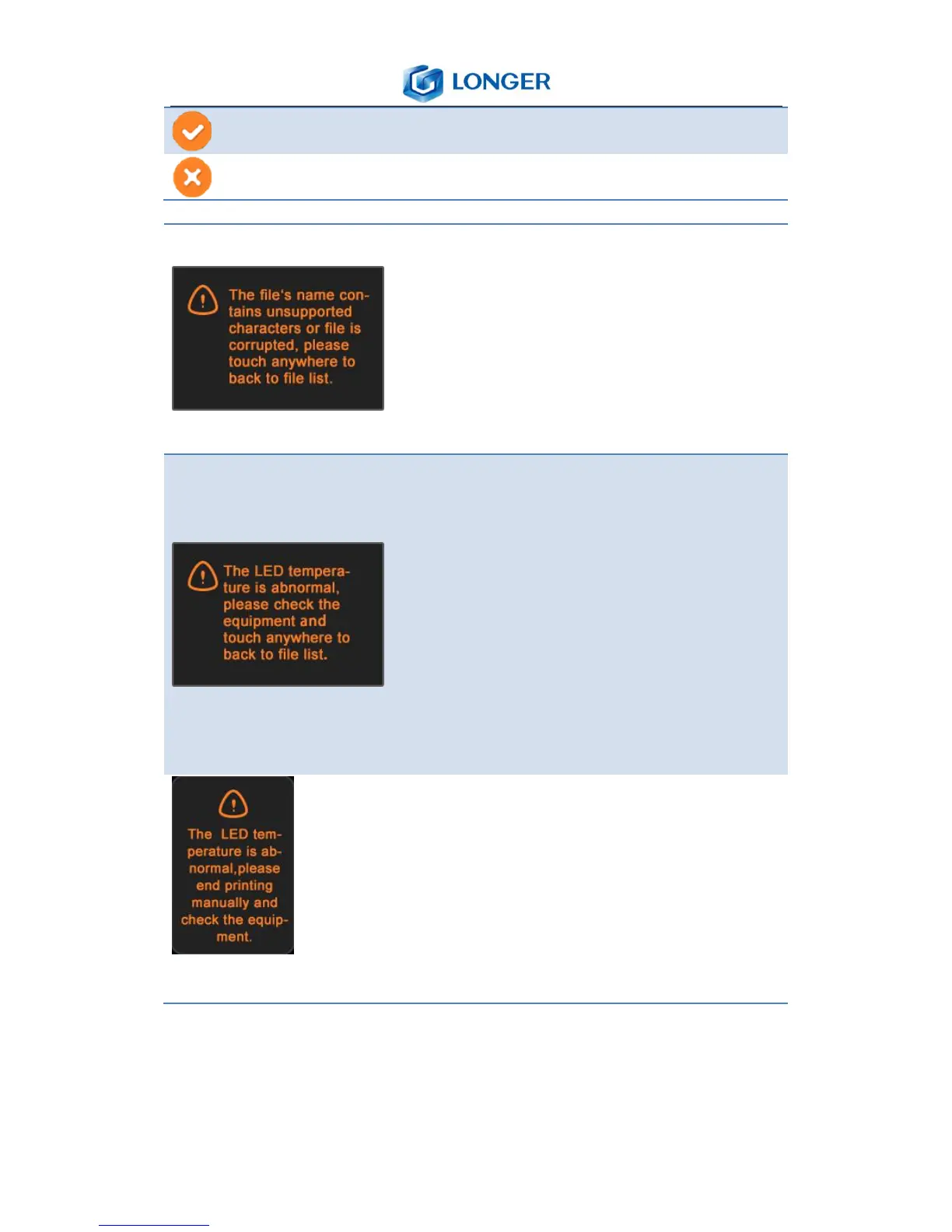
If the printing file’s name contains
unsupported characters or file is
corrupted, it shows a tip as shown in
the left picture, then touch anywhere
on the screen to back to file list.
The temperature of LED is between
room temperature to 50℃, and it will
show a tip as shown in the left picture
if it is abnormal before printing , then it
needs to check the printer and touch
anywhere on the screen to back to file
list.
If the temperature of LED is abnormal
during printing, it will show a tip as
shown in the left picture, it needs to
cancel the printing job manually and
check the printer.



 To Next Page