4
1. Video Monitor Overview
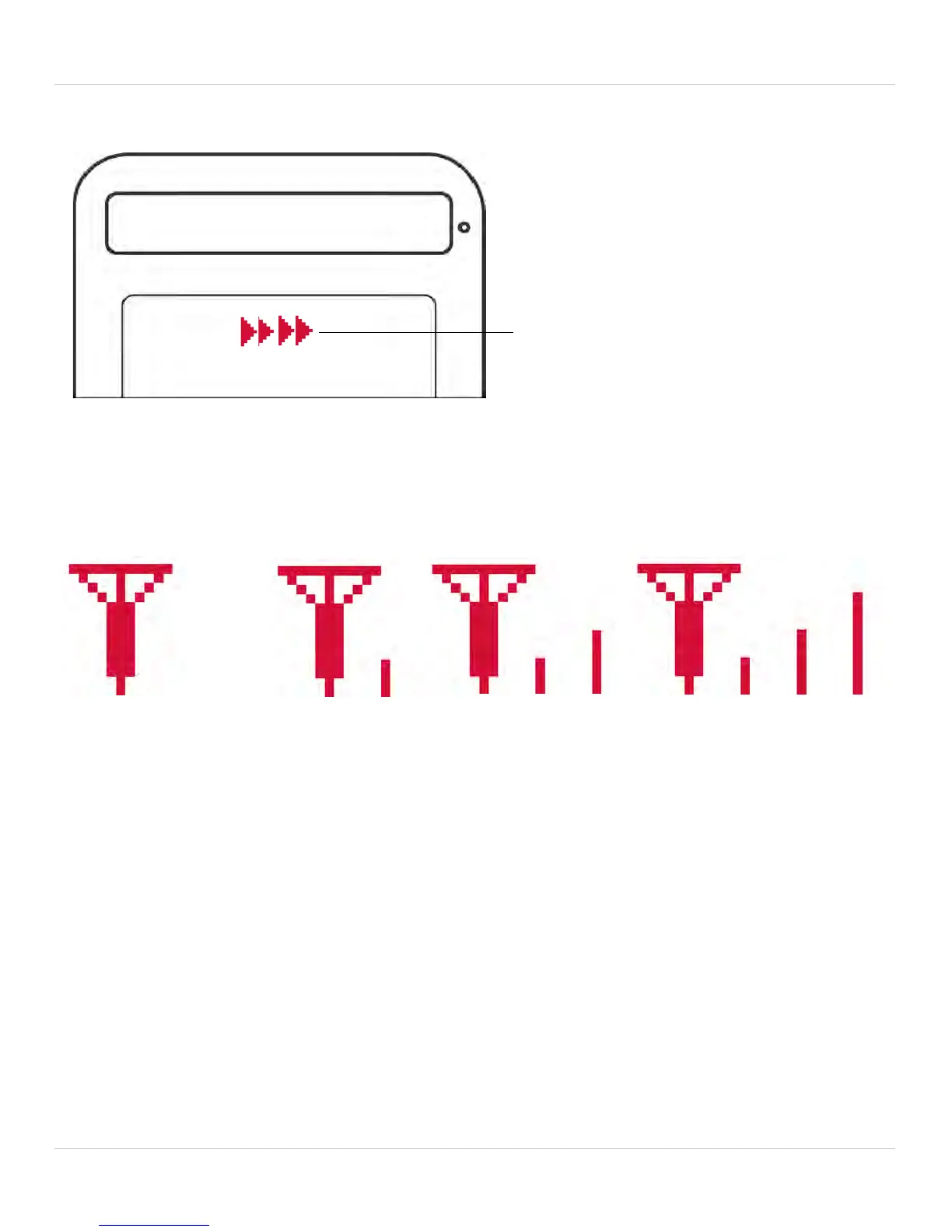
Audio Level Indicator
This icon displays the sound level detected by the camera.
Reading The Signal Strength Indicator
NOTE:
If you hear a beeping sound from the monitor, and your monitor displays
"CAMERA NOT DETECTED":
• The camera may be out of range. Try placing the camera and monitor
cl
oser together.
• For more details, see “8. Help” on page 22.
No signal
(icon flashes)
Full signal
Low signal



 To Next Page