17
6. Using the Baby Monitor
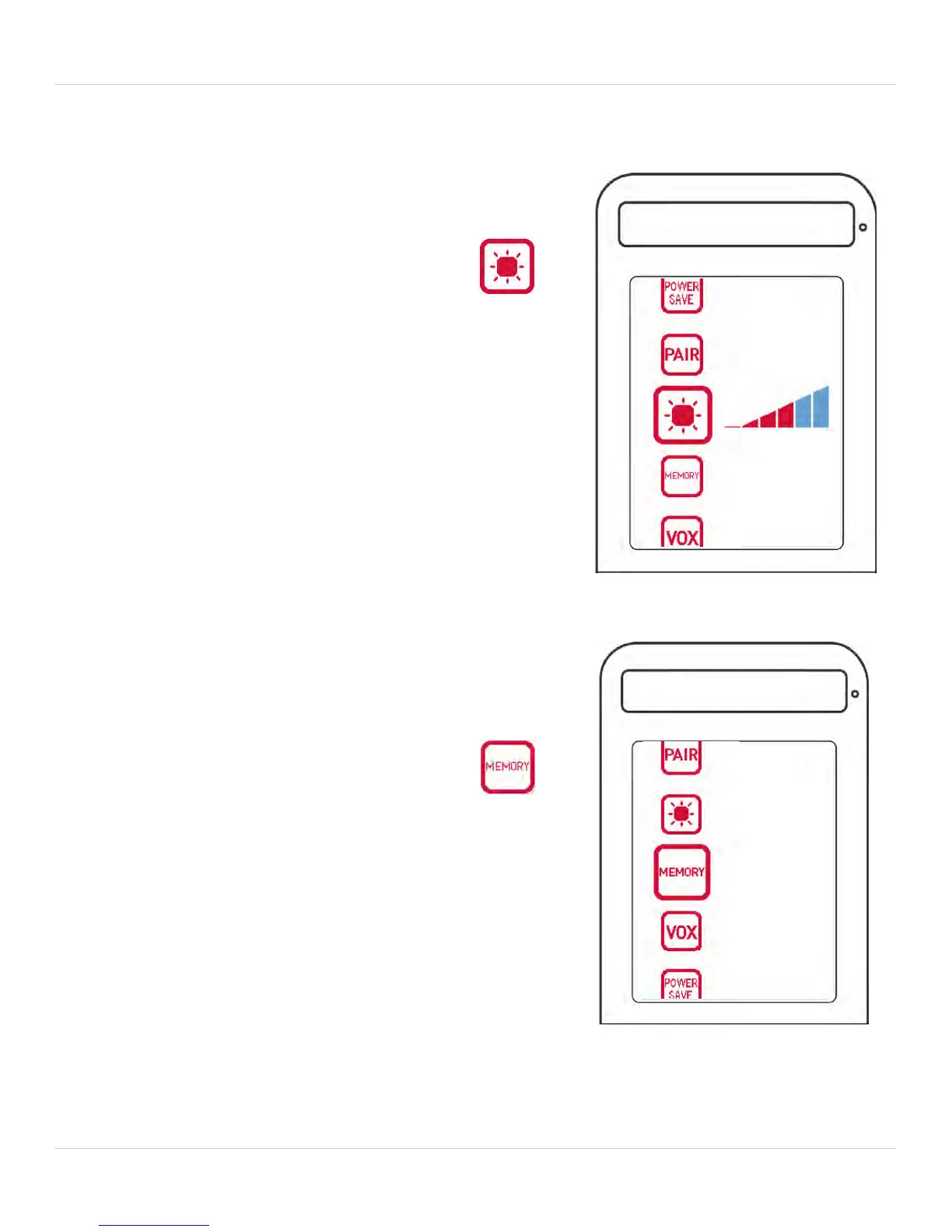
6.7 ADJUSTING SCREEN BRIGHTNESS
To adjust screen brightness:
1. Press the MENU button.
2. Press
oruntil you select .
3. Press orto decrease or
increase the screen brightness.
4. Press the MENU button to exit.
6.8 MEMORY
To view pictures stored on your microSD
memory card:
1. Press the MENU button.
2. Press
oruntil you select .
3. Press OK to view your pictures.
4. Press
orto navigate through
the pictures.
Note: If the memory card is empty, the
message, "NO PHOTO STORED" appears.



 To Next Page