12
6. Using the Baby Monitor
6. USING THE BABY MONITOR
6.1 SELECTING THE CAMERA
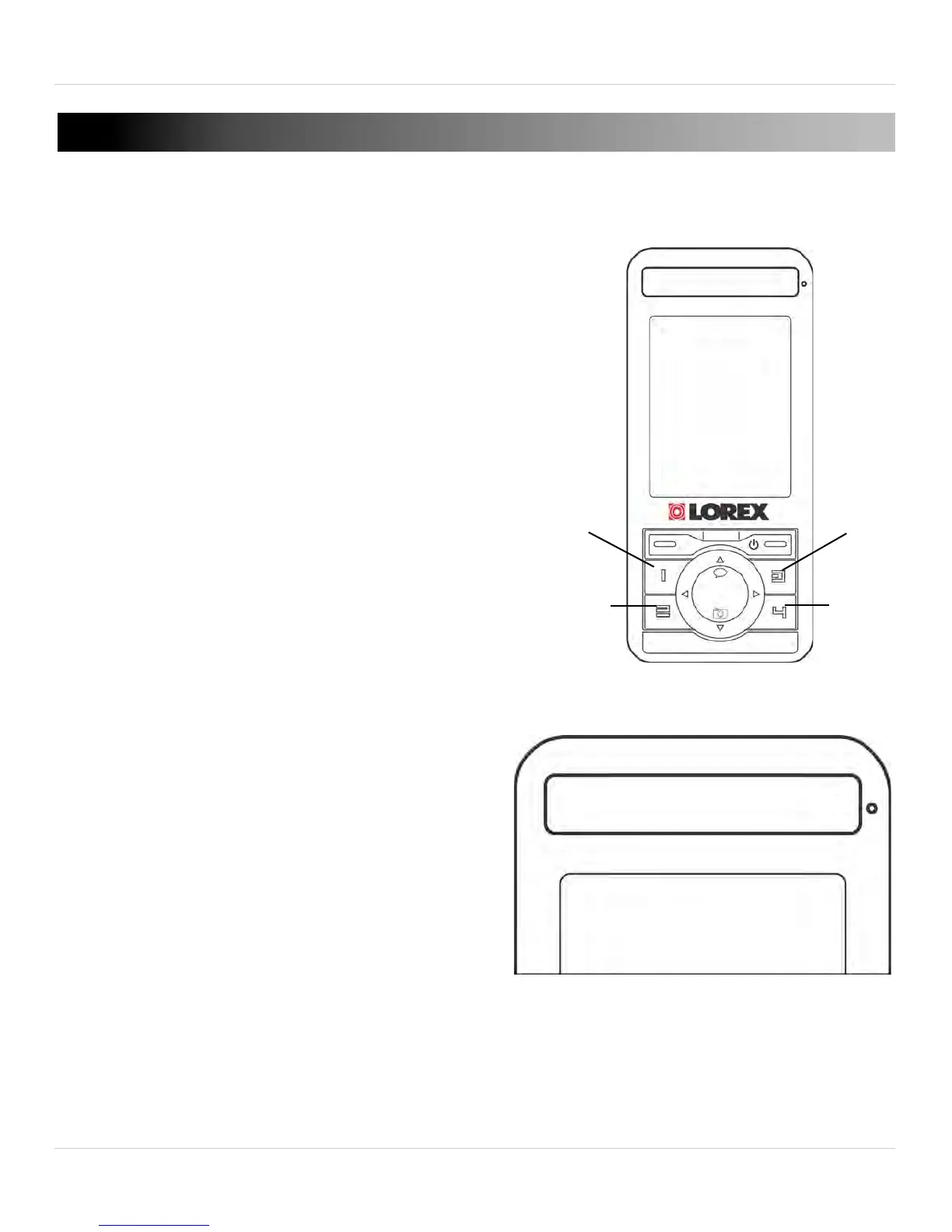
To view different cameras connected to
the monitor in full screen, press the
buttons marked 1, 2, 3 or 4.
• The included camera is synched to
channel 1 by def
ault.
6.2 VIEWING OPTIONS
The monitor has 3 viewing modes:
• Full Screen
• Sc
an mode
• Split Screen mode
Full Screen
By default, the monitor is in full
screen mode. The channel number
indicates the camera you are
viewing.



 To Next Page