10
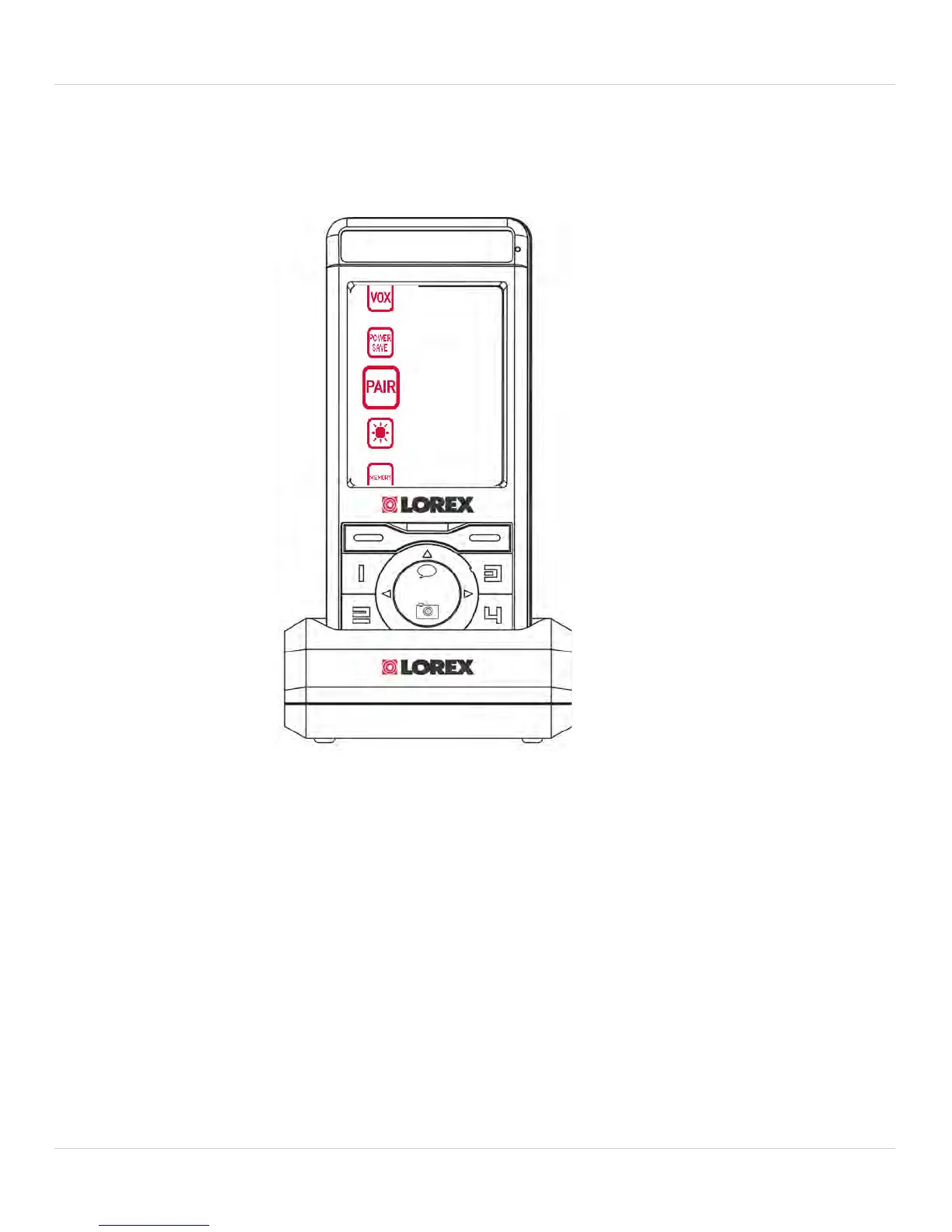
4. Pairing Up Cameras
6. Turn on the camera and wait 15 seconds for the camera to pair up.
When the camera has been successfull
y paired with the monitor, a
"Device Found" message appears.
NOTE:
• The monitor can connect up to 4 cameras at the same time.
TIPS
• The camera and monitor should be ar
ound 1 ft. apart during the pair
up process.
• Immediately after successful pairing, move the camera and monitor
apart to avoid speaker feedback.



 To Next Page