100
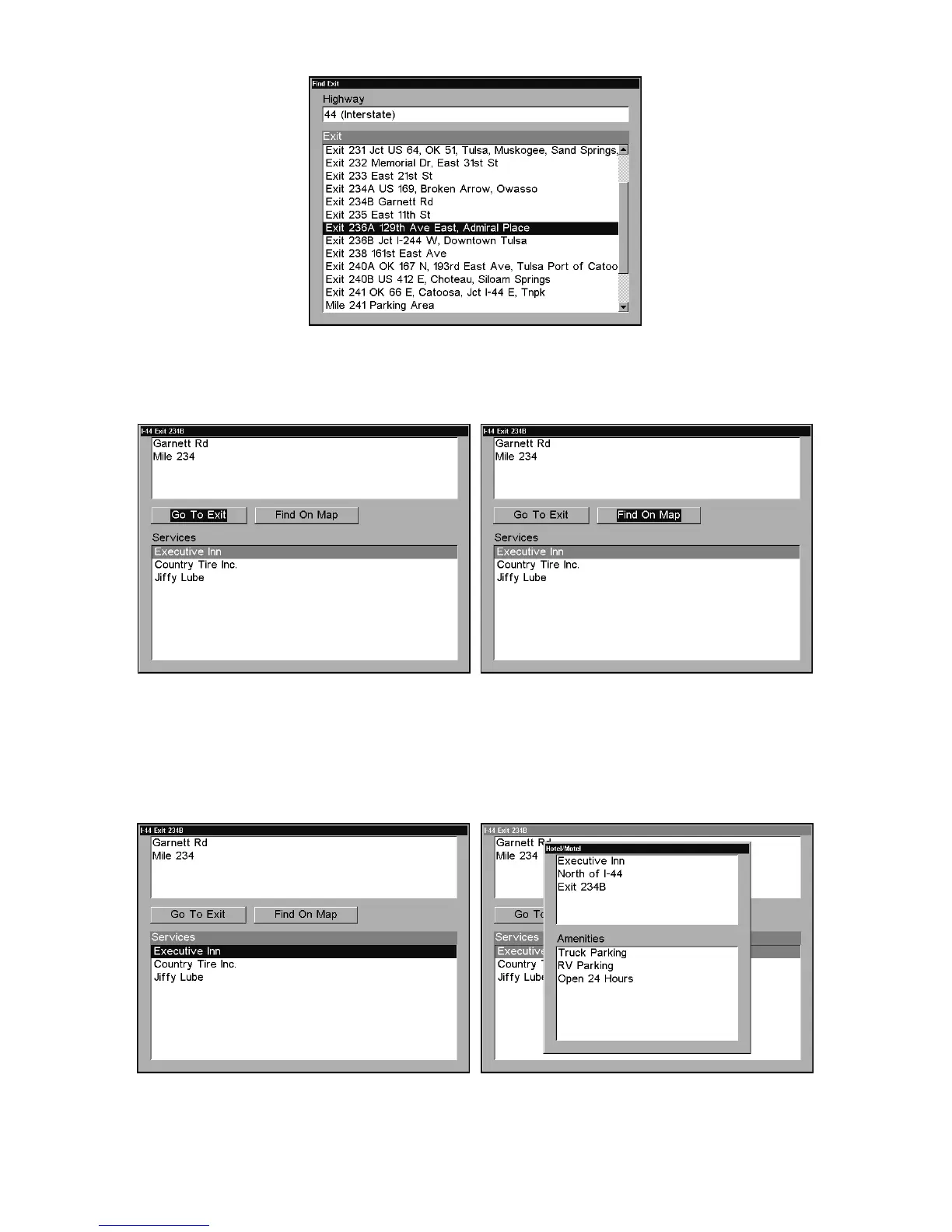
Find Exit menu, with an exit selected in the Exit List.
4. In the Exit Information screen you have two choices. A. Press
ENT
to
navigate or "go to" the exit. B. Press →|
ENT
to find the exit on the map.
"Go To Exit" option, left, "Find On Map" option, right.
Tip:
You can also look up some additional information on the Exit Serv-
ices located near this exit. Press ↓ to
S
ERVICES
|press ↓ or ↑ to select
Service Name|
ENT
.
Exit Information screen, left; general location
and amenities information, at right.















 To Next Page