102
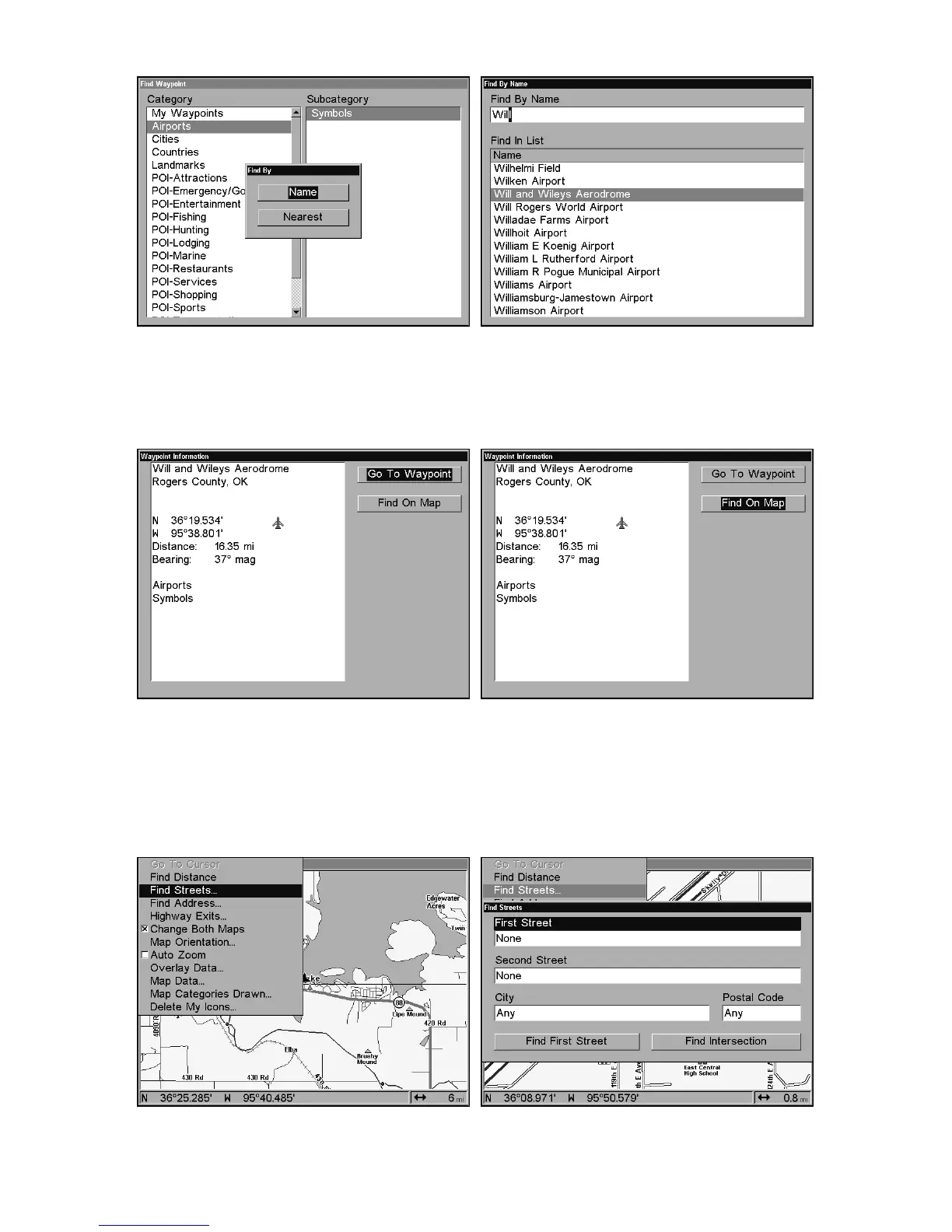
Find by Name option, left, Find by Name menu, right.
4. When the POI's Waypoint Information screen is displayed, you can
choose to "Go To" the POI waypoint by pressing
ENT
or find it on the
map by pressing→|
ENT
.
Go To Waypoint POI option, left; Find on Map POI option, right.
Find Streets or Intersections
Find a Street
1. From the Map Page, press
MENU
|↓ to
F
IND
S
TREETS
|
ENT
and the Find
Streets Menu appears.
Find Streets command, left, Find Streets menu, right.















 To Next Page