56
waypoint. Once programmed into the GPS unit, a route provides the
option of navigating forward through the route waypoints or in reverse
order (you can even begin navigating in the middle of a route!)
Create and Save a Route
You have the option of creating and editing a route in the unit, or you
can make a route on your computer with our MapCreate 6 software.
PC-created Routes
MapCreate is the easiest method for preparing a route, simply because
your PC's larger screen, keyboard and mouse are easier to manipulate
than the gimbal-mounted GlobalMap.
To load a MapCreate route into the GlobalMap, follow instructions in
MapCreate's manual for creating a route and saving it as part of a GPS
Data File (file format *.usr). Copy the GPS Data File to an MMC and
insert the MMC in the GlobalMap. (See Sec. 2 for instructions on in-
stalling MMCs. To load the GPS Data File into the GlobalMap memory,
see the entry on Transfer Custom Maps & GPS Data Files in Sec. 3,
Basic GPS Operations.)
Routes Created in the GlobalMap
You can create a route by selecting existing waypoints from the way-
point list or you can set a series of route waypoints on the map with
cursor arrows and the Enter key. In this example, we'll create a route
from the map.
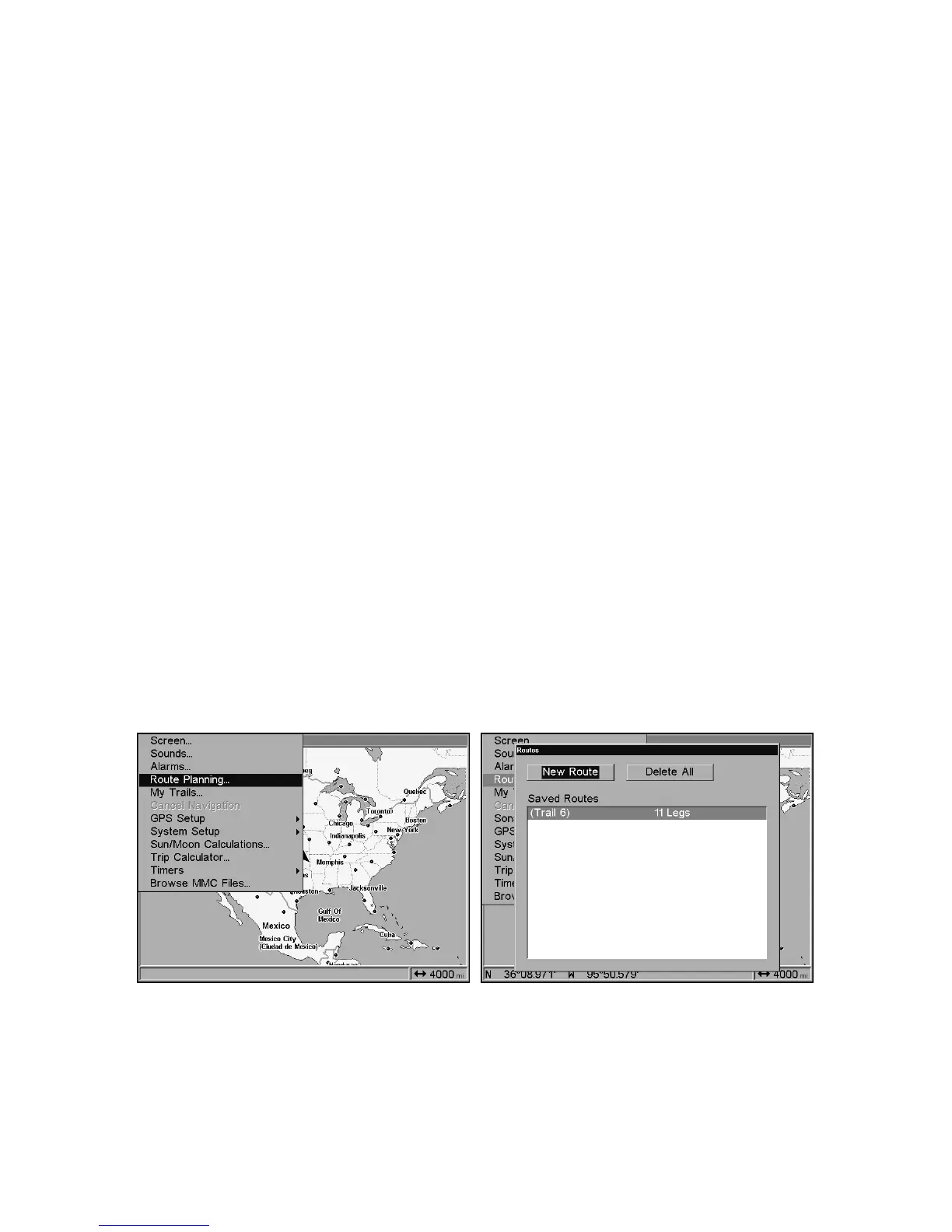
1. From the
N
AVIGATION
P
AGE
, press
MENU
|
ENT
or from the
M
AP
P
AGE
,
press
MENU
|
MENU
|↓ to
R
OUTE
P
LANNING
|
ENT
.
Route Planning command on Main Menu, left,
will open the Route List screen, right.
2. Press ↓ |↓ |↑ or↓ to route name|
ENT
|↓ to
(R
OUTE END
)
|
ENT
|↓ to
A
DD
F
ROM
M
AP
|
ENT
. The Map Page appears with the cursor showing.















 To Next Page