87
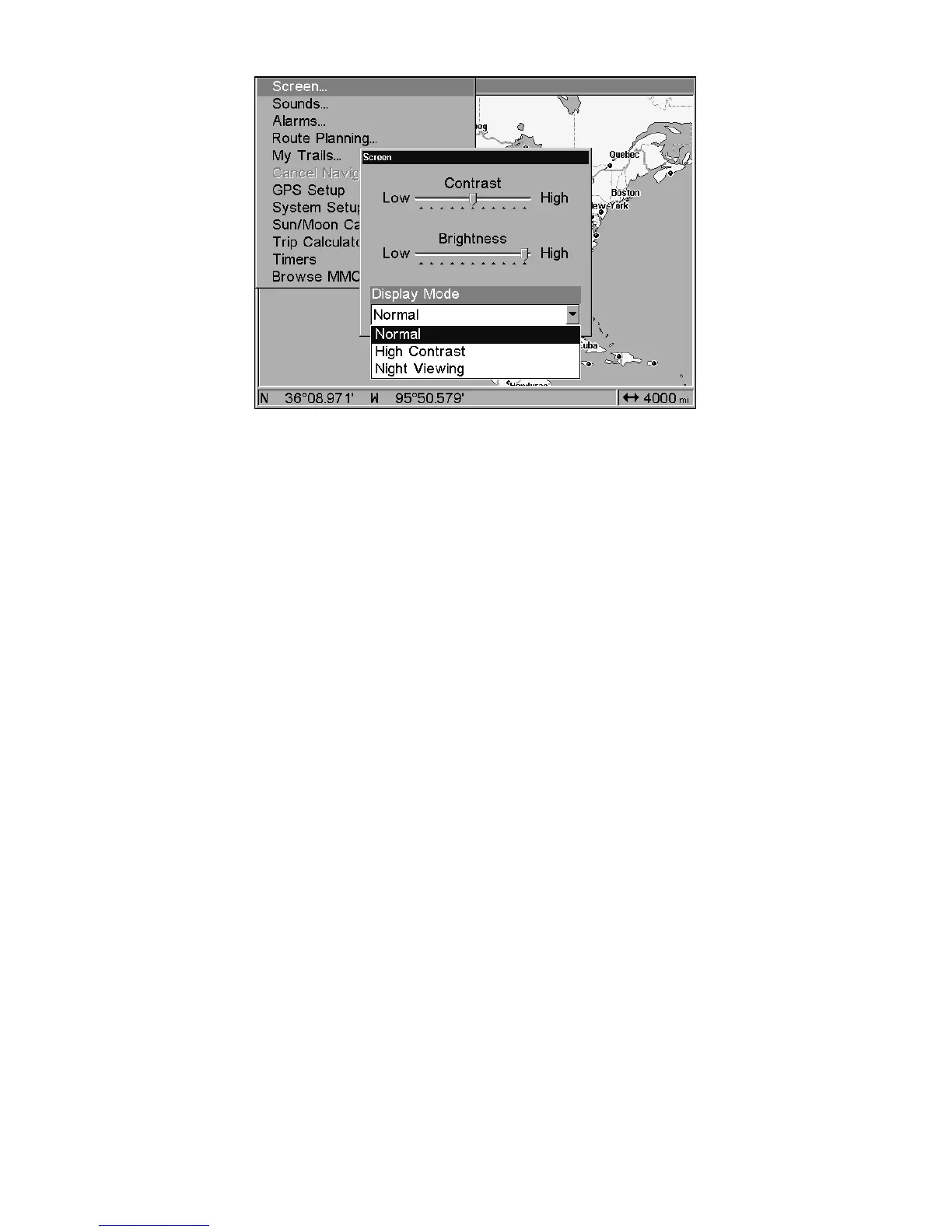
Display Mode menu.
Set Language
This unit's menus are available in 10 languages: English, French, Ger-
man, Spanish, Italian, Danish, Swedish, Russian, Dutch and Finnish.
To select a different language:
1. Press
MENU
|
MENU
|↓ to
S
YSTEM
S
ETUP
|
ENT
.
2. Press ↓ to
S
ET
L
ANGUAGE
…
|
ENT
.
3. Use ↓ or ↑ to select a different language and press
ENT
. All menus
now appear in the language you selected.
Set Local Time
Using the correct local time setting is handy when estimating local ar-
rival time while navigating. Also, the time and date are saved when a
waypoint is created.
To access the Set Local Time menu, you must first acquire your posi-
tion. Once that is done: press
MENU
|
MENU
|↓ to
S
YSTEM
S
ETUP
|
ENT
|↓ to
S
ET
L
OCAL
T
IME
|
ENT
.
Once in the Time Settings menu:
To set Local Time: Press
ENT
. Press ↑ or ↓ to change the first charac-
ter, then press → to move the cursor to the next character. Repeat until
the time is correct, then press
ENT
.
To set the Month: Press ↓ to
M
ONTH
|
ENT
. Press ↑ or ↓ to select the
month, then press
ENT
.
To set the Day: Press → to
D
AY
|
ENT
. Press ↑ or ↓ to select the day,
then press
ENT
.















 To Next Page