92
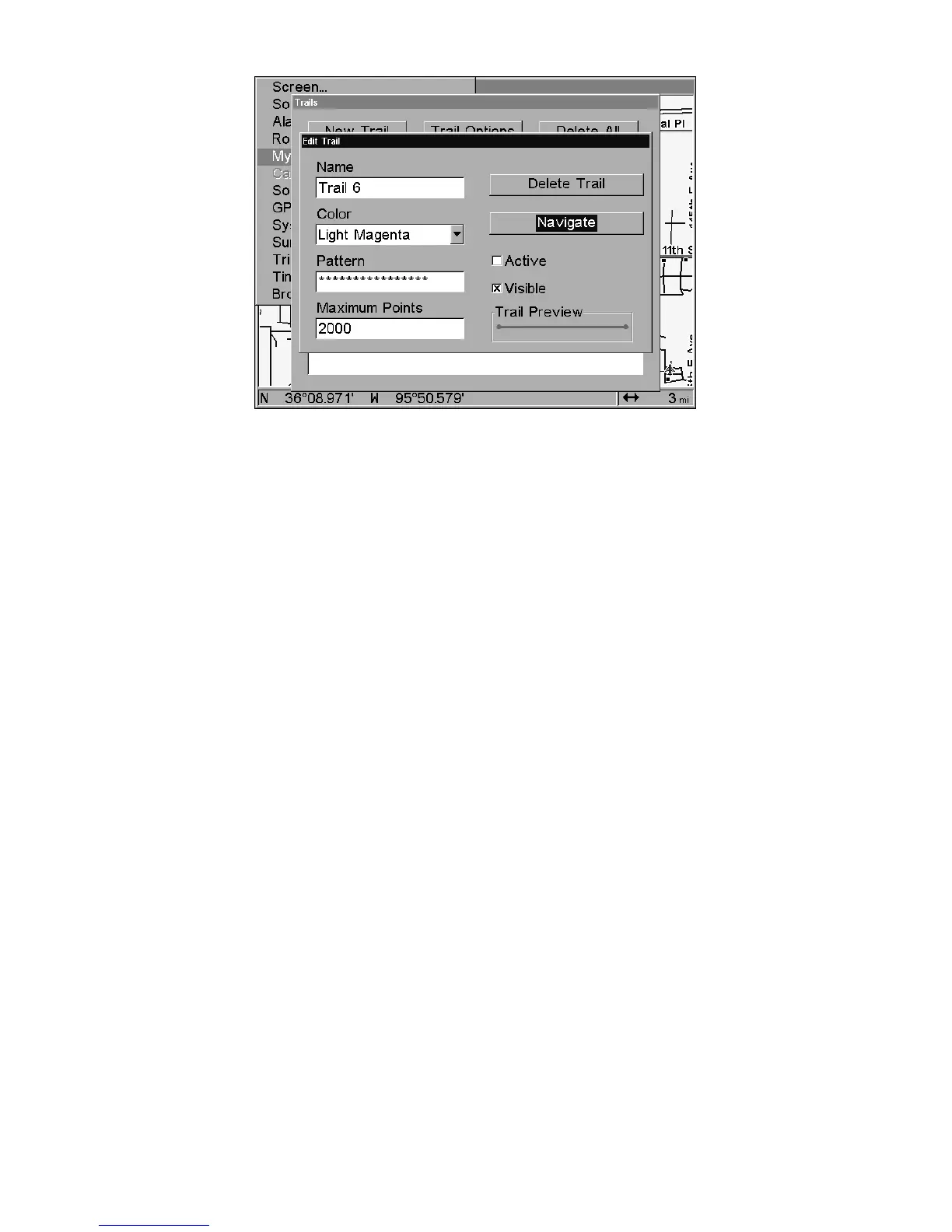
Edit Trail menu.
New Trail
To manually start a new trail, in the Trails Menu, make sure NEW TRAIL
is highlighted and press ENT|EXIT.
Trail Visible/Invisible and Other Trail Options
The name, maximum number of points in the trail, activity, and visi-
bility are all changed on the Edit Trail menu screen. The Active setting
determines whether or not the GlobalMap is recording new points for a
particular trail.
On the Edit Trail menu, press ↓ or ↑ to highlight the section you wish
to change, then press
ENT. Make your changes, then press EXIT to erase
this menu.
Units of Measure
This menu sets the speed and distance (statute or nautical miles, me-
ters), depth (feet, fathoms, or meters), temperature (degrees Fahrenheit
or Celsius) and heading (true or magnetic) units. To change the units:
Press
MENU|MENU|↓ to SYSTEM SETUP|ENT|ENT.















 To Next Page