77
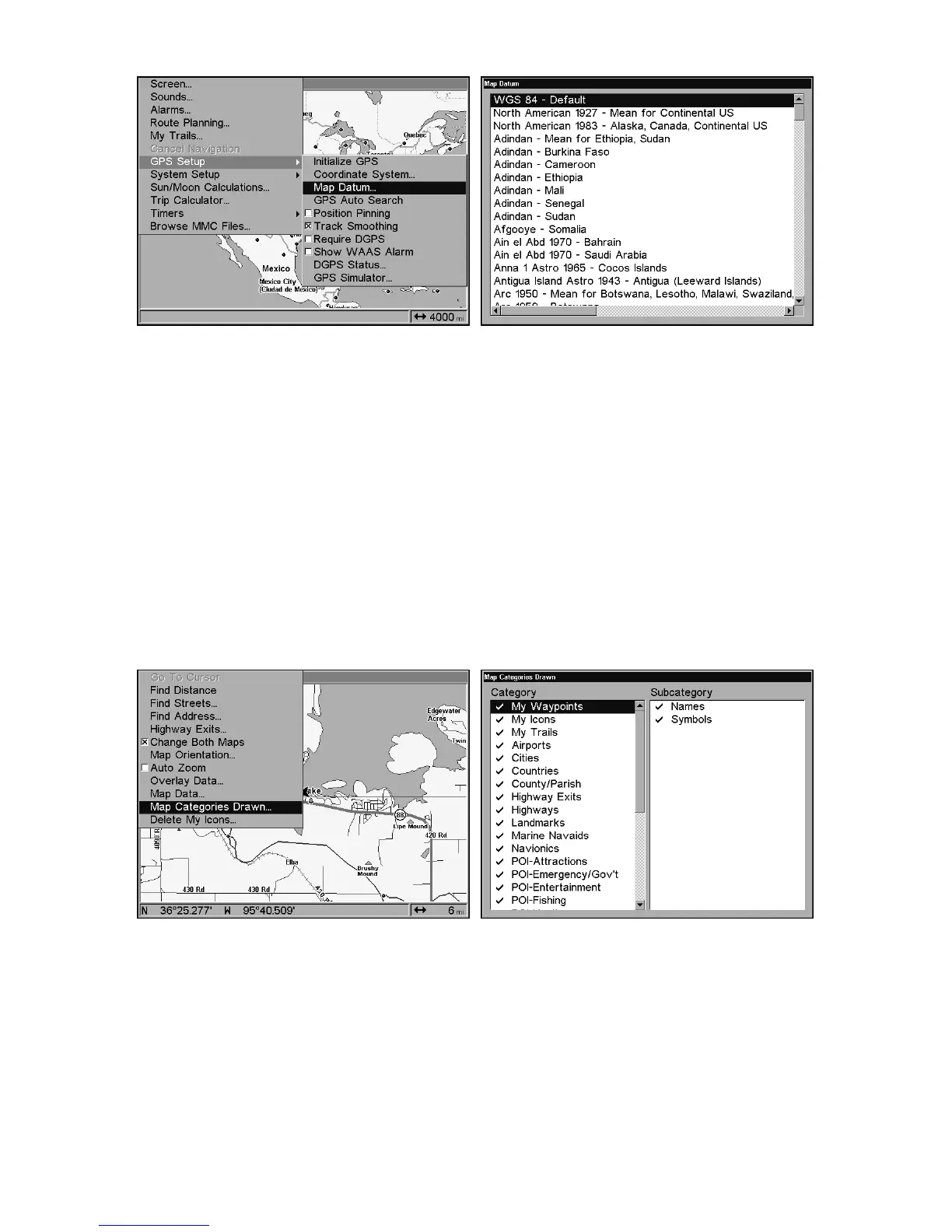
GPS Setup Menu, left, Map Datum Menu, right.
Map Detail Category Selection
This menu determines which of the mapping features are shown on the
screen. This includes, waypoints, trails, icons, cities, highways, etc. You
can selectively turn on or off any of these items, customizing the map to
your needs.
To get to Map Categories:
1. From the Map Page, press
MENU
|↓ to
M
AP
C
ATEGORIES
D
RAWN
|
ENT
.
2. Press ↑ or ↓ to select a category or press → then press ↑ or ↓ to select
a subcategory. Press
ENT
to turn it off (no check) or on (checked.)
3. To return to the last page displayed, press
EXIT
|
EXIT
.
Map Menu, left, Map Categories Drawn Menu, right.
Map Orientation
By default, this receiver shows the map with north always at the top of
the screen. This is the way most maps and charts are printed on paper.















 To Next Page