67
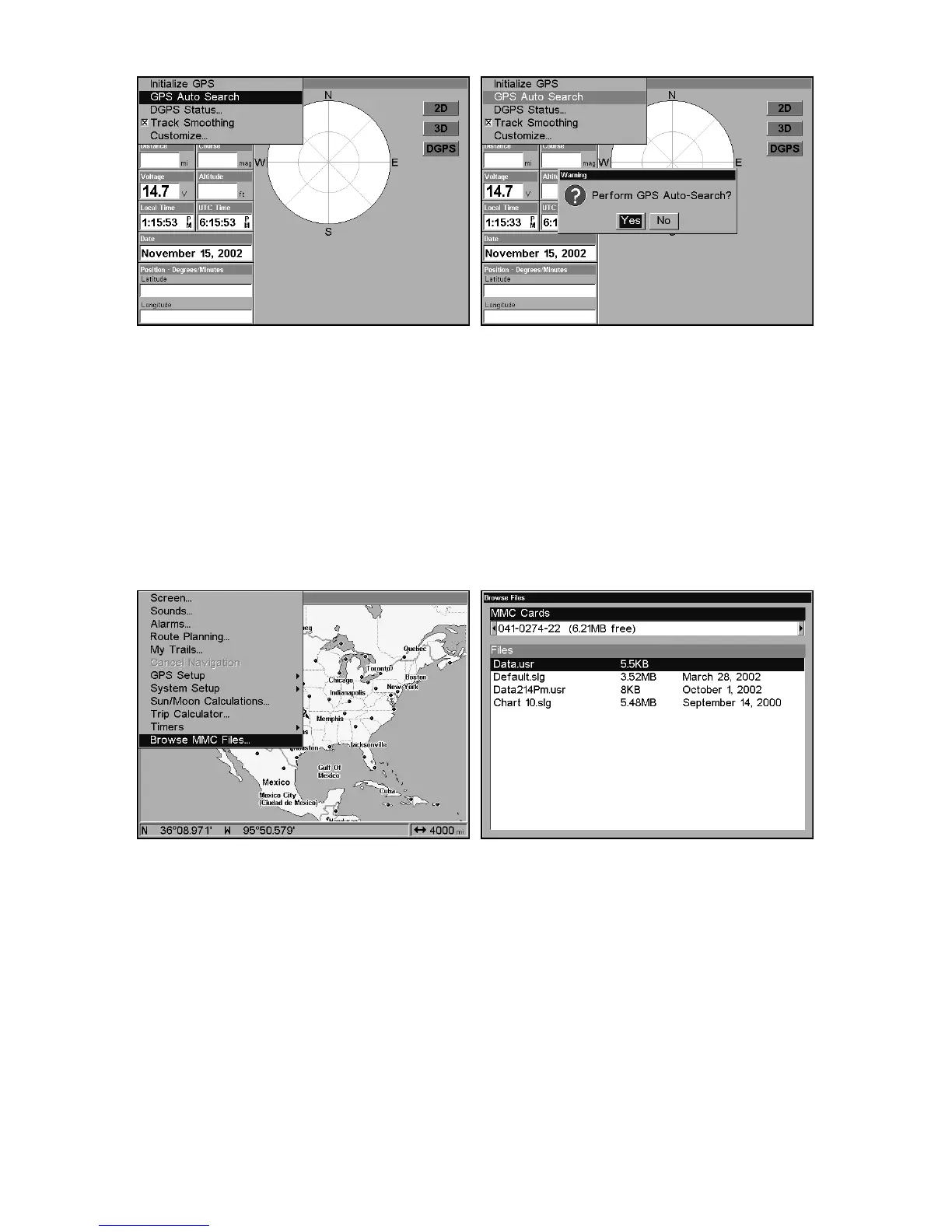
GPS Auto Search on the Satellite Status Menu.
You can force the unit to immediately kick into auto search mode.
Here's how:
1. Press
PAGES
until you are on the Satellite Status screen.
2. Press
MENU
|↓ to
GPS A
UTO
S
EARCH
|
ENT
|← to
Y
ES
|
ENT.
Check MMC Files and Storage Space
To check MMC Files:
Press
MENU
|
MENU
|↓ to
B
ROWSE
MMC F
ILES
|
ENT.
Main Menu, left, MMC File Browser, right.
Communications Port Configuration
The GlobalMap has two NMEA 0183 version 2.0 compatible communi-
cation ports, or com ports for short. The Com Port Menu, which is ac-
cessed from the System Setup Menu, allows you to configure the com-
munications ports to send or receive data to another electronic device,
such as an autopilot. Com port 1 can be used for either NMEA or DGPS
Binary data transfer. Com port 2 is for NMEA output only.















 To Next Page