86
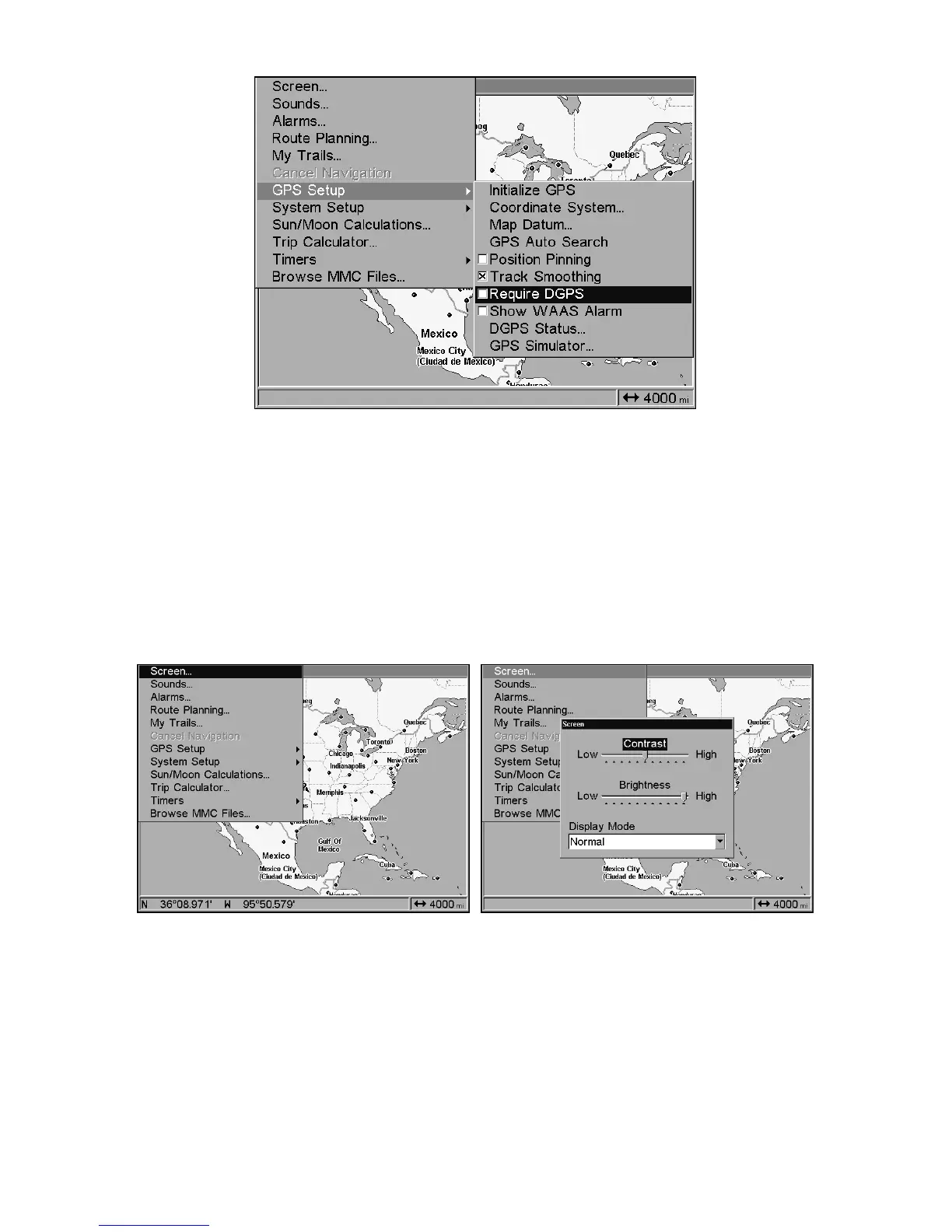
Require DGPS command on the GPS Setup Menu.
Screen Contrast and Brightness
To access the Screen menu, press
MENU
|
MENU
|
ENT
.
Once in the Screen menu:
To adjust the display's contrast:
The
C
ONTRAST
slider bar is already selected. Press → or ← to move the
bar. The left end of the scale is minimum contrast; the right end is
maximum contrast.
Screen Command, left, and Screen Menu with Contrast bar selected, right.
To adjust the display's brightness:
Press ↓ to
B
RIGHTNESS
. Press → or ← to move the bar. The left end of the
scale is minimum contrast; the right end is maximum contrast.
To adjust the screen's display mode:
Press ↓ to
D
ISPLAY
M
ODE
|
ENT
|press ↑ or ↓ to select mode|
EXIT
.















 To Next Page