59
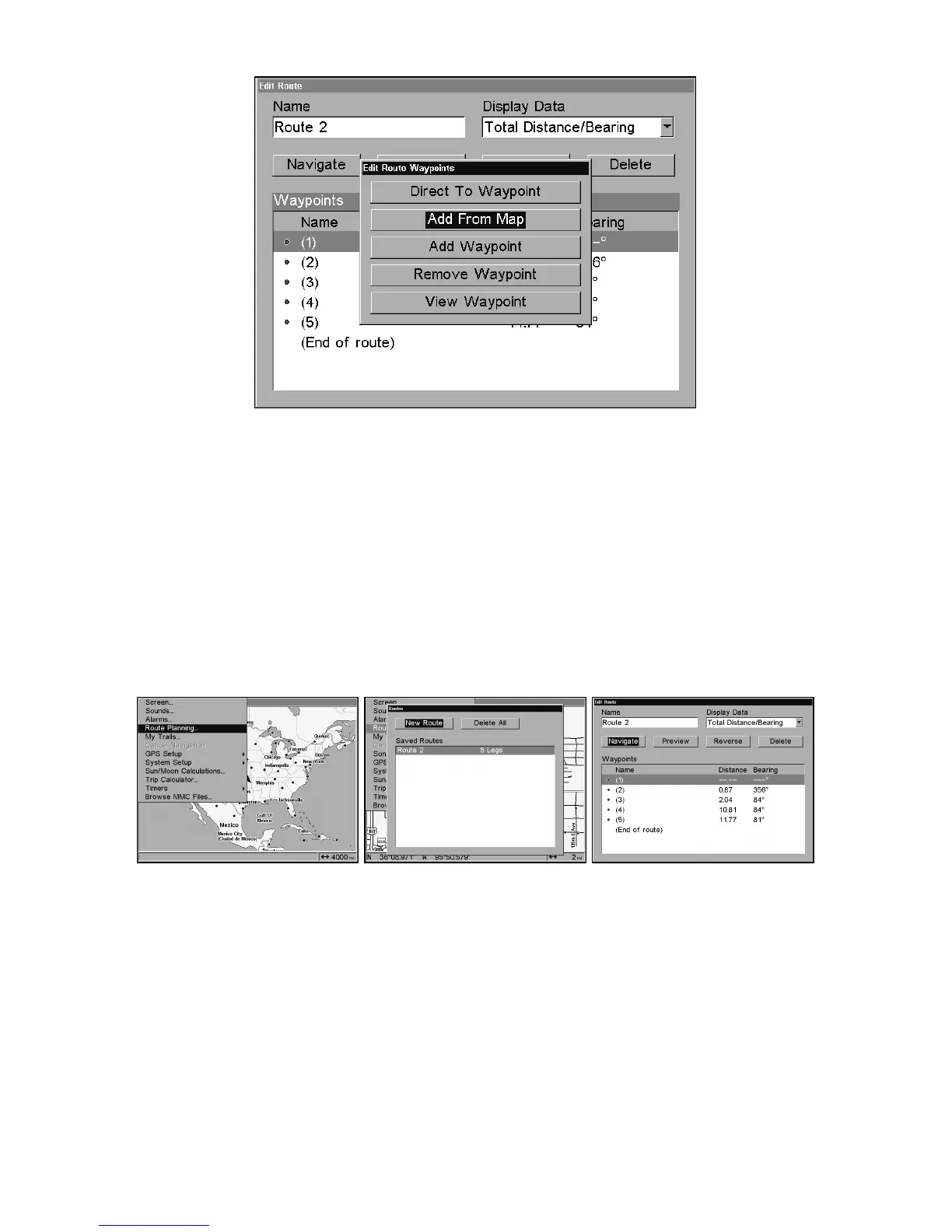
Edit Route Waypoints menu.
3. Use ↓ and ↑ to select a command from the Edit Route Waypoints
menu and press
ENT
. Add From Map lets you insert a waypoint in the
route by clicking on a map location with the cursor. Add Waypoint calls
up the Waypoint List so you can insert a waypoint from the list. Re-
move Waypoint will delete the waypoint from the route. View Waypoint
will show you where the selected waypoint is on the map.
Navigate a Route
1. From the
N
AVIGATION
P
AGE
, press
MENU
|
ENT
or from the
M
AP
P
AGE
,
press
MENU
|
MENU
|↓ to
R
OUTE
P
LANNING
|
ENT
.
Route Planning command on Main Menu, left; Routes menu, center;
Edit Route menu, right. Navigate command is selected.
2. Press ↓ to select route name|
ENT
|↓ to
N
AVIGATE
|
ENT
|
ENT
.
3. Upon arrival at your destination, cancel navigation:
press
MENU
|
MENU
|↓ to
C
ANCEL
N
AVIGATION
|
ENT
|
← to Y
ES
|
ENT
.
The following figures show what the Navigation Page and Map Page
look like while navigating a route.















 To Next Page