62
then press → to the next character and repeat until the pattern is cor-
rect. Press
ENT
, then
EXIT
|
EXIT
|
EXIT
|
EXIT
to return to the previous
page display.
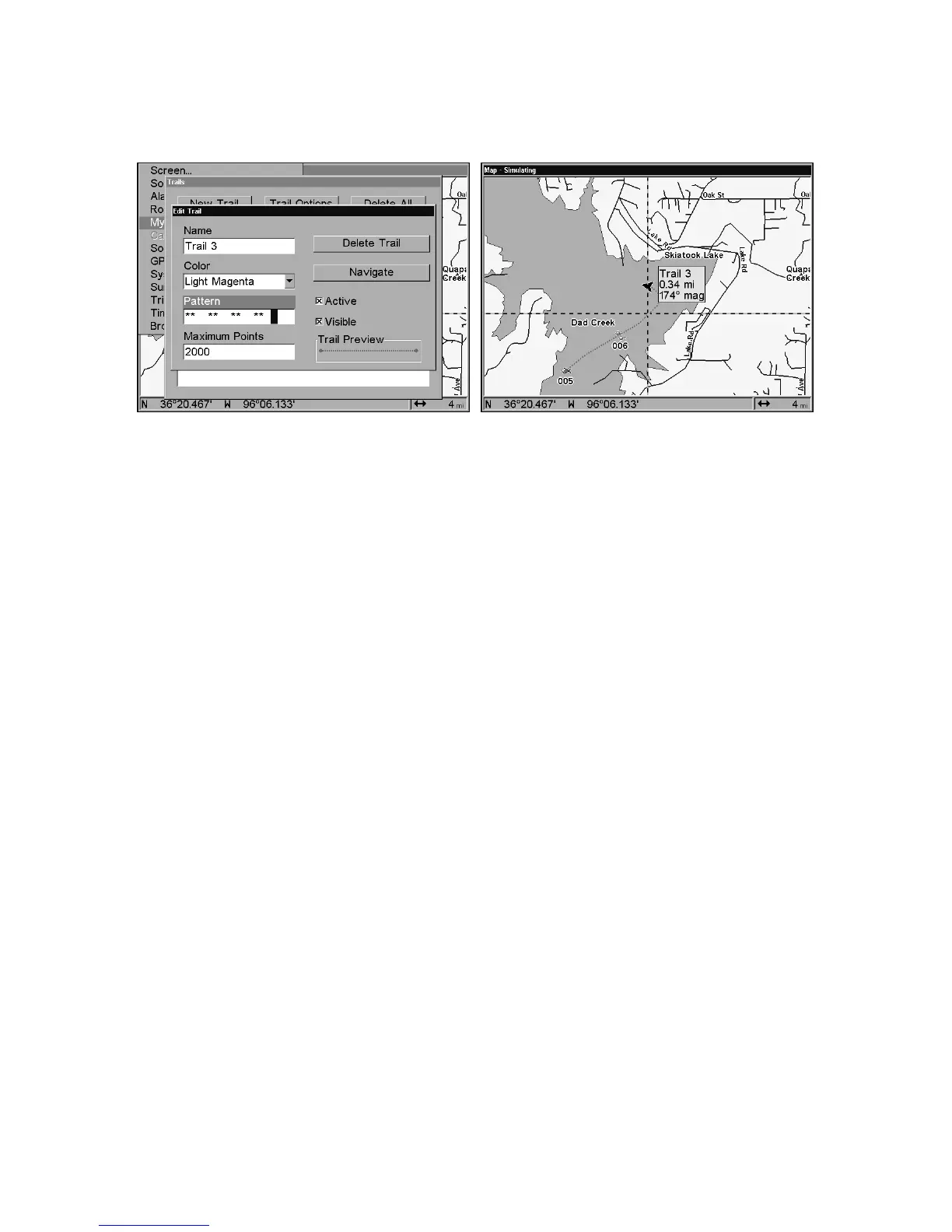
At left, Edit Trail Menu with Pattern option selected. At right, edited
trail with dotted line pattern.
Utilities
Utilities are useful tools for traveling or for outdoor activities.
Alarm Clock
To get to the alarm clock menu: press
MENU
|
MENU
|↓ to
T
IMERS
|
ENT
|↓
to
A
LARM
C
LOCK
|
ENT
.
Sun/Moon Rise & Set Calculator
To get to the Sun/Moon menu: press
MENU
|
MENU
|↓ to
S
UN
/M
OON
C
ALCULATIONS
|
ENT
.
Trip Calculator
To get to the Calculator menu: press
MENU
|
MENU
|↓ to
T
RIP
C
ALCU-
LATOR
|
ENT
.
Trip Down Timer
To get to the Down Timer menu: press
MENU
|
MENU
|↓ to
T
IMERS
|
ENT
|↓
to
D
OWN
T
IMER
|
ENT
.
Trip Up Timer
To get to the Up Timer menu: press
MENU
|
MENU
|↓ to
T
IMERS
|
ENT
|
ENT
.
Waypoints
Delete a Waypoint
To delete a waypoint from the waypoint list: press
WPT
|
ENT
|
ENT
|
ENT
|↓ to waypoint name|
ENT
|↓ to
D
ELETE
W
AY-
POINT
|
ENT
|← to
Y
ES
|
ENT
. To return to the previous page, press
EXIT
|
EXIT
.















 To Next Page