93
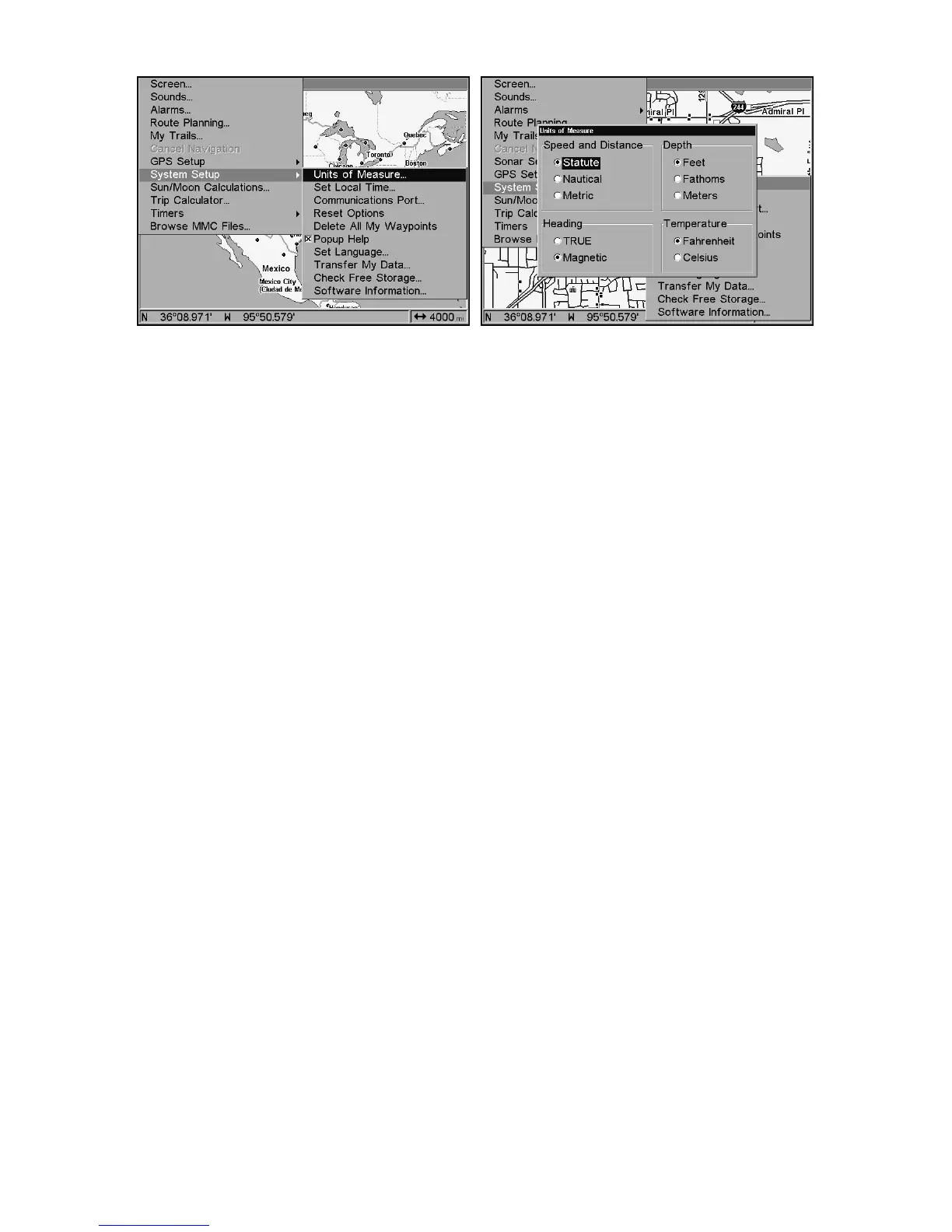
System Setup Menu, left, Units of Measure Menu, right.
To set Speed/Distance Unit of Measure: Press ↑ or ↓ to change the
Speed/Distance, then press
ENT
. After the option is set, press
EXIT
|
EXIT
|
EXIT
to return to the page display.
To set Heading: Press ↑ or ↓ to change the heading type, then press
ENT
. After the option is set, press
EXIT
|
EXIT
|
EXIT
to return to the page
display.















 To Next Page