47
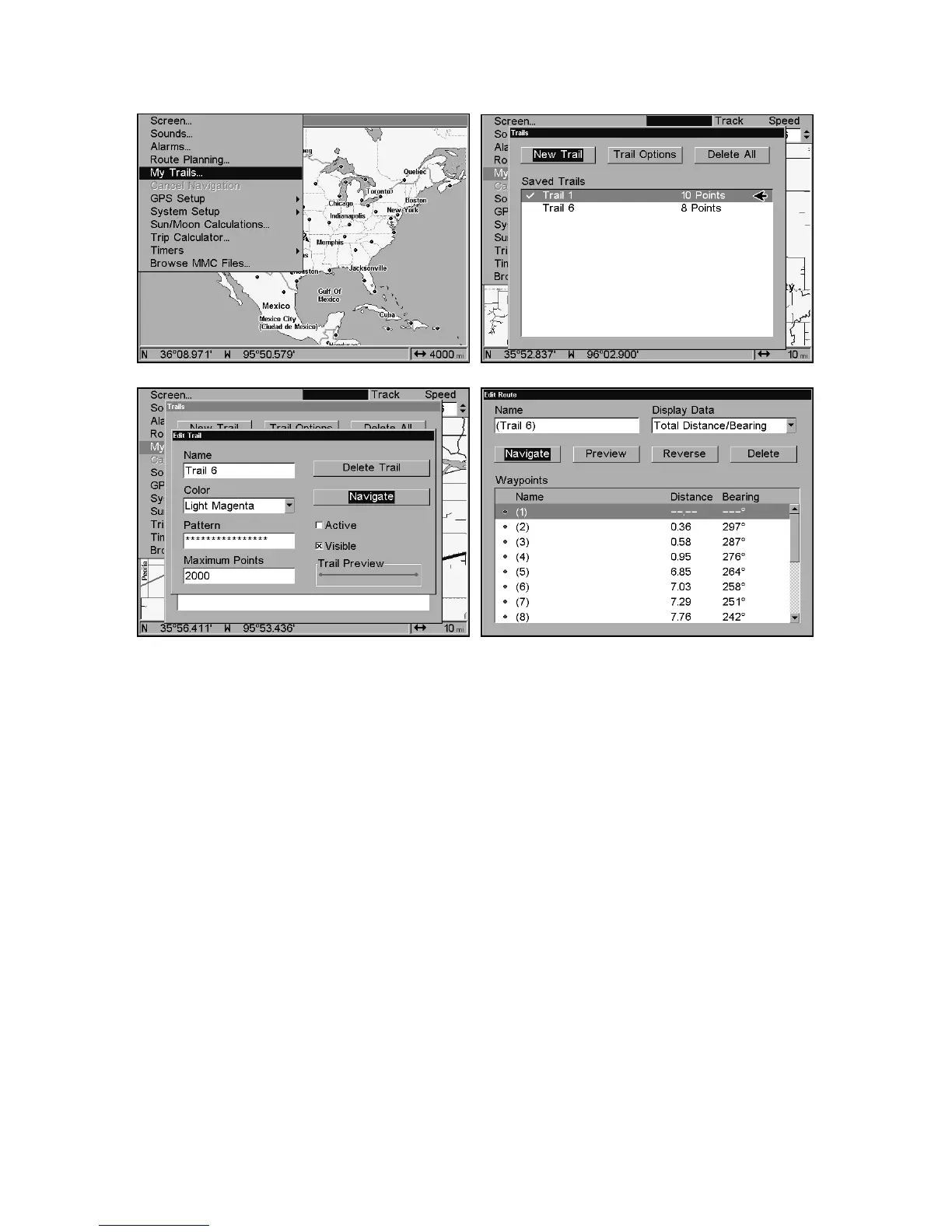
Navigate a trail menu sequence: Fig. 1, My Trails command. Fig. 2,
Trails Menu. Fig. 3, Edit Trail Menu. Fig. 4, Edit Route Menu with
Navigate command highlighted for Trail 6. A trail is always converted
to a "route" when you navigate the trail.
On the Map Page, the trail you are navigating is represented by a ma-
genta line. The Navigation Page will also show the navigated trail as a
magenta line. The bearing arrow on the compass rose points to the next
waypoint on the trail.
As you travel, the arrival alarm will go off when you near a trail way-
point, and the bearing arrow on the compass rose will swing around
and point to the next trail waypoint. Press
EXIT
to clear the alarm.
Figure 3.
Figure 4.
Figure 1.
Figure 2.















 To Next Page