EasyManua.ls Logo

LSLIDAR C32 - Page 13

LSLIDAR C32
51 pages
Print Icon
To Next Page IconTo Next Page
To Previous Page IconTo Previous Page
Loading...
8
Table 2.4 Wire Definition of P1
S/N
Wire Color & Size
Definition
Description
1
Red (20AWG)
VCC
Power+
2
Orange (24AWG)
Ethernet TX1+
-
3
Light Orange (24AWG)
Ethernet TX1-
-
4
Light Blue (24AWG)
Ethernet RX2+
-
5
Blue (24AWG)
Ethernet RX2-
-
6
Yellow (20AWG)
GPS_PPS
GPS Sync Pulse/External Sync
Pulse
7
White (20AWG)
GPS_Rec
GPS latitude & longitude,
hour/minute/second
8
Black (20AWG)
GND
Power-
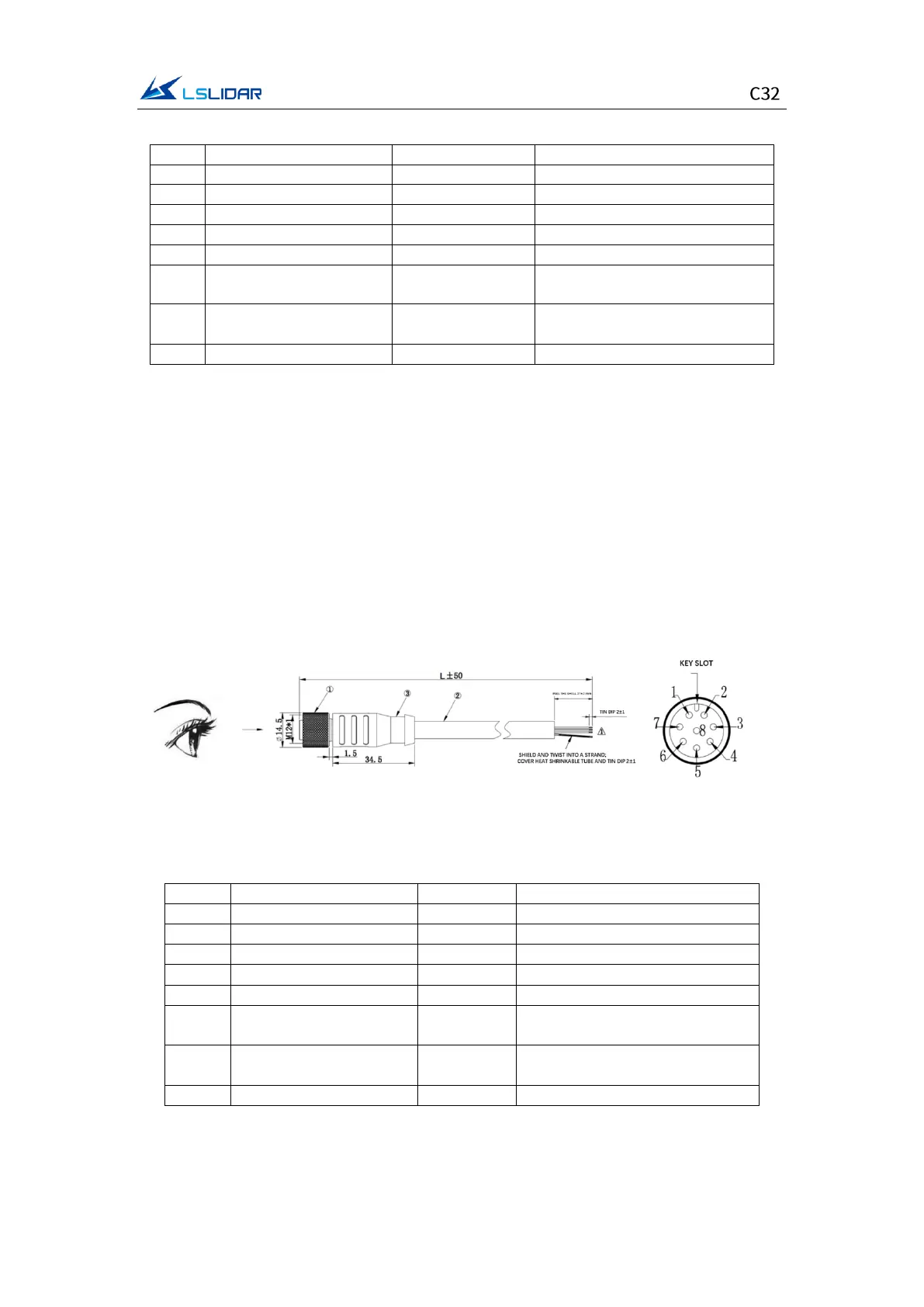
(2) Extension Cable (Optional)
If an extension cable is needed, LeiShen Intelligent can provide an optional
customized extension cable. When plugging and unplugging the cable, be careful
not to plug it with power on, otherwise it will cause irreversible damage. To plug
the cable, align with the key position and insert it into the connector, and then
rotate the cover to fix it to ensure good contact and not loose. To unplug it, first
rotate the cover, loosen it and then pull it out. Do not use brute force to avoid
terminal deformation or even short circuit. If the connector is damaged, please
contact technical support in time to replace it. The connector terminal model of
the extension cable is: L102-M12-T08A02M.
Figure 2.4 C32 Lidar Extension Cable (unit: mm)
Table 2.5 Wire Definition of the Lidar Extension Cable
S/N
Wire Color & Size
Definition
Description
1
Red (20AWG)
VCC
Power+
2
Light Blue (24AWG)
TD_N
Ethernet TX-
3
Blue (24AWG)
TD_P
Ethernet TX+
4
Light Orange (24AWG)
RD_N
Ethernet RX-
5
Orange (24AWG)
RD_P
Ethernet RX+
6
Yellow (20AWG)
GPS_PPS
GPS Sync Pulse/External Sync
Pulse
7
White (20AWG)
GPS_Rec
GPS latitude & longitude,
hour/minute/second
8
Black (20AWG)
GND
Power-
(3) Interface Box (Optional)
To facilitate the testing and connection of connectors, the C32 lidar can also be

Related product manuals