13
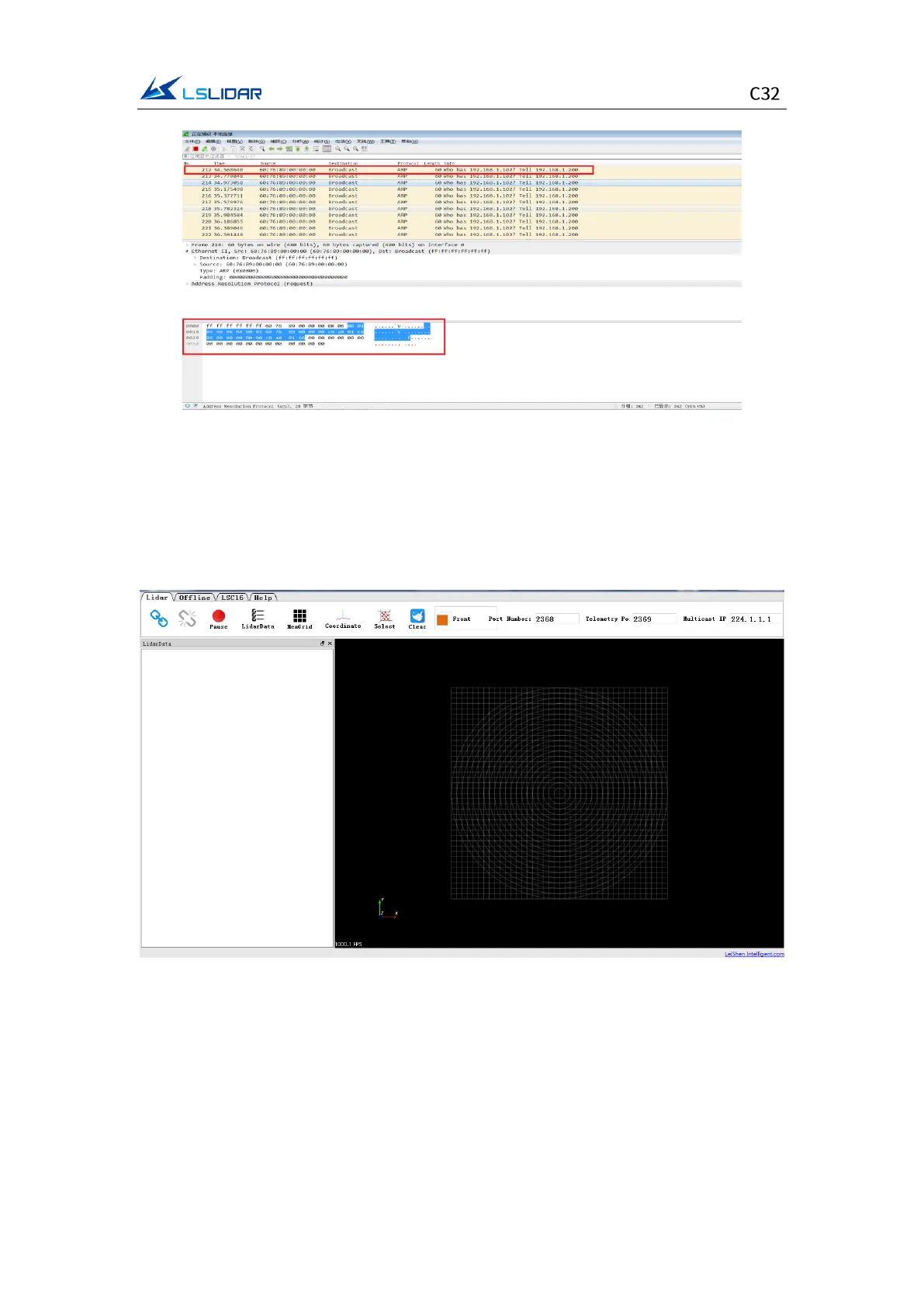
Figure 4.1 Wireshark Captures ARP Packet
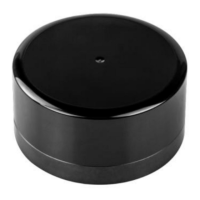
4.1.2 Windows Client Interface
The software interface includes menu area, tool bar area, 3D window area, data
table area, etc.
Figure 4.2 Windows Client Interface
Note: To view the software version, click “Help->About” in the toolbar.
The point cloud display interface supports the following operations:
1) Zoom in/out the display interface with the mouse wheel; hold the right mouse
button and drag it up/down to zoom in/out.
2) Hold the left mouse button and drag it to adjust the angle of view;


 To Next Page