English - 49
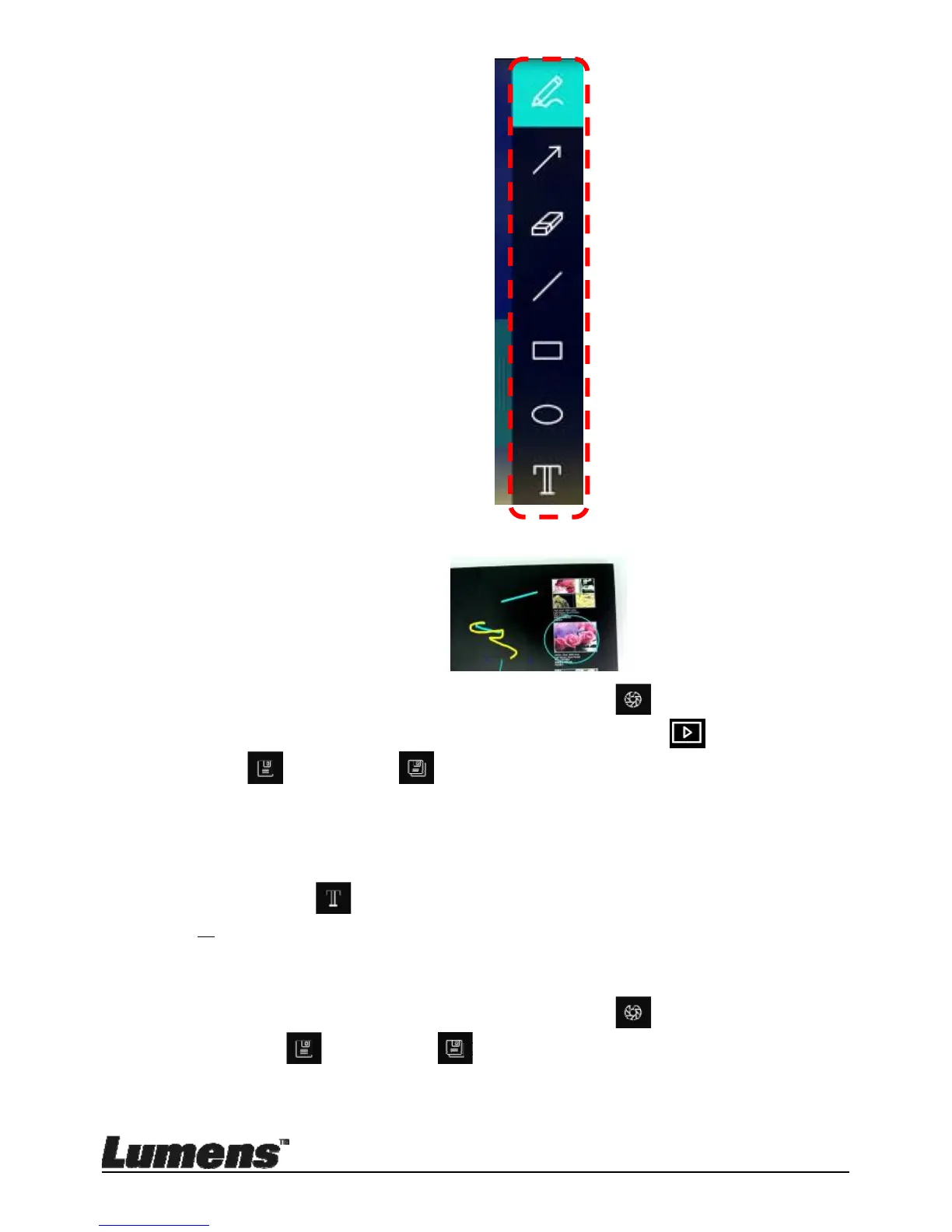
Mark or annotate the displayed image.
<Remark> If they are live images, you can click
to capture images.
If the image files are opened on image browser page
, you can
press the
[SAVE] or [SAVE AS] to save files
8.9 I would like to add textual annotation to images
Select .
Select range on page and enter text
<Remark> If they are live images, you can click
to capture images.
You can click
[SAVE] or [SAVE AS] to save files if they are
image files.


 To Next Page
 Loading...











