Page 43 of 60
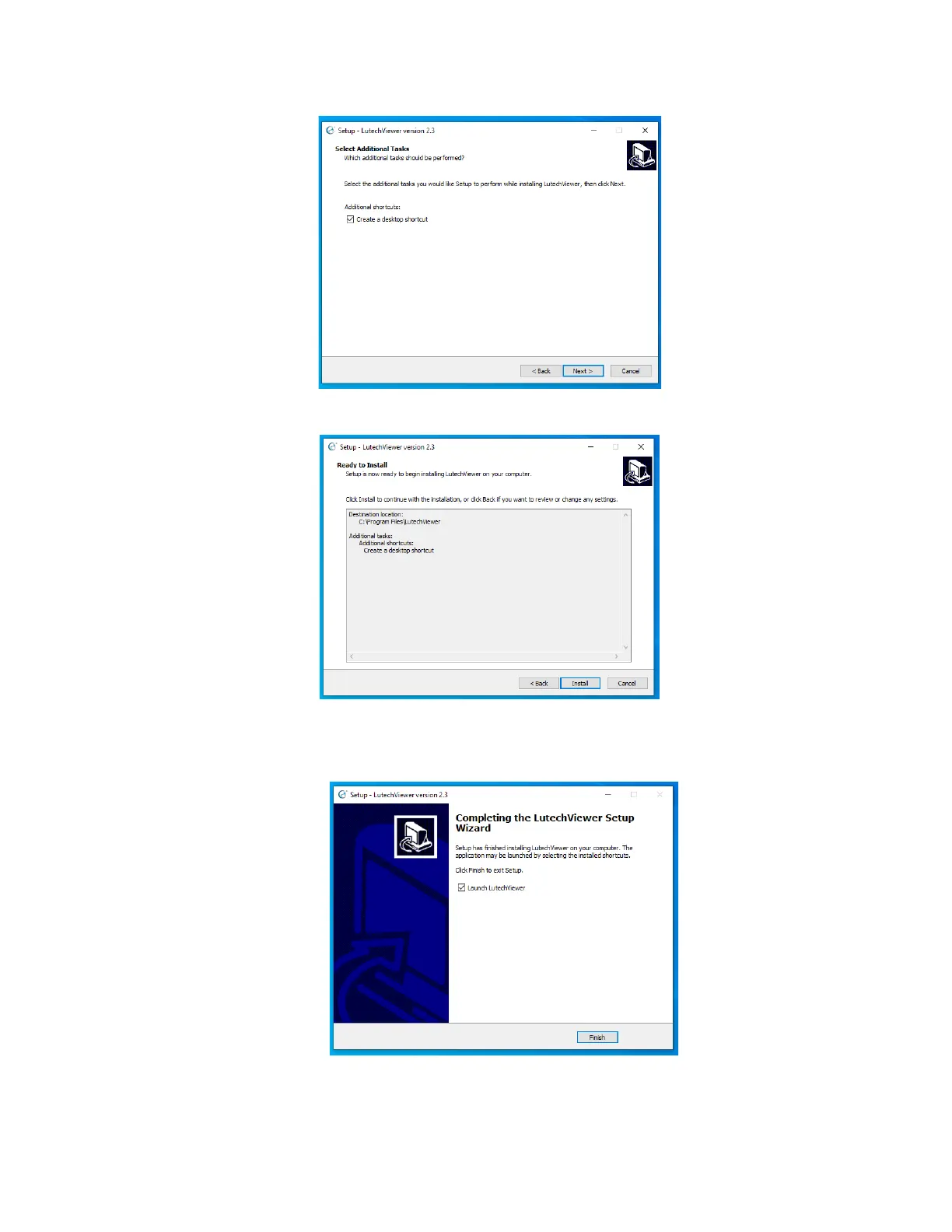
you to quickly open the software when needed. Click the “Next” button to continue.
6. The software is now ready to install. Click the “Install” button to continue.
7. The installation is now complete. Check the box next to “Launch LutechViewer” if you would like to start the
software when you click on the “Finish” button. Otherwise, click the “Finish” button to complete installation
and exit the installation screen.
When you are ready to start the Lutech Viewer program, find the Lutech Viewer shortcut icon on the desktop
and double click it. This will launch the Lutech Viewer.



 To Next Page