Page 44 of 60
6.3 Operation
6.3.1 Main Screen
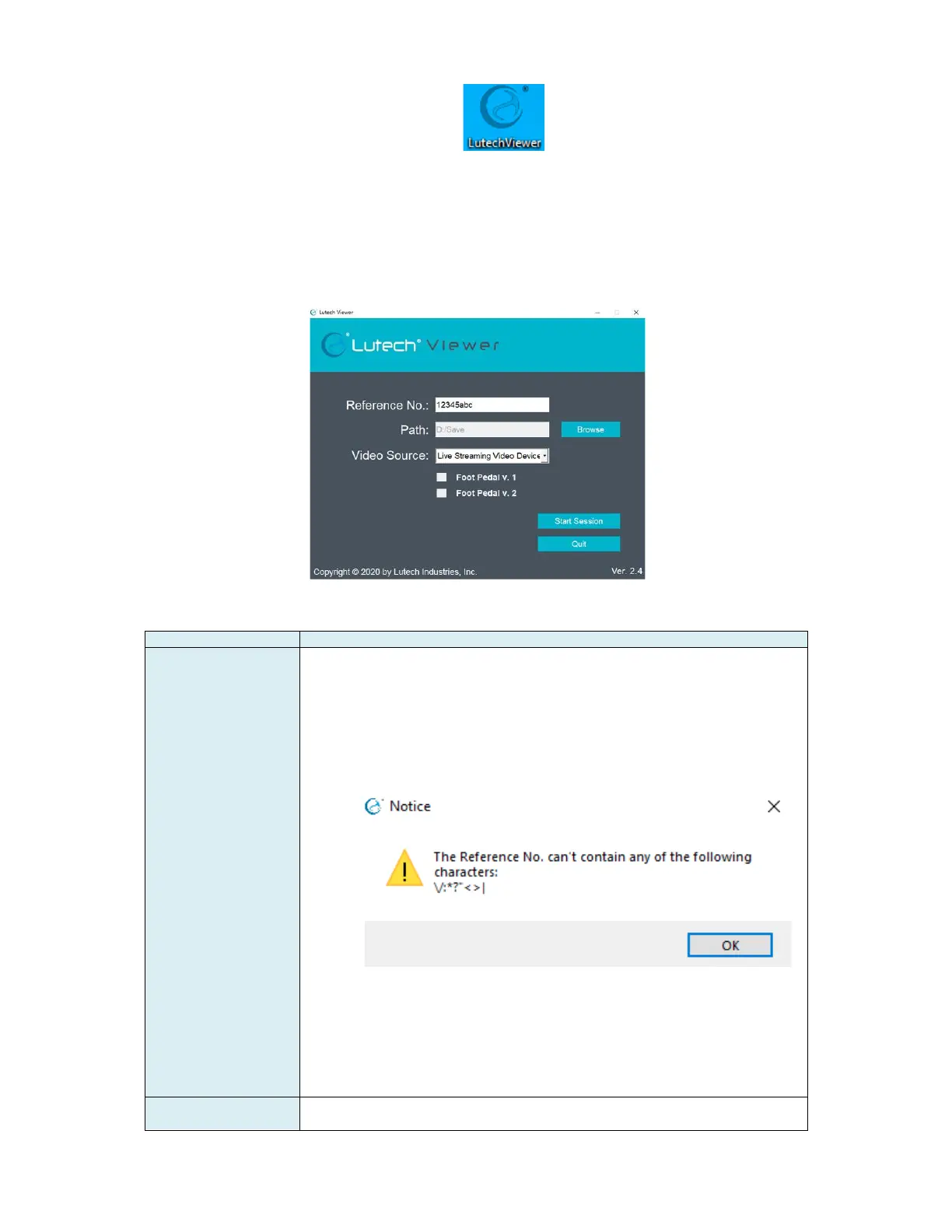
When the program starts, you will be presented with the Main Screen below.
To continue, you must fill in the fields below.
The reference number is any combination of alphanumeric value
designated by the user. There is a maximum of 20 characters
allowed.
NOTE: The following symbols cannot be used within the Reference
No. field: \< > ? * : | "/
Using these symbols will open an error message:
The reference number will be used in the name of the automatically
generate folder where all pictures and videos from this session will be
saved.
The reference number will also be used in the naming structure of the
picture and video files.
NOTE: At the start of each new session, the reference number field
will be cleared automatically and will need to be filled in to continue.
Use the Browse button to the right of the Path field to choose where
the pictures and videos will be saved. When the session starts, a



 To Next Page