6.2.2 Downloading the Software
If you have purchased a Lutech colposcope, you would have gotten the Lutech Viewer on the USB drive that
came with the colposcope. If you did not get this USB drive, you may request a download link from your
Lutech representative. Please contact Lutech by phone or email during operating hours.
6.2.3 Installing the Software
Follow the steps below to install the Lutech Viewer onto your computer.
1. Connect the USB stick to the computer or download the software from the Lutech website.
2. Using file manager, open your USB stick folder or the download folder. Locate the Lutech Viewer file.
3. Double click the “LutechViewer” file to start installation.
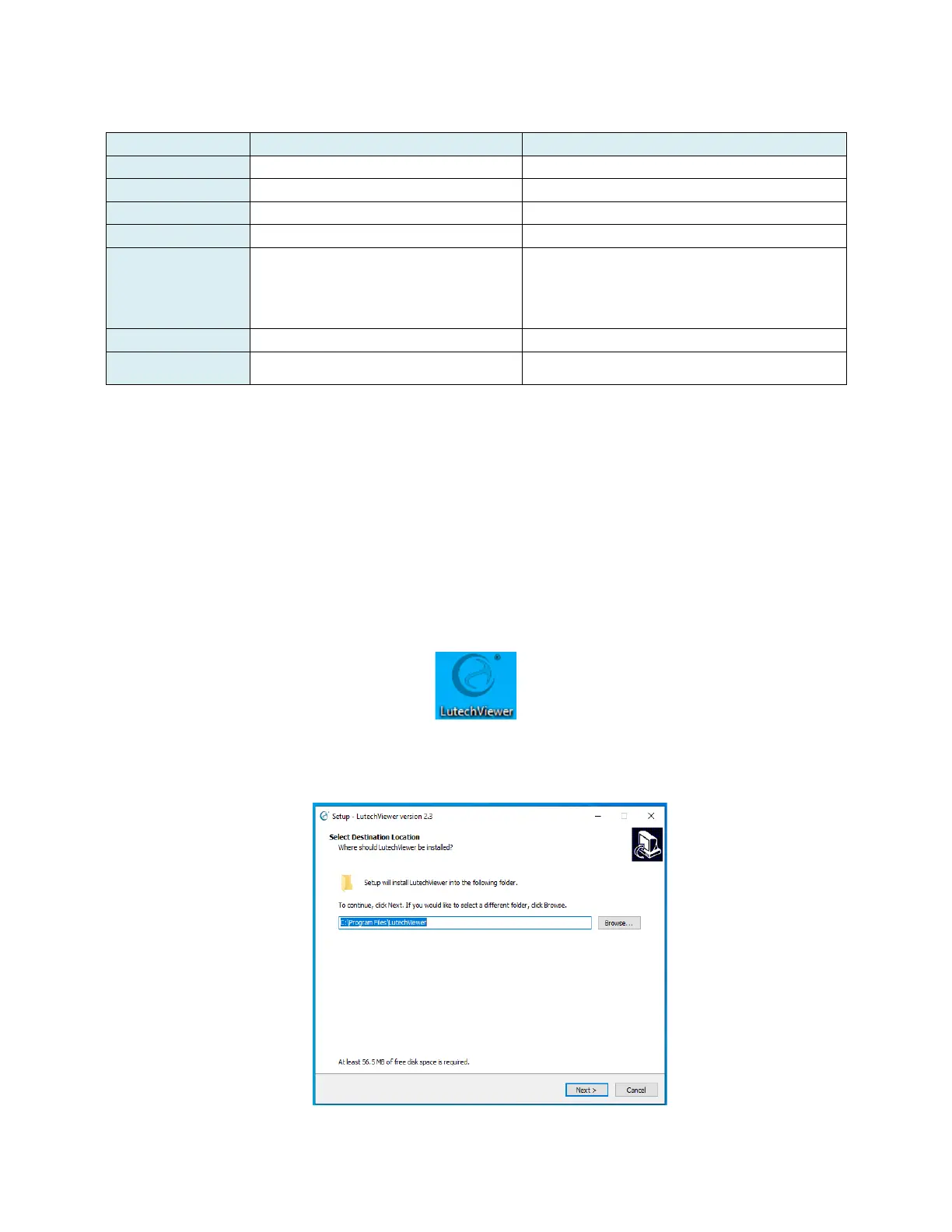
4. The installation manager will automatically select a destination folder. Click the “Next” button to continue.
Please double check this directory to make sure it is where you want to place this software.
5. Select “Create a desktop shortcut”, which will place the Lutech Viewer icon on your desktop. This will allow



 To Next Page