MA Lighting Technology GmbH
.
Dachdeckerstr. 16
.
D-97297 Waldbüttelbrunn
.
Fax: +49 931 4979429
.
www.malighting.de
1414
1414
14
Advanced Chaser Playback (Scene Playback)
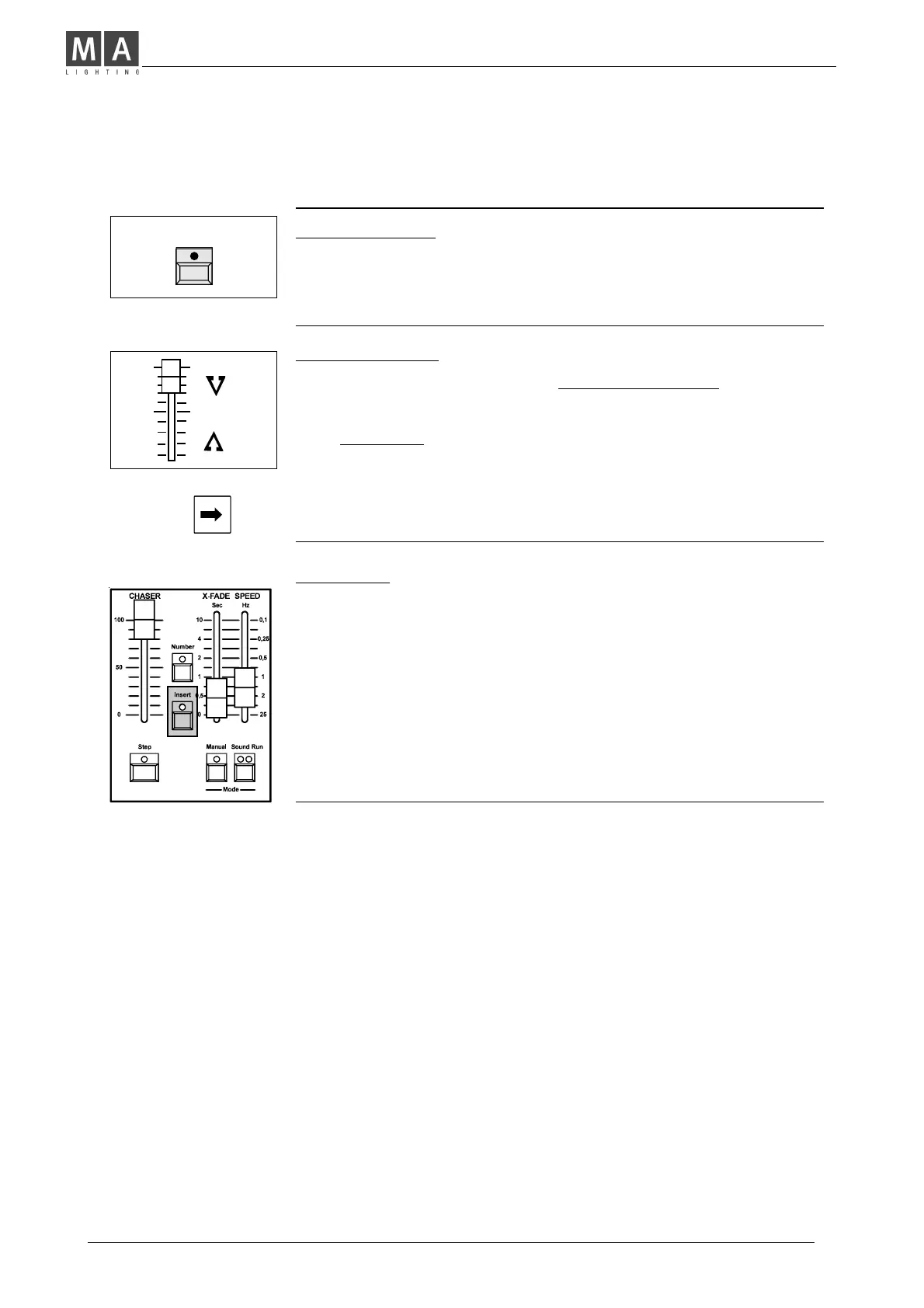
Manual Step / GO
• Turn RUN OFF and press Step (GO) to recall steps.
• Steps are fading in with preselected X-Fade time or (using
Theatre Mode) with the stored time for this step.
Turn RUN ON again: Chase is continued automatically.
Manual Crossfade
• Turn Manual on and see the Chaser to be stopped.
Î Push X-Fader from end to end.
Steps appear in the preprogrammed order.
Î STOPPING a manual Chase:
1. Set Chaser Master to zero (Fade remains active), or....
2. Use Number to start a Chaser without preprogrammed Steps.
Î Being in manual Playback, you have to fade out Steps
manually, also.
(Use Step button or manual X-Fader).
Insert Mode
Changing Steps, Memories and Preset-A-:
• Turn Insert on and press Step, or.......
use the X-Fader, if Manual is selected.
• The previous Step is fading in (Insert Step).
If a Memory is selected, the Fade toggles between fading in
the memory and than the step, again.
Î Note: Master-A-Flash enables the entire Preset to be inserted.
Inserting Memories
Î Repeat steps as described in chapter "Dipless Crossfade".
(See Page 11)
Step



 To Next Page