MA Lighting Technology GmbH
.
Dachdeckerstr. 16
.
D-97297 Waldbüttelbrunn
.
Fax: +49 931 4979429
.
www.malighting.de
2424
2424
24
Settings for Analog and DMX Output
Disable Solo
You want appointed channels to remain on, while using Solo Flash?
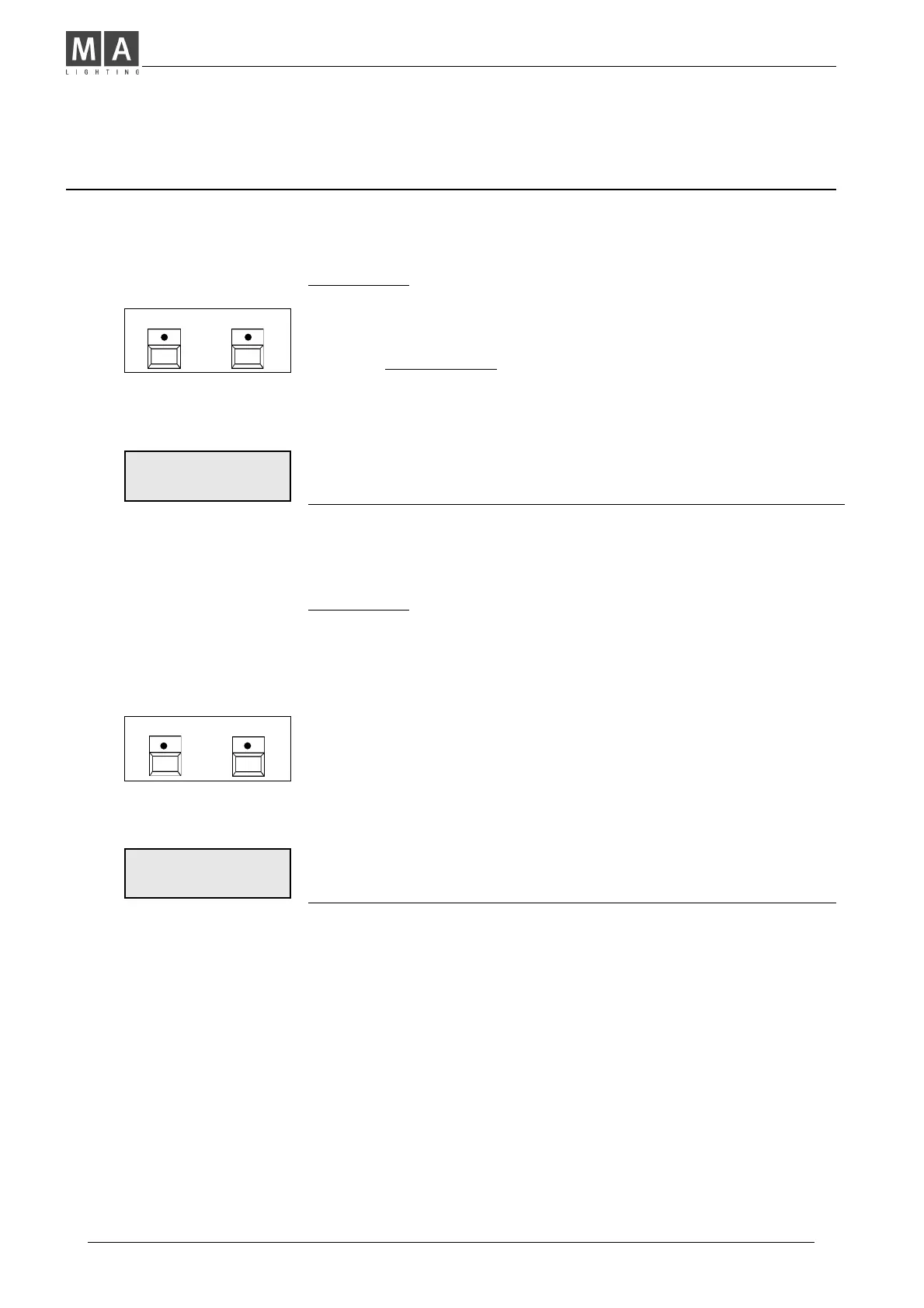
• Press Shift + Utility 2 and select DISABLE SOLO from the menu.
• Select Channels with Flash Buttons or with Encoder wheel
and set as required (Standard: All Enabled).
Î A channel indicated as DISABLED remains on while using
Solo Flash.
There is no difference between Memory Solo or Channel Solo.
Î Shift proceeds to a further Menu.
ALL DISABLED or ALL ENABLED swaps function of all
channels simultaneously.
Note: This function has no influence on brightness of LED´s.
Select Curve
While using projectors with different lamp bulbs, it may occur,
that brightness differs, although faders are set to the same level.
You may get a similar effect, if you operate dimmers from
different manufacturers, or with differing technology.
Î Match this by setting the darker channels to Curve.
(Increases the lower setting range).
• Press Shift + Utility 2 and press
SELECT CURVE as indicated on display.
• Select channels by flash buttons or Encoder wheel and toggle
them to CURVE if required (Standard: All Linear).
Î Shift proceeds to a further Menu.
ALL CURVE or ALL LINEAR swaps function of all
channels simultaneous.
CH 12 DISABLED
DISABLE ENABLE
>
SHIFT UTILITY 2
+
SHIFT UTILITY 2
+
CH 12 LINEAR
CURVE LINEAR
>



 To Next Page