MA Lighting Technology GmbH
.
Dachdeckerstr. 16
.
D-97297 Waldbüttelbrunn
.
Fax: +49 931 4979429
.
www.malighting.de
2222
2222
22
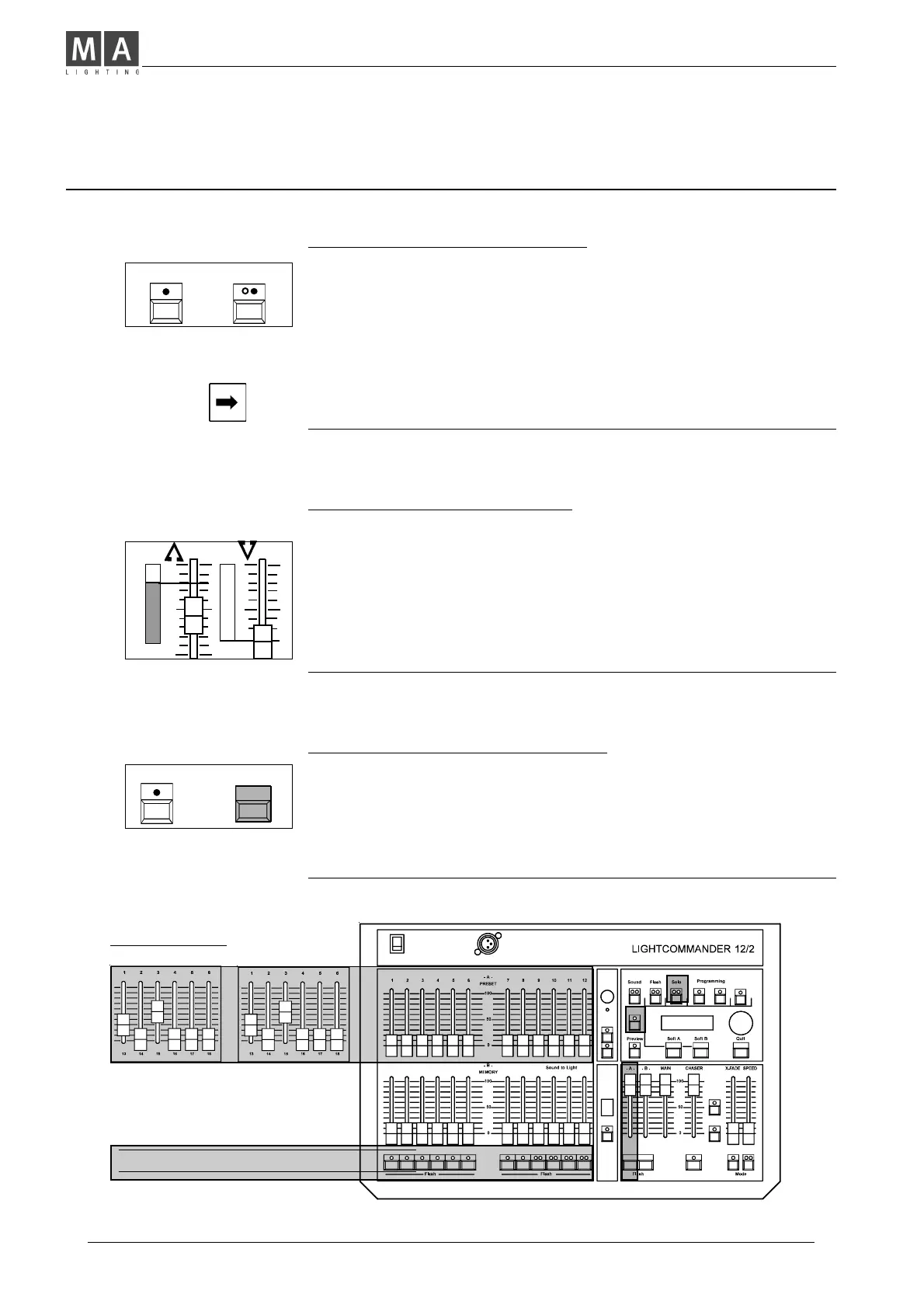
Flash buttons are toggled else!
The desk simulates 12
further Channel faders
and Flash buttons to
select channels.
UPPER CHANNELS
Cancelling the setting (Grab Release)
Î Using Shift + Preset Flash sets every level of all preset Chan-
nels to zero.
• You may "grab" channels at zero individually to adjust a new
setting.
Another way is to cancel all auto-functions while pressing Quit.
The levels skip back to the actual Fader Position.
Operating 24 Channels (Wide Mode)
Using Upper Channels additionally
The Lightcommander deals with 24 channels permanent.
Î Using Shift + Upper buttons activates channels 13-24.
Î Each Setting, Programming or Selecting function
now relates to channels 13-24, including Flash functions.
• You may program or modify memories or Level chase steps,
containing a selection out of 24 channels.
Î Flash buttons function the same in standard mode as in upper
mode (e.g. selecting channels while using DMX-Patch. See
facing page).
+
SHIFT UPPER
+
SHIFT PRESETFLASH
Setting up the 24 Channel Preset
• Adjust a selection out of channels 1-12 as required.
Î Use Shift + Upper to access the channels 13-24.
• "Grab" the actual indicated level (If zero, just push up the fader)
and set channel levels as required.
Î Modifying a channel later is performed in the same manner.
Set the Channel Fader to the indicated output level
to "grab" the level to be modified and readjust brightness
as required.



 To Next Page