Lightcommander Lightcommander
Lightcommander Lightcommander
Lightcommander
11
11
1
2/22/2
2/22/2
2/2
eMail: info@malighting.de
.
Tel.: +49 931 497940
.
User's Manual Lightcommander 12/2
1919
1919
19
Î Menu: Programming Chase to Memory
A detailed description will be found on page 16.
(Chase to Memory Master transfer)
Programming Functions
Î Counts one page backwards (Page down).
Î Starts the previous run Chaser.
Î Freezing the desk´s output.
• New settings do not affect the output.
A detailed description follows later in this chapter.
Î Activates Live Operation.
• Programmed storage is output onto stage.
A detailed description follows later in this chapter.
Î Swaps Channels 1-12 with Channels 13-24.
• Setting up scenes with 24 channels by toggling between
Upper and standard. Modifying channels by "grabbing" the
actual level.
• Cancelling a setting: Using Shift+Preset Flash
sets all levels to zero. Quit sets levels to the actual fader setting.
A detailed description follows later in this chapter.
Note: As long as "Shift" is held, each Shift Function may be selected one after another.
Playback Functions:
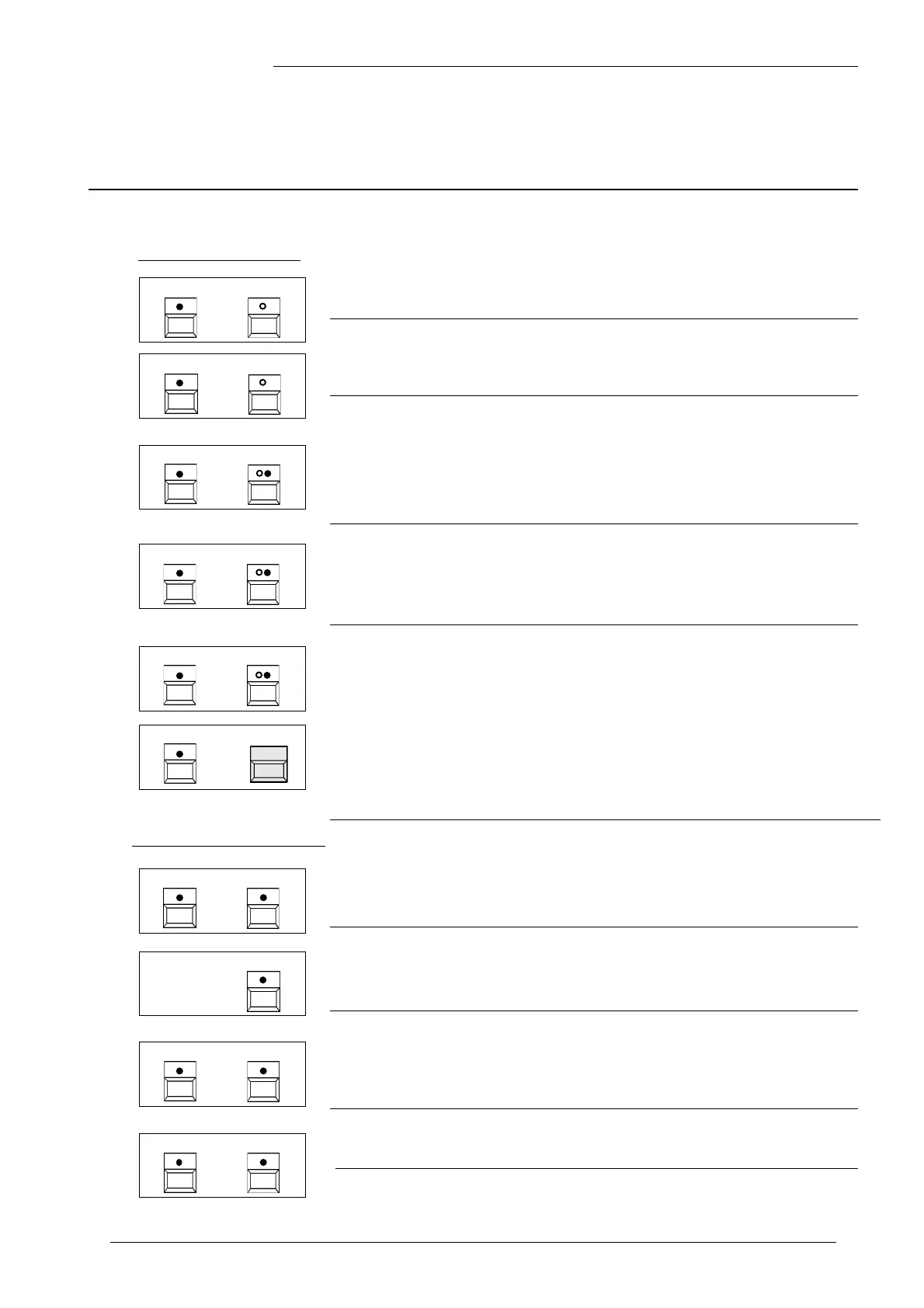
Overview of Shift Functions
SHIFT PAGE
+
SHIFT NUMBER
+
SHIFT HOLD
SHIFT UPPER
+
+
+
SHIFT LIVE
+
SHIFT PRESETFLASH
+
SHIFT CTM
+
SHIFT UTILITY 2
Î Menus: Programming Chaser Steps
• A further menu appears; Steps may be inserted,
or the entire Chaser may be deleted (see page 15).
SHIFT
PROGRAMMING
CHASER STEP
+
SHIFT SOUND RUN
Î Switching the desk from SOUND to MANUAL
Function analogue to SOUND/RUN, but the other way round
Î Activating the THEATRE MODE see page 21
Î Special Menus to adjust output channels.
For a detailed description see page 22:
"Setting up Output Channels"



 To Next Page