Lightcommander Lightcommander
Lightcommander Lightcommander
Lightcommander
11
11
1
2/22/2
2/22/2
2/2
eMail: info@malighting.de
.
Tel.: +49 931 497940
.
User's Manual Lightcommander 12/2
1515
1515
15
Modify Chase (Modify Chase Steps)
Editing Steps and Inserting Steps
STEP: 12 MEM: O2/1
INSERT DELETE ALL
Editing Level Steps (Menu Level Step Programming)
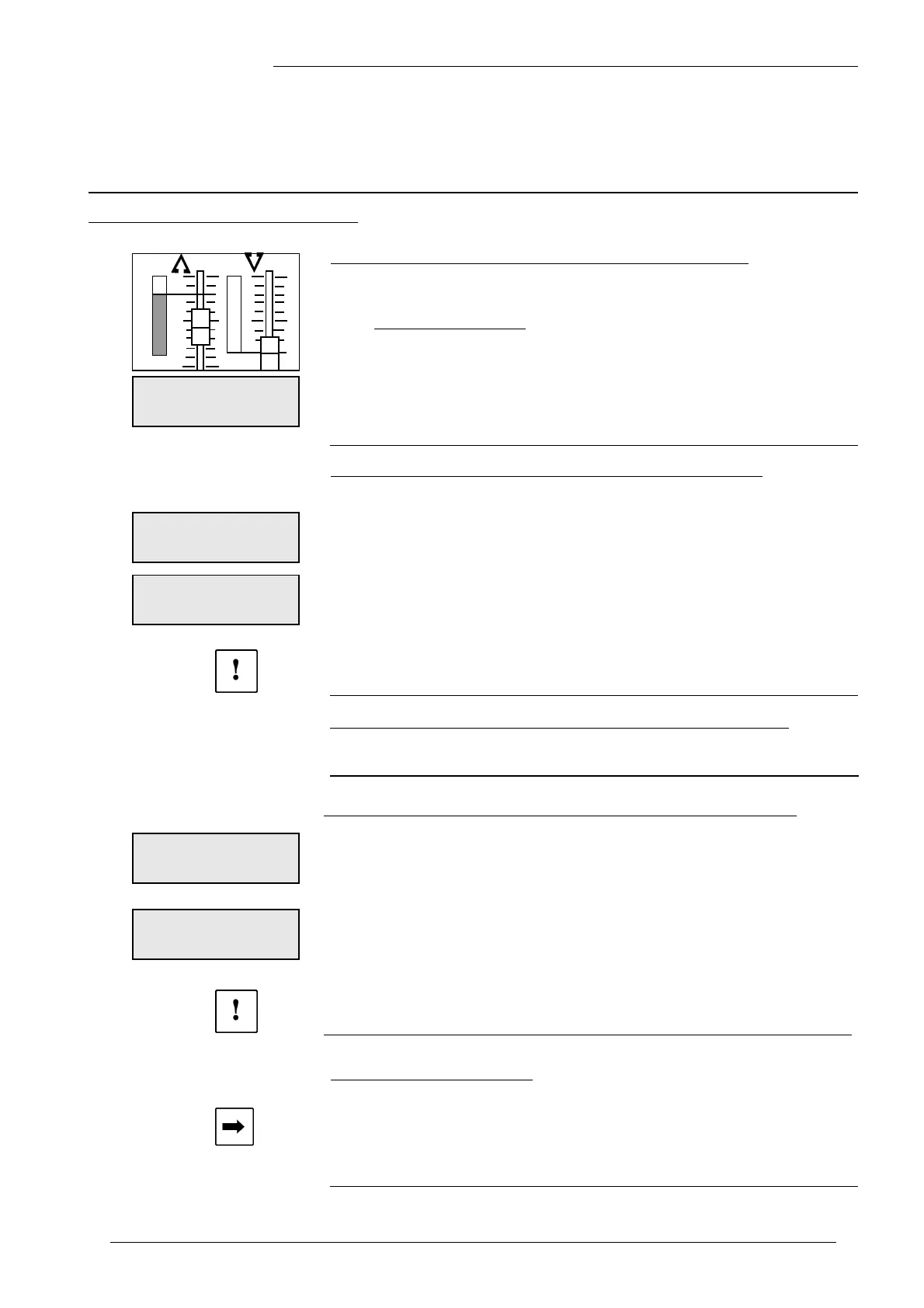
• Use the Encoder wheel, to Choose a Step to be modified.
The stored levels are indicated on the LED´s.
Î Modifying a Channel: Use Channel Fader to "grab" the actual level
and alter as required. You may add channels, also.
Î ENTER stores every alteration.
In the following menu the desired FADE time is set. This time is
only relevant while the THEATRE MODE is active (see p. 21).
The value for new steps is 0.00 seconds. Confirming this value
by CONT.
Inserting Level Steps (Menu Level Step Programming)
• Press Shift to proceed to a further menu.
• Adjust the step to be inserted on Preset-A-.
Î INSERT adds the step to the existing Chaser.
The step is inserted in front of the actual selected one.
In the following menu the desired FADE time is set. This time is
only relevant while the THEATRE MODE is active (see p. 21).
The value for new steps is 0.00 seconds. Confirming this value
by CONT.
• DELETE ALL removes all steps.
ÎÎ
ÎÎ
Î Take care with this function:
The entire Chaser with all step will be deleted!!!
Editing Memory Steps (Menu Memory Step Programming)
A memory has to be modified, using Preview Memory.
See page 11, "Editing a Memory store".
Inserting Memory Steps (Menu Memory Step Programming)
• Press Shift to proceed to another menu, hence select the memory
to be inserted, using the Flash buttons.
Î INSERT adds this memory to the existing Chaser.
The step is inserted in front of the actual selected one.
In the following menu the desired FADE time is set. This time is
only relevant while the THEATRE MODE is active (see p. 21).
The value for new steps is 0.00 seconds. Confirming this value
by CONT.
• DELETE ALL removes all steps.
Î Take care with this function:
The entire Chaser with all steps will be deleted!!!
Programming steps blind
• Turn Live OFF if it is selected, using the Shift+Live buttons.
Î Set Master-A- to zero and program as usual (Level Step).
NOTE: While programming memory steps, there is no need
to set Master-A- to zero.
The desk´s output will not be affected!
•
•
•
FADETIME: 0.00S
CONT
FADETIME: 0.00S
CONT
STEP: 12
INSERT DELETE ALL
FADETIME: 0.00S
CONT



 To Next Page