MA Lighting Technology GmbH
.
Dachdeckerstr. 16
.
D-97297 Waldbüttelbrunn
.
Fax: +49 931 4979429
.
www.malighting.de
1818
1818
18
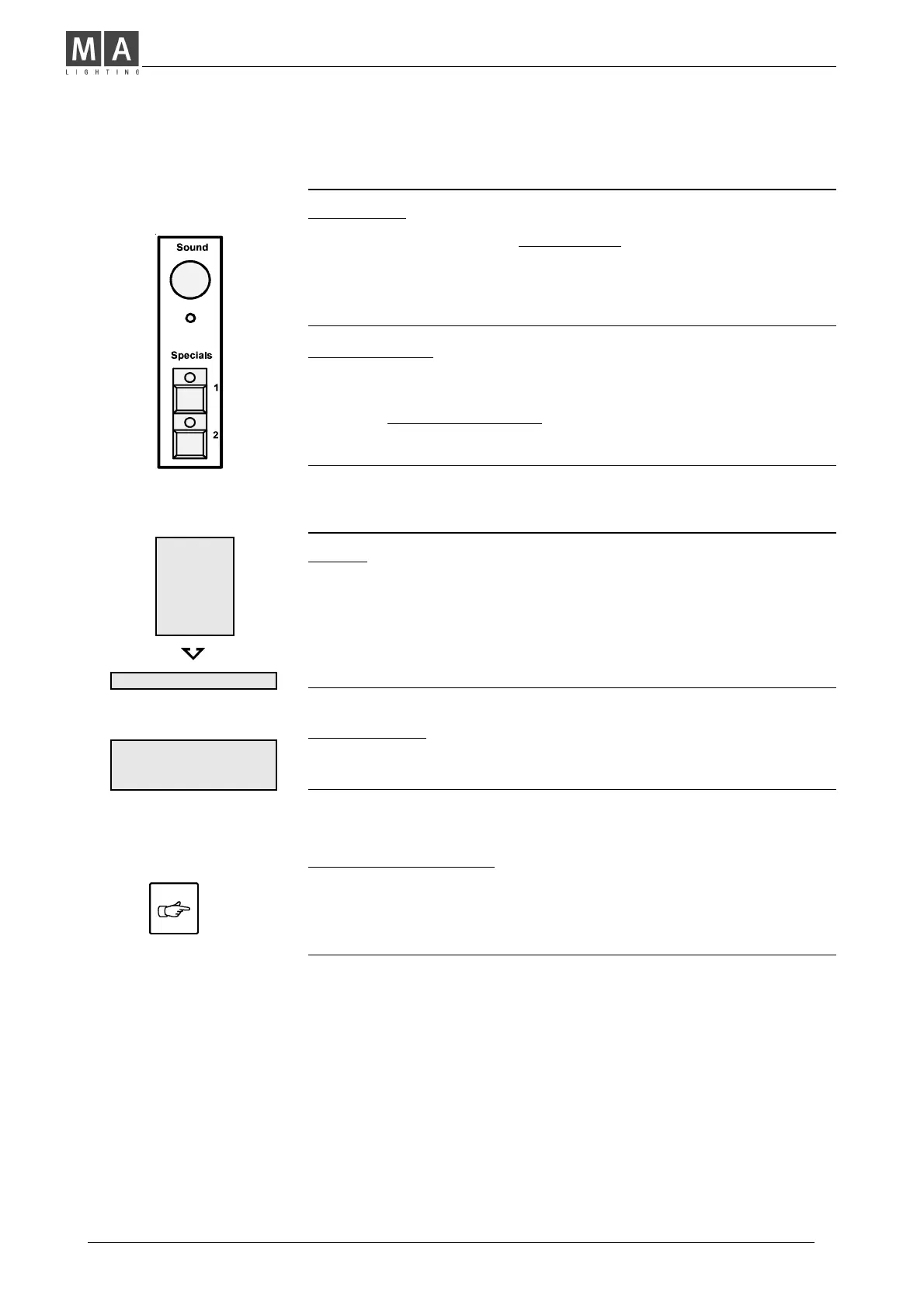
Switch Channels (Specials 1/2)
Introduction
• Specials 1 and 2 are two additional channels.
They are operated independently of the desk and wired directly
to the analog output.
(Can be patched, using DMX. See page 23, "DMX-Patch)
Switch Position
• OFF or full ON (Analog output: 0/+10 VDC).
Î With both Analog Outputs, Fog Machines or other effects
with 0 10 Volts Operation may be controlled directly.
Î Attention: You can only control equipment that has no
voltage at it's input (in no case 230 V).
Data Storage on Memory Card
Backup
• Using a Memory Card enables you, to create a personal
library of lighting plots. Different programs can be easily
loaded into the desk.
• A backup is also a security copy of your work.
Accidentally deleted programs can be retrieved easily by
loading the backup from card.
Exchanging the Battery
• Renew battery, if the display shows a voltage below 2.3 V.
(or after approx. 2 years, at the latest).
Î Load the program from card into the desk, exchange battery,
and save to card again.
Save and Load
• Put the Memory Card into the slot, located above the
Programming buttons. Follow the instructions in the display.
MEMORY
CARD
OVERWRITE CARD?
YES NO



 To Next Page