104V-MACCo-PilotOperator'sManual
Diagnostics
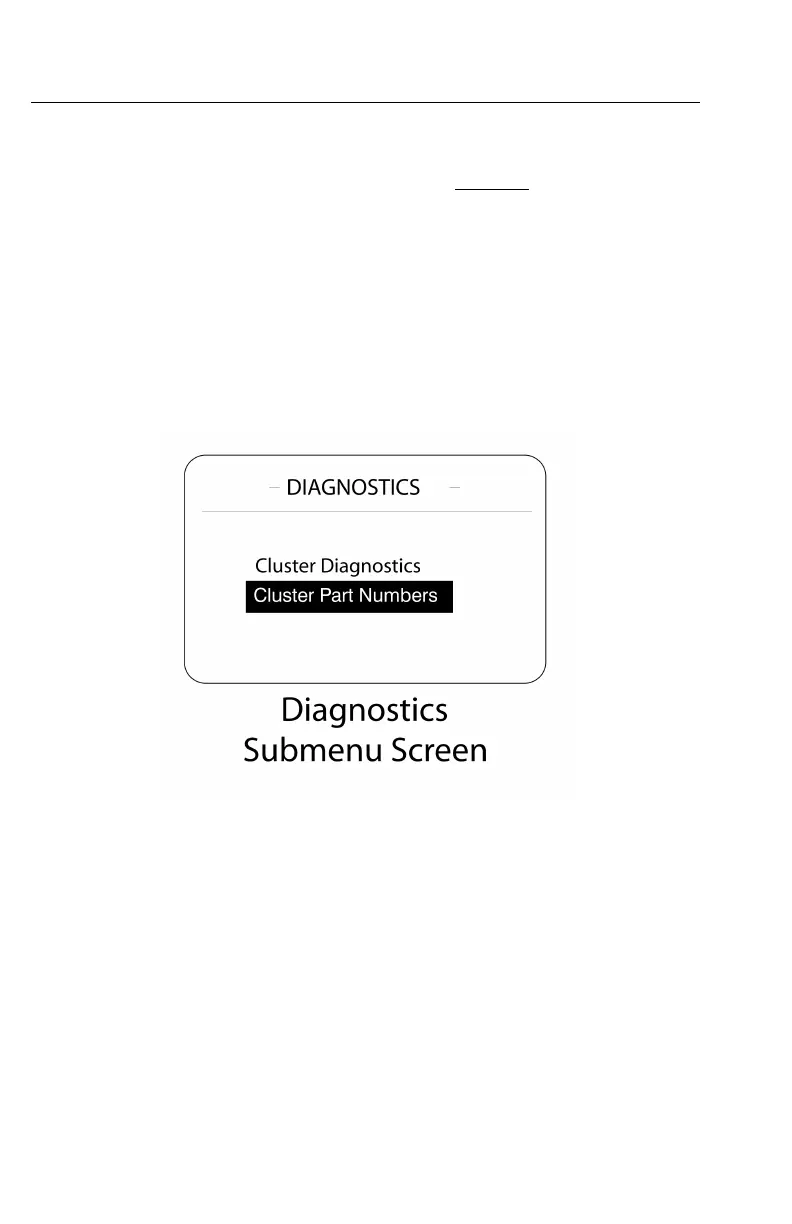
TheDiagnosticssubmenuscreenisaccessedfromthestationaryMAINMENU2
(see).ToviewthescreensoftheDIAGNOSTICSsubmenu,highlight“Diagnostics”
withthestalkswitchUp&DownbuttonandthenpresstheEnter(↵ ↵
↵
)buttonto
selectthescreen.
TheDIAGNOSTICSsubmenuscreencontainsthefollowingmainscreens:
•ClusterDiagnostics—Allowstheusertotestbulbs,pointersongauges,graphics
andalarmsassociatedwiththecluster.
•Hardware/SoftwarePartNumbers—Allowstheusertoviewthehardwareand
softwarepartnumbersoftheenginecontrolmodule(ECM),anti-lockbraking
system(ABS)electroniccontrolunit(ECU),instrumentclusterandvehicleECU.
W3075371
Figure51—DiagnosticsSubmenuScreens
https://truckmanualshub.com/



 To Next Page