52 Magellan SporTrak GPS Receiver
Reference
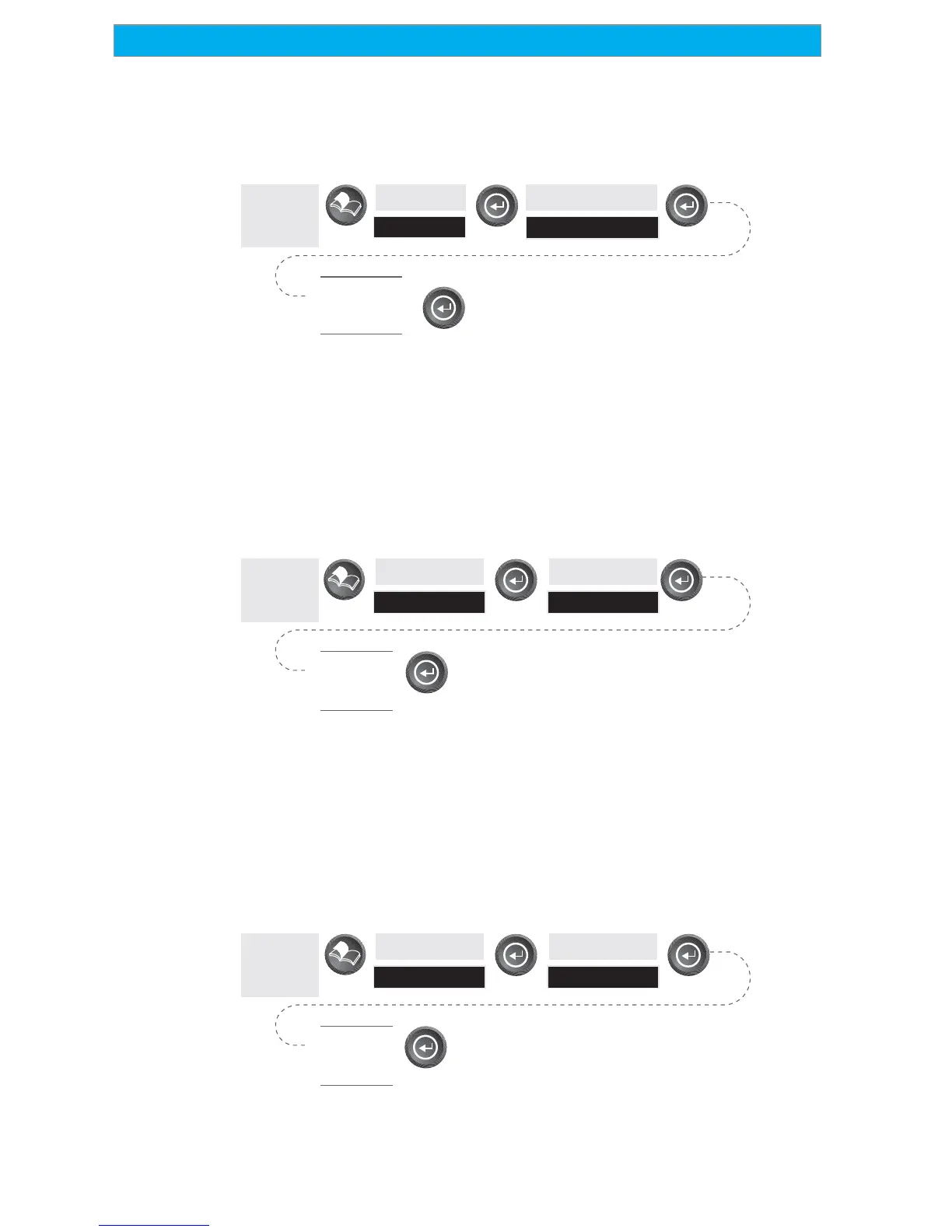
Selecting the North Reference — Allows the selection of whether the
SporTrak uses True North, Magnetic North, Military True or Military
Magnetic as its North reference.
From
Any
Screen
Highlight
Setup
Highlight
North Reference
Select
North
Reference
Default: Magnetic
Setting the Backlight Timer — Allows you to set the time interval that
will be used to turn off the display backlight when not in use. Times
available are: 30 seconds, 1 Minute, 2 Minutes, 4 Minutes, 10 Minutes
or Timer Off.
From
Any
Screen
Highlight
Setup
Highlight
Light Timer
Select
Timer
Duration
Default: 4 Minutes
Tu rning the Beeper On/Off — Allows you to select which actions will
cause the beeper to sound. You can choose from Off, Keys Only
(pressing a key causes a beep), Alarms Only (when an alarm is activated)
or Keys & Alarms.
From
Any
Screen
Highlight
Setup
Highlight
Beeper
Select
Beeper
Options
Default: Keys & Alarms









 To Next Page