53Magellan SporTrak GPS Receiver
Reference
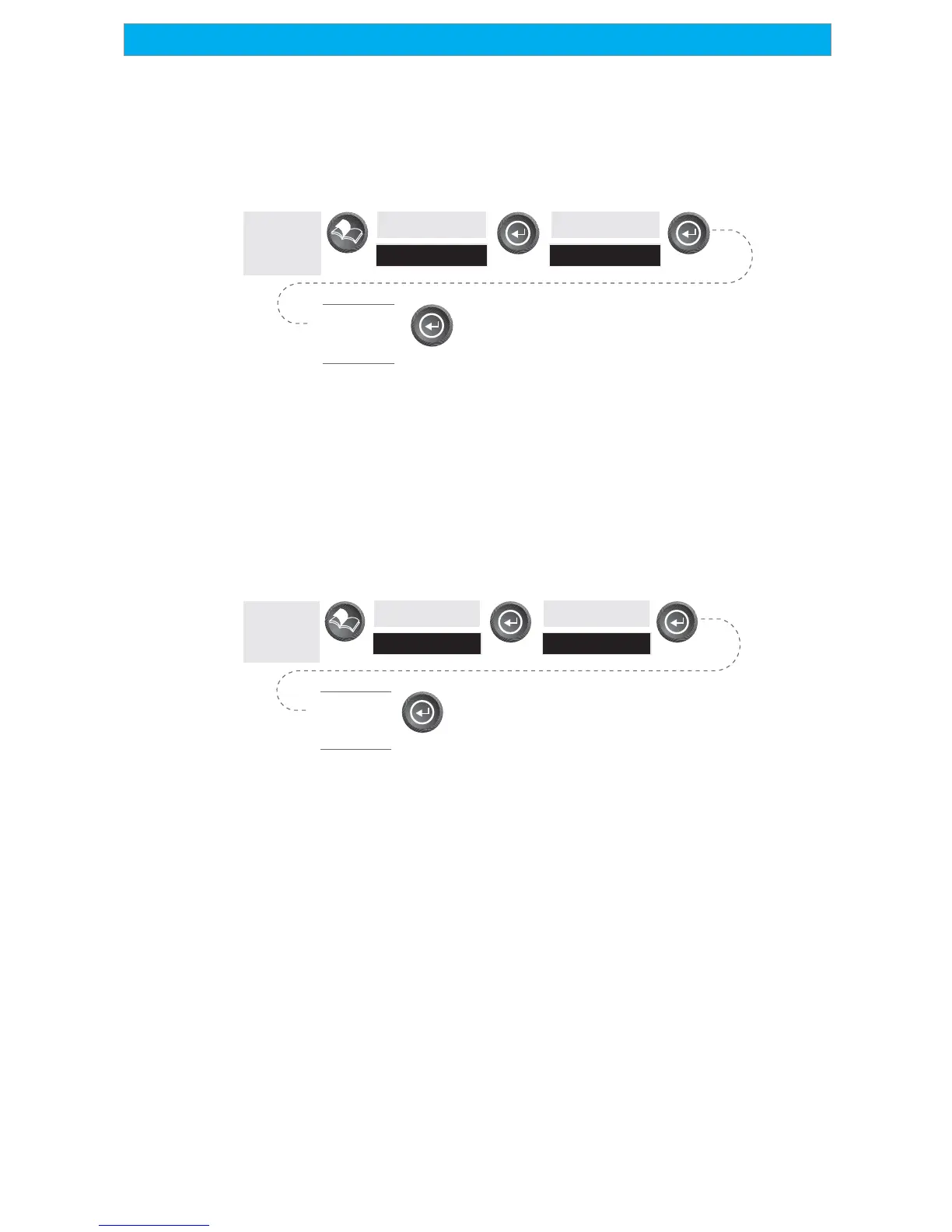
Selecting NMEA Message — Allows the selection of the NMEA message
that will be output from the SporTrak. Choices are Off, V1.5 APA,
V1.5 XTE or V2.1 GSA. Your choice will be dependent upon what
message the device you are connecting to needs to receive.
From
Any
Screen
Highlight
Setup
Highlight
NMEA
Select
NMEA
Message
Default: Off
Selecting the Baud Rate — Enables you to set the baud rate of the data
being sent out from the SporTrak’s output port. The baud rate sent out
must match the baud rate that the receiving device is set for. You can
choose from 1200 baud, 4800 baud, 9600 baud, 19200 baud, 57600
baud or 115200 baud.
From
Any
Screen
Highlight
Setup
Highlight
Baud Rate
Select
Baud
Rate
Default: 4800 Baud









 To Next Page