Selecting Destinations
17
Cancelling a Planned Route
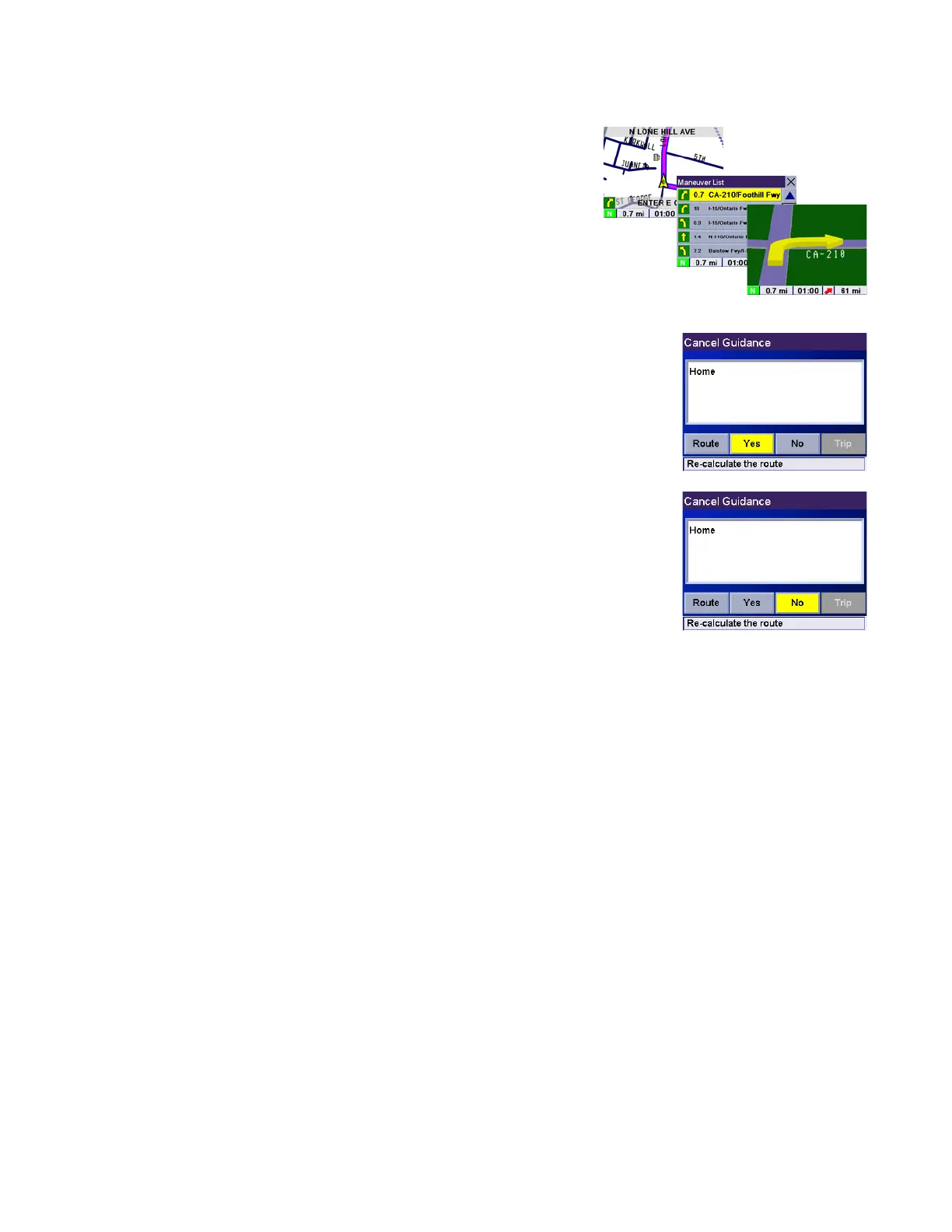
While viewing the Map screen, the Maneuver List screen, or the
TrueView 3D screen, press the Cancel button.
Select Yes to cancel the route and display the Select Destination
screen.
Select No returns the display to the last viewed screen.










 To Next Page