User Options
65
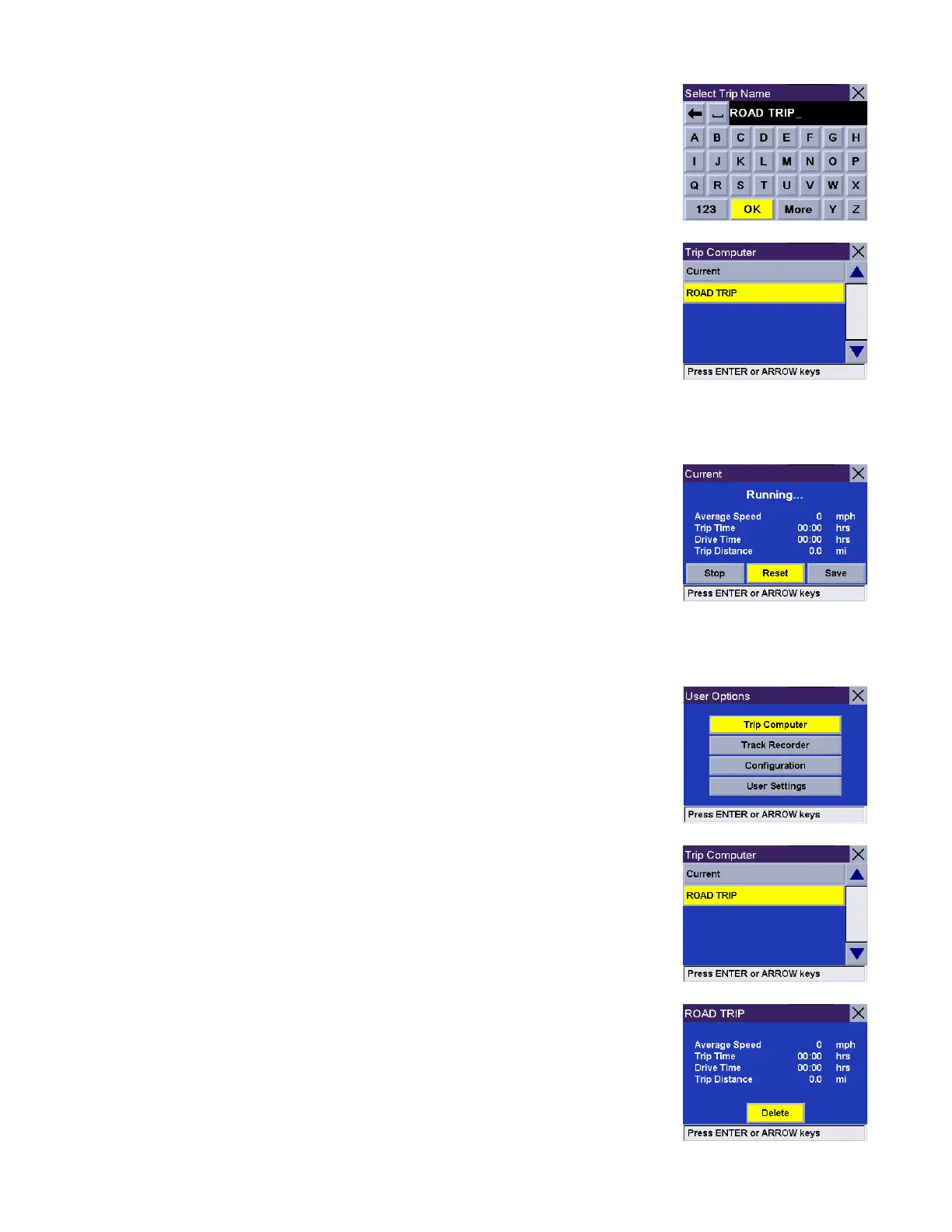
Use the keypad to enter a name for the saved Trip Report and select OK.
Your trip is saved and you are returned to the current trip screen.
Resetting the Trip Computer
Select Reset. The values
f
or the Trip Computer will be set to zero. Resetting the Trip
Computer will also set the status of the computer to “Running...” if it had been
stopped previously.
Viewing a Saved Trip Report
From any screen, press the Option button. Select Trip Computer.
Select the Trip Report to be viewed.
The saved Trip Report is displayed. When you are done viewing the saved Trip
Report, you can press Cancel twice to be returned to the User Options screen.










 To Next Page